
Proportional editing radius when using tablet (Wacom etc)
Hi guys!
I use Wacom when work in Blender and in combination with custom pie menus it speeds up things A LOT.
But!
There is one thing that just can't be done without mouse wheel or weird keyboard hotkeys -- it's changing the radius of proportional editing zone.
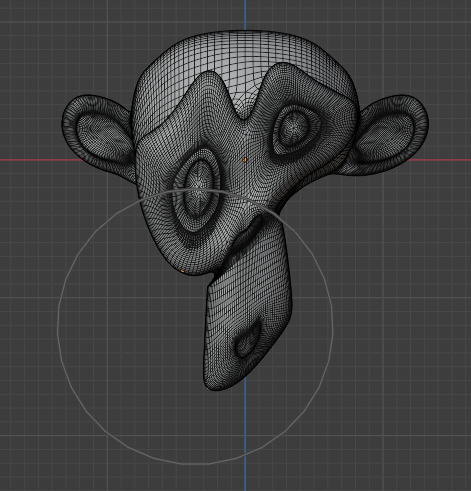
I suggest using some key to toggle radius editing mode. For example, you move some part of a mesh, press some button on keyboard and moving stops. Now instead of moving you change the radius of prop.editing and see how it changes you mesh. You can use Shift for precise editing like in other operations. And when you release the button, you continue moving with new radius.
Something similar to changing brush radius.
Thank you for you attention and have a good day!
4 Comments
PgUp and PgDown. And yes, by now it should be Ctrl or Alt swaps the action to setting the Proportional size.
Yeah, these are exactly those weird kb hotkeys! I'm sure, there is a better way :)
Now that Blender 3.6 is out, there is a slider for proportional editing (in 3D viewport's toolbar, Proportional Editing Falloff popup), haven't yet tried using it with my tablet but at least its there although there is no interactive preview when you change the slider value.
This functionality is great! But you still can't smoothly adjust it while actually dong some transform stuff.