
Stroke Preview Box
Stroke Doesn't Show a Preview
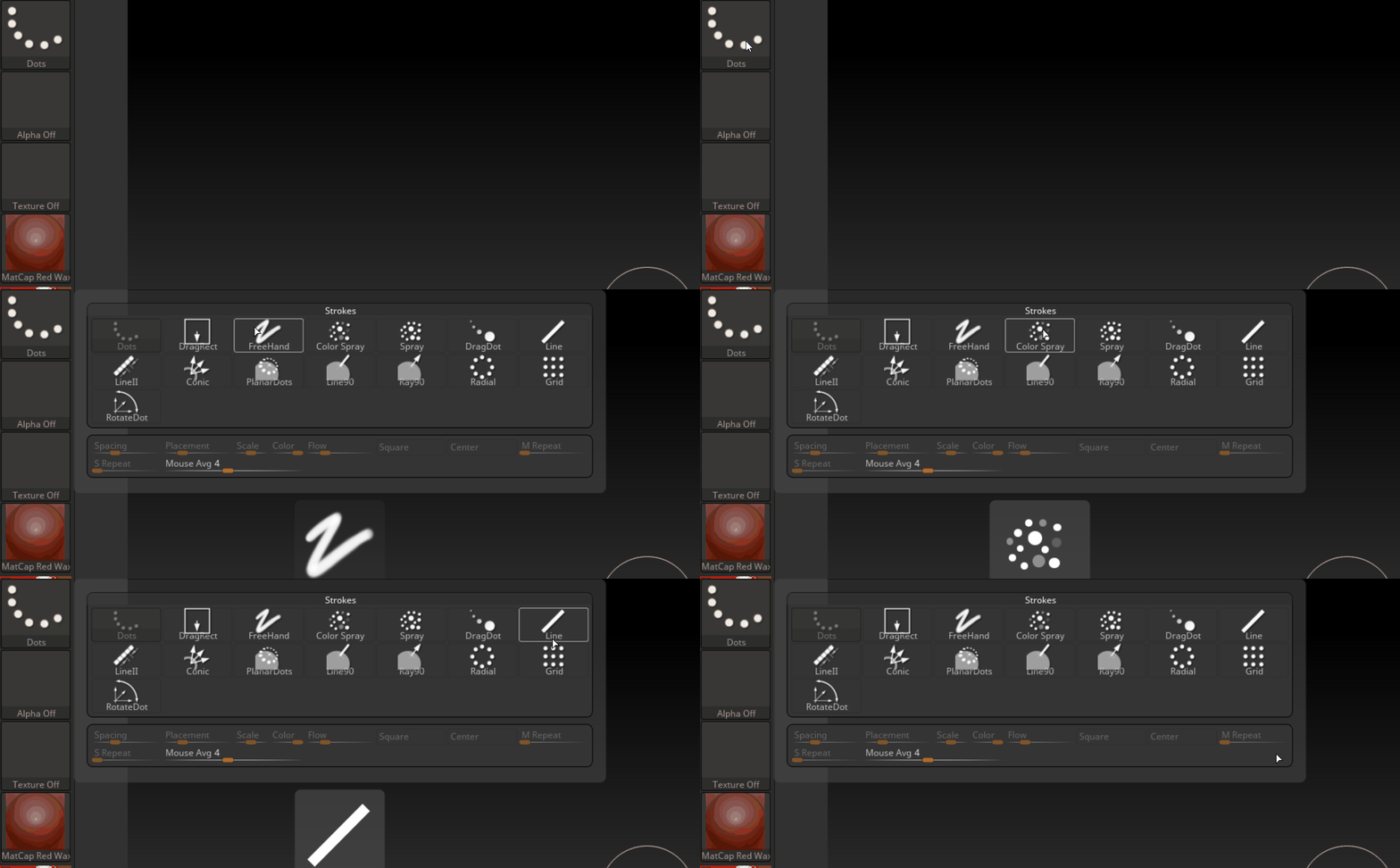
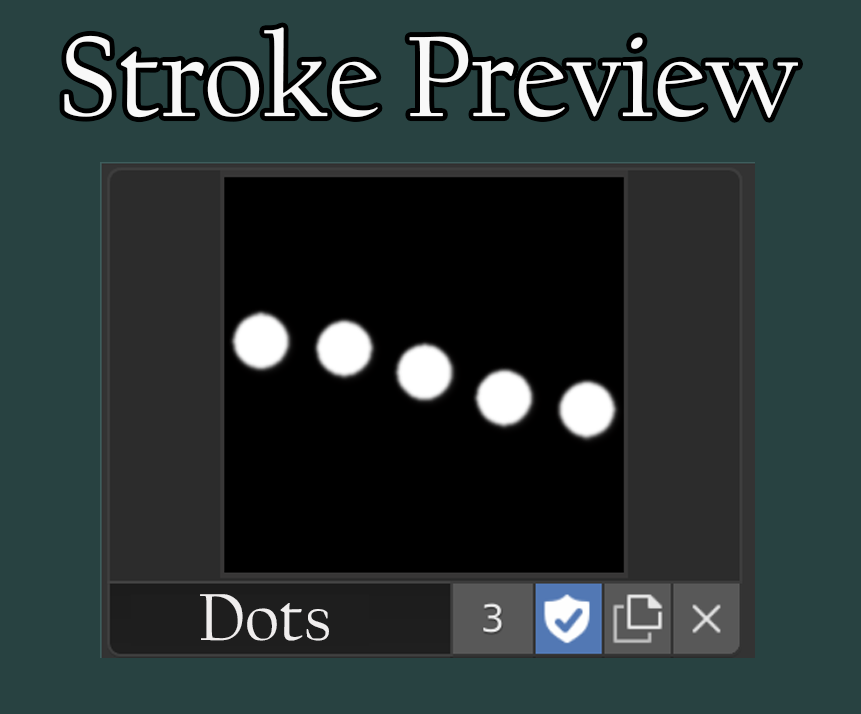
In my opinion it should be displayed just like the "brush" section, with its own "box" or "window", previewing the current stroke style. You should also be able to click on it and select the other stroke styles.
Here is Zbrush with the described behavior
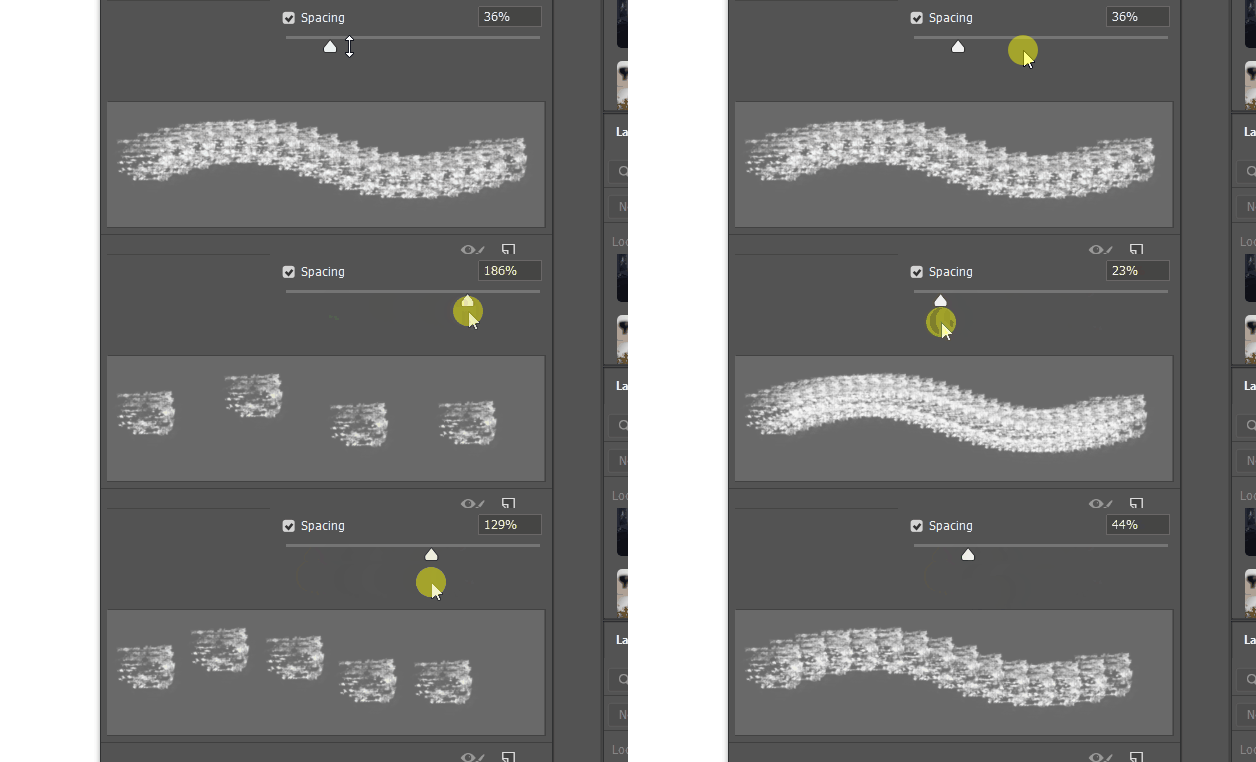
I also think it might be beneficial to have a another "preview" box below the stroke style for the various stroke dynamics, like spacing and jitter. This preview box would give feedback in real time the changes in spacing and jitter.
Here is Photoshop with the described behavior
On another note, I also find the stroke section unusually low in the order of things. In texture paint, for instance, it comes after mask, texture, texture mask. I think it should be right after brush as the stroke style affects everything that comes after it.
5 Comments
Yesterday day I was thinking about the same thing with help of grease pencil or curve to display the stocks with given Alpha of a brush
* @srikanth0126 * Make a post about it. Seems like a good idea to me.
{attachment Like_thispng} The stroke section would look something like this.
Relatively similar to developer.blender.org/T56744
* @billrey * yes, it seems that it will be done eventually. Thanks for informing me!