
Mimic Link between Nodes
Hola Blender Community!
After finally jumping into GEO nodes, and coming from a node based compositing background, I realize blender could use this handy feature:
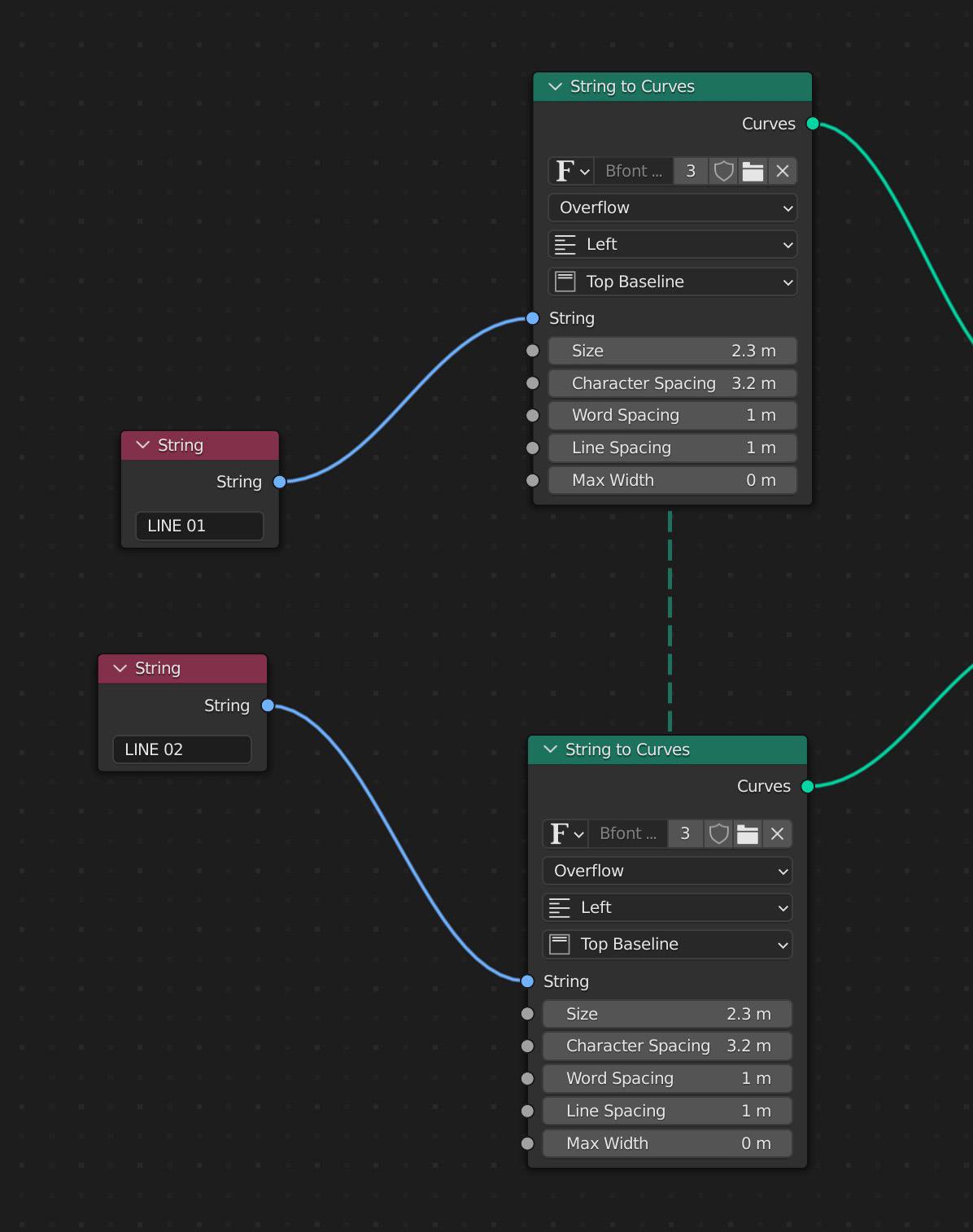
For a more practical example of where this would be useful; I was building a project that involved offset text animation. I was using Float Curves to change the curves of the letter's animation, which involved several node pipelines. It would be super convenient to be able to link the highlighted nodes below so that they mirrored each others adjustments without having to manually copy and paste the data into each one.
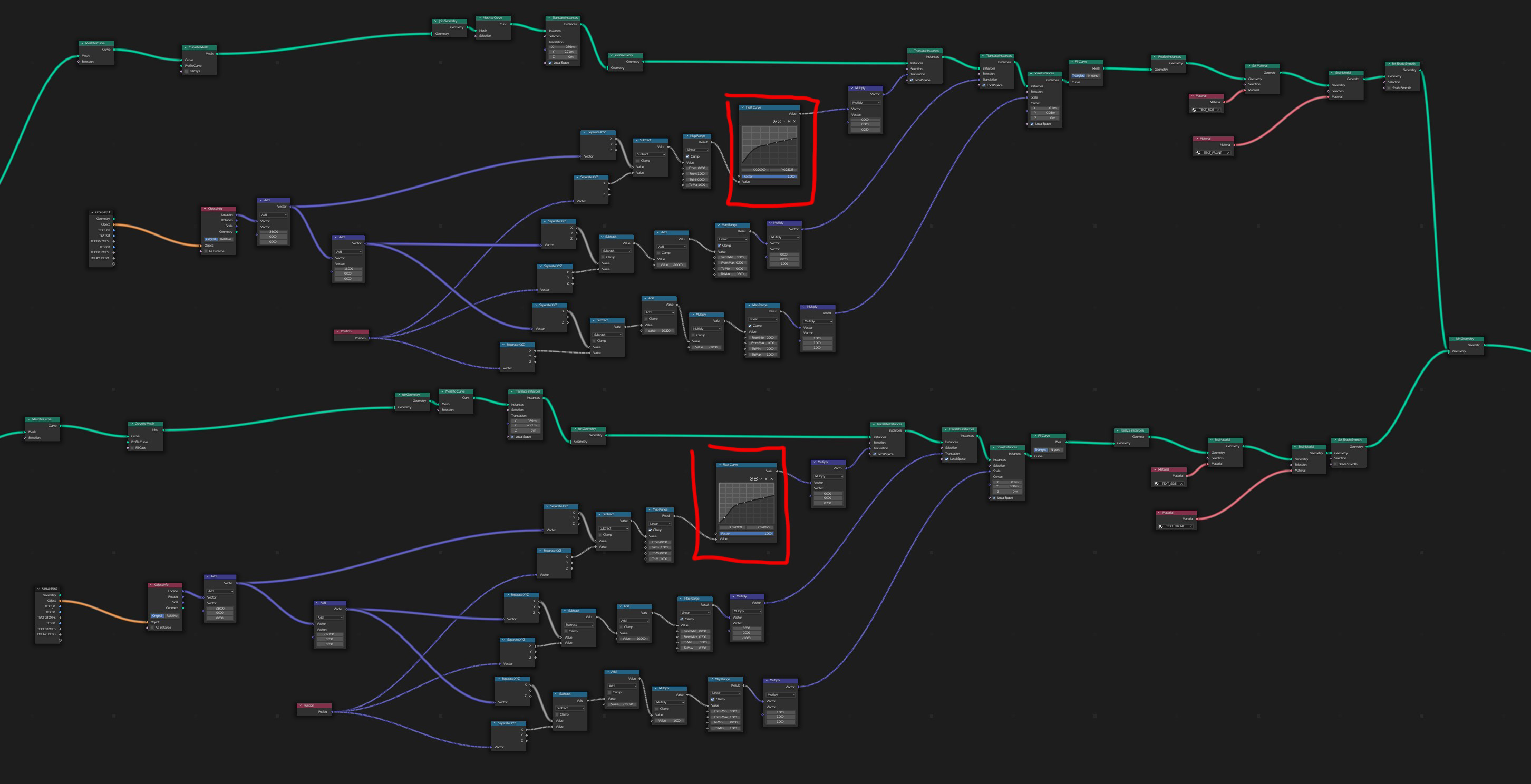
I realize the video example isnt' the best, as you could build your tree in a way that has one master Value for each input, but there are instances where this isn't always possible (ie colour ramp, float curve). Also, a Mimic link would just be a way quicker way to adjust multiple things at once without having to complicate the node tree.
11 Comments
Ideally, you'd use a node group; it's the same idea as using a function in programming - instead of copypasting the same code in multiple places (or hoping that your IDE will let you change all copypasted variants at the same time), you use the same function.
Thanks Viktor, I adjusted my post with a bit more info. I don't think making a node group would work the way I've described, but let me know if I'm mistaken.
Your example doesn't convince me as to why you're not using a node group. You can put the curves node in a nodegroup and only expose the factor and modify the curve in the group itself.
At best, there's the slight inconvenience of having to tab into the group (not big enough of a deal for me) and that you can't feed a nodegroup a custom curve/colorramp in case you had a more complex setup where you want to use different colorramps but have the same nodes otherwise. However having a colorramp input is in itself a different suggestion that I've seen people post here a few times already.
You can select both nodes and hold down the ALT button when changing the values, that will propagate the change to all the same data across the selection.
Thanks for the tip! This is great for most nodes and I will definitely use it in the future, but doesn't seem to work for the Float Curve or Colour Ramp.
I guess it doesn't work on the control points / color stops precisely. Maybe that should be reported as a bug.
If you only need to do it for max 3 curves, you could use an RGB curves node and use separate / combine XYZ nodes to address the 3 axis individually.
A different problem with using node groups as a solution for this is that in a big scene it's impossible to tell the difference between node groups that are intended for re-use and those that are used only to make the node tree easier to read.
I change the color of those groups I want to recognize. ie: I colorize always the Group Input nodes as Green so I can find it easily around Node Trees.
I'm colorblind :(
There were discussion about a portal node in the development forum, this could really fit what you describe. The only way to do what you describe currently is to make a nodegroup but it isn't fast and easy to visualize values as you have to enter nodegroup to change the value...