
More ♥♥♥ for masks
This proposal/suggestion/wishlist is about several improvements for masks.
- Graph editor for masks: Currently it is hard to edit the keyframes of masks. Sure you have the dopesheet, but this is nothing compared to what you could do with a full graph editor.
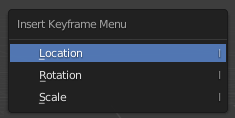
- Insert keyframe menu: A menu like in 3D view that let's you select the setting you want to keyframe (seperate options location, rotation, size, etc. instead of the current all-in-one keyframe)
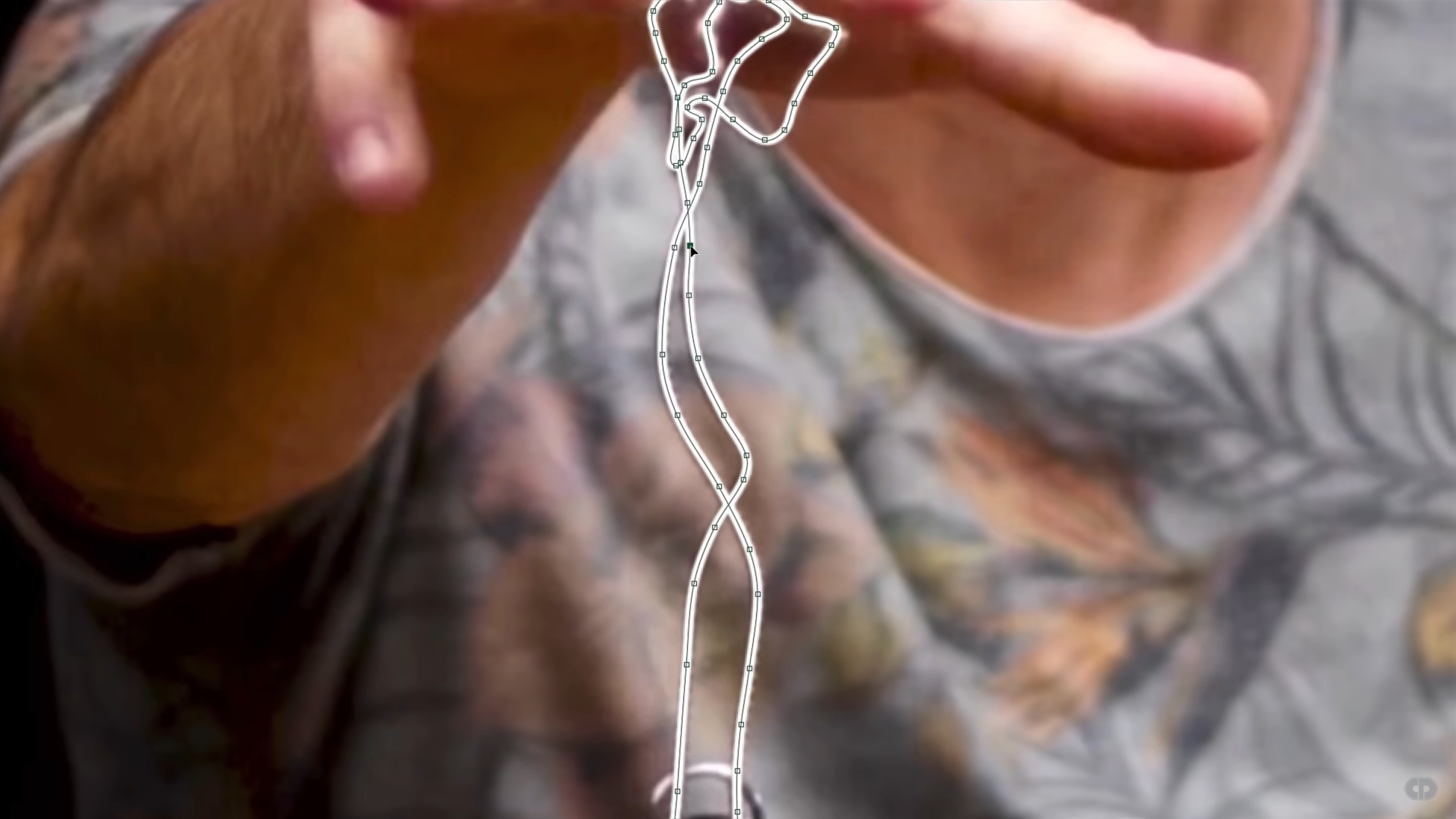
- Curve based masks: Right now we can add a circle, a square and a custom shape. The suggestion is to have a (bézier) curve/path that can be extruded to eg. mask eg. ropes (The idea comes from the latest video of Captain Disillusion - youtube.com/watch )
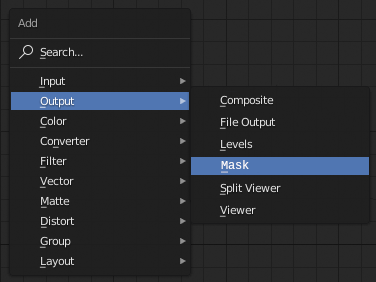
- Add mask to compositor output: The compositor has such a versatile node system that can be used quite effectively to create simple and more complicated masks. However, these masks can not directly be used (as masks and like masks) in the VSE. The idea is to be able to use the mask that were created in the compositor just like any other mask in the VSE (Strip -> Modifiers -> Mask)
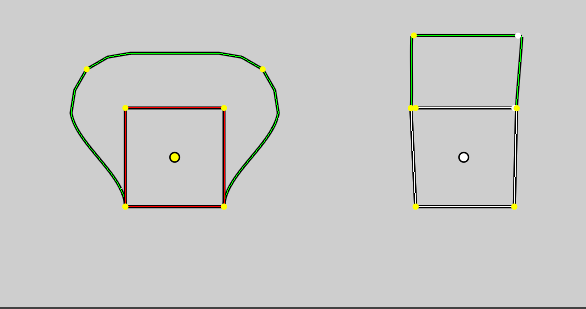
- More control over feather area: The current options to control the area of the feather effect is quite limited. You can scale the whole area and grab single points, but it's rather hacky to have some more complicated shapes like below (on the left you see a 'default' feather area and on the right is a bit hacky one with two points placed side by side to force the feather area to go out into only one direction)
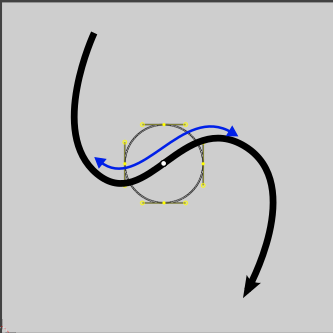
- Link mask to empty: Right now you do Motion Tracking -> T-Panel -> Solve -> Link Empty to track. It would be nice to do it exactly the other way around as well. So you have an empty moving along a path in the 3D-Viewport and the movement of the empty is applied to the mask as you see it through a set camera.
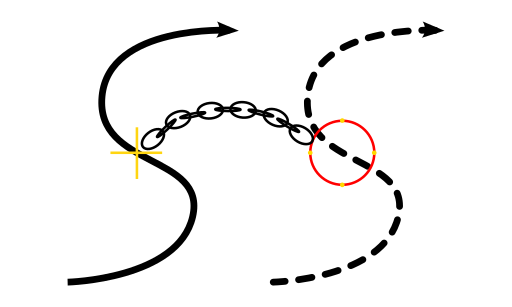
- Move mask along path: A little bit similar to the point above. The idea is to be able to move masks along a preset path. The path can be used to form a complex curve without the need of maybe keying the mask frame by frame. You could key a start and an endframe and the mask would just slide along.
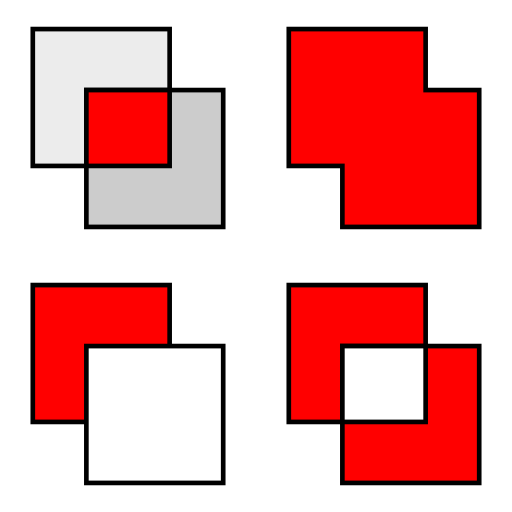
- Select mask combination (VSE): If you add two masks to one strip in the VSE only the part where the masks overlap will be shown (image below, top left; only the red area is visible in the VSE track). This might not be the bahaviour you want. You could select in a drop down menu what the masks will do (much like a boolean modifier)
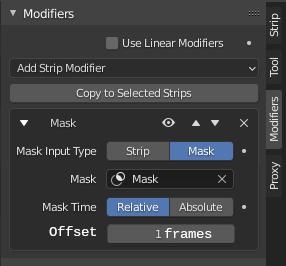
- Set mask offset by frame (VSE): Sometimes the mask in VSE and the mask on the actual video missalign by one a a couple of frames. The idea is to have an easy solution right in the VSE to offset the mask by a set amount of frames. This would of course only be useful if you have an animated mask.
If something is already possible please let me know. I also think the list is not done yet, so if you think that I missed something let me know!
0 Comments