
Magic Mouse Zoom by default
So I'm doing some modelling on my Mac and every time I do some slight movement with my finger on the Magic Mouse the 3D view rotates.
I know that by pressing the OS-Key it does zoom but there should be an option for make it zoom by default. Also I'm already using the emulate 3 button mouse option so I'm already pressing Alt all the time and it's easier to rotate the view by pressing Alt and the mouse click.
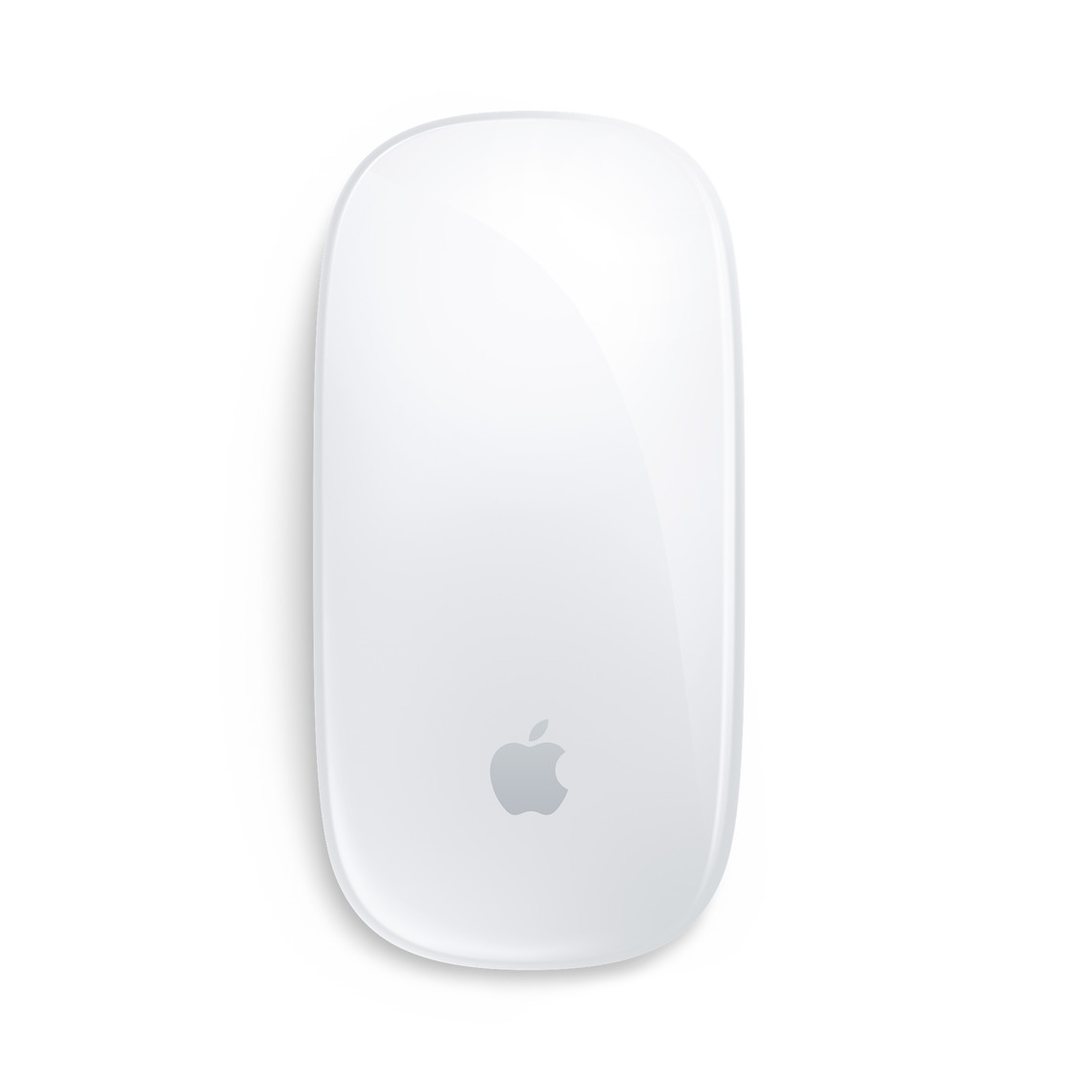 It should be easy just make the OS-Key press be the default behaviour or add an option to switch the default behaviour.
Please don't make me change to my old regular mouse every time I need to model something.
2 Comments
You can customize everything in Keymap; rotate, pan, zoom gestures. It's all there, there's nothing to add here.
Throw your "mouse" away and get a real one.