
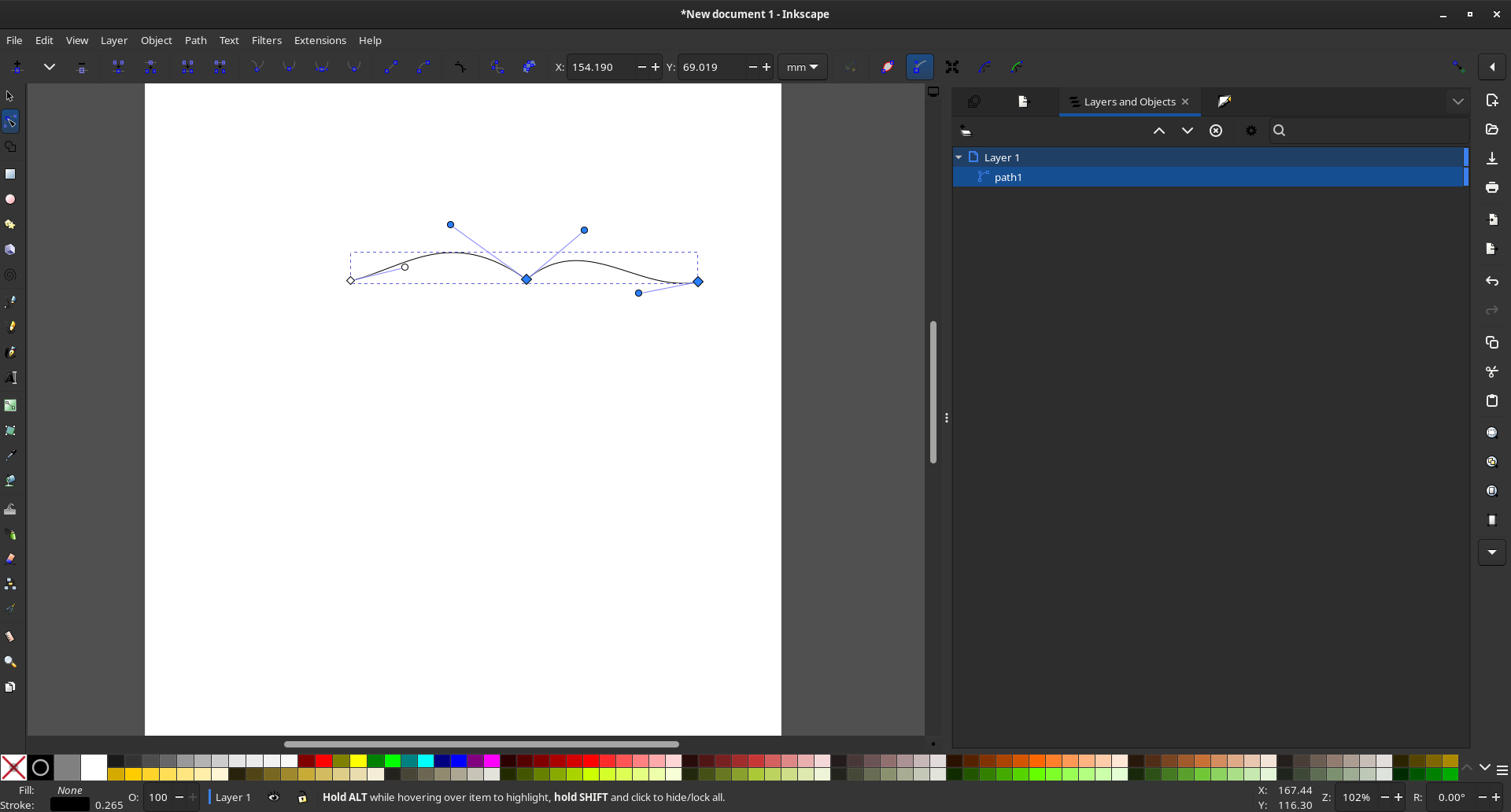
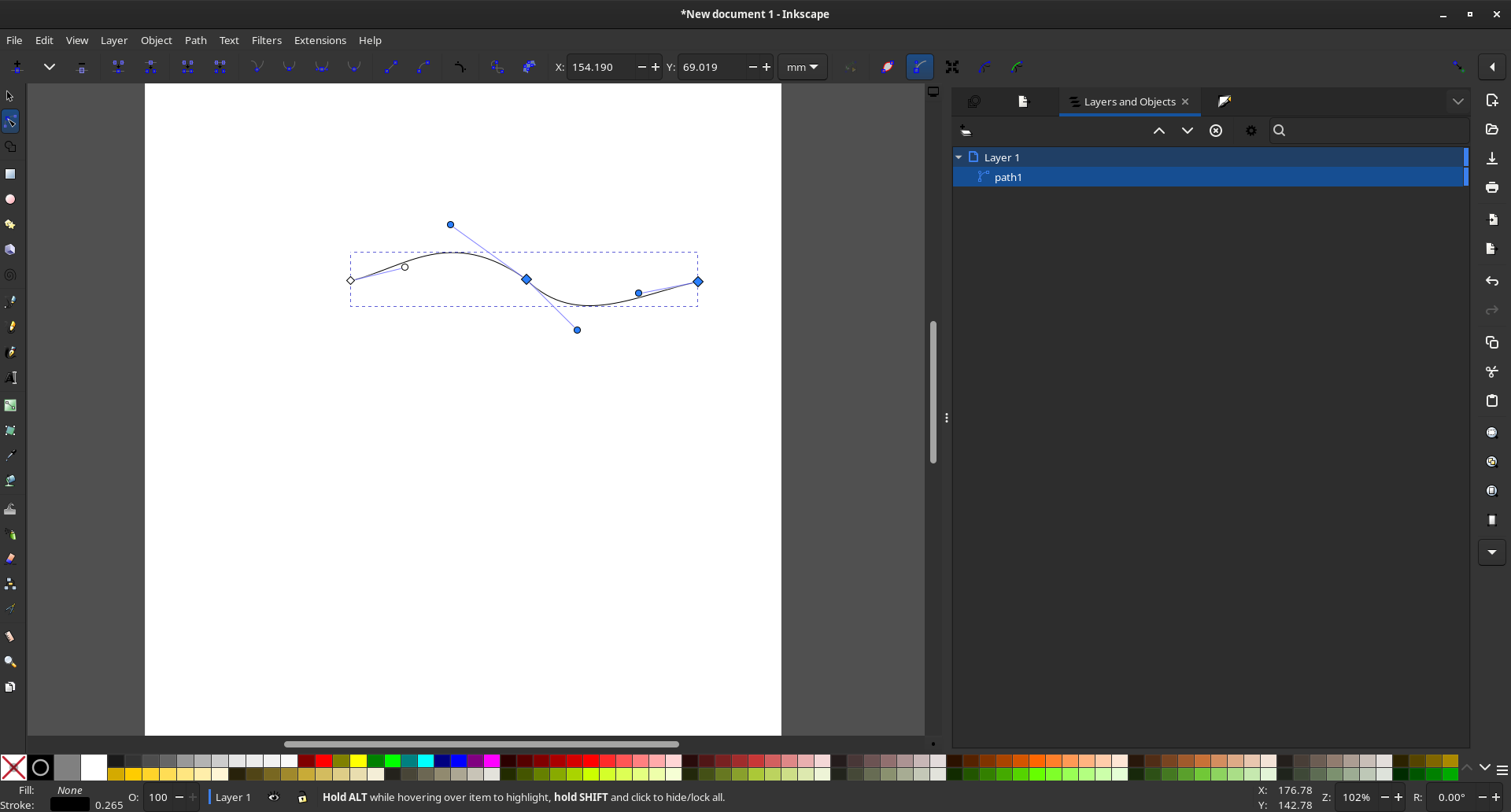
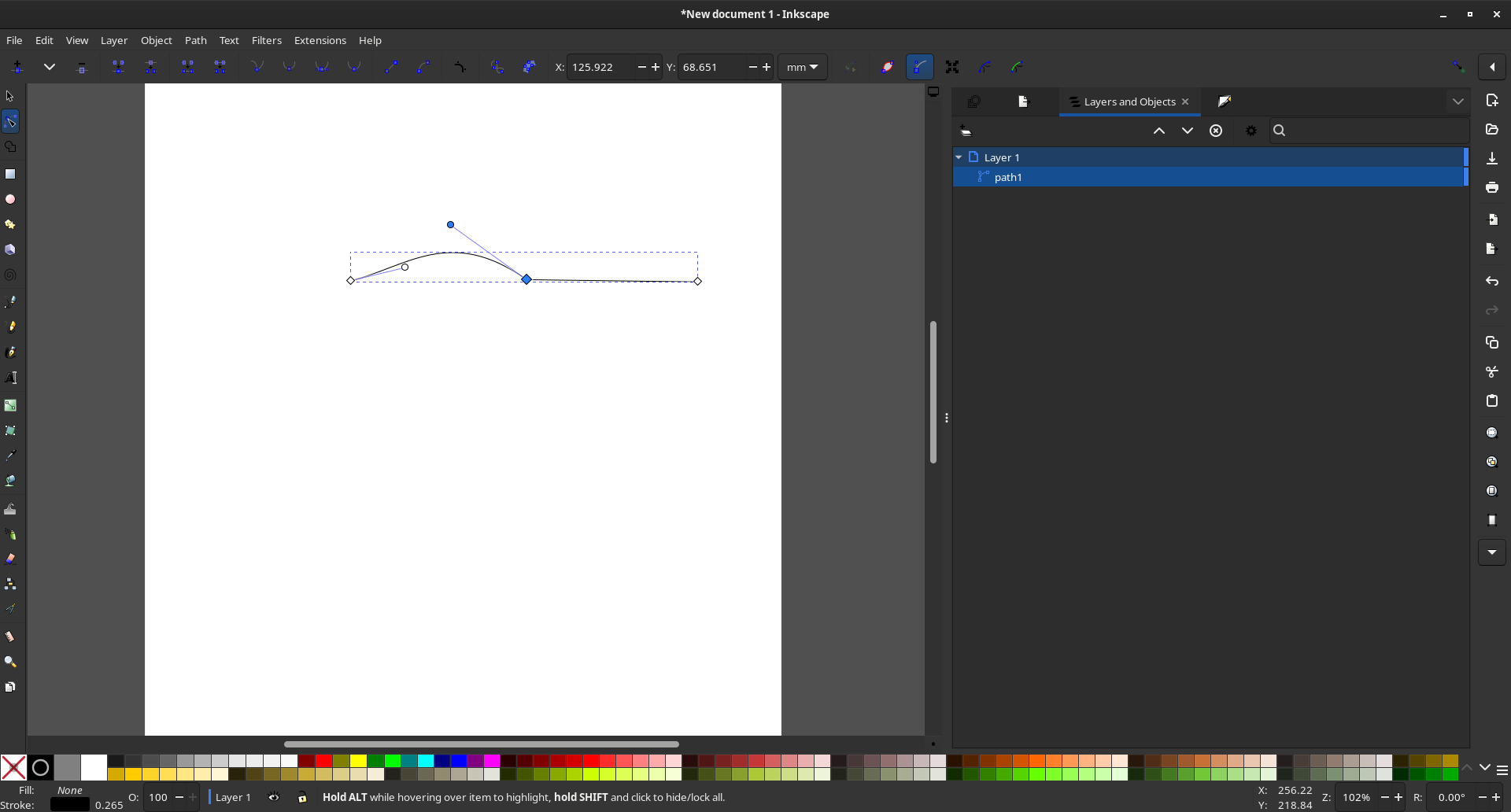
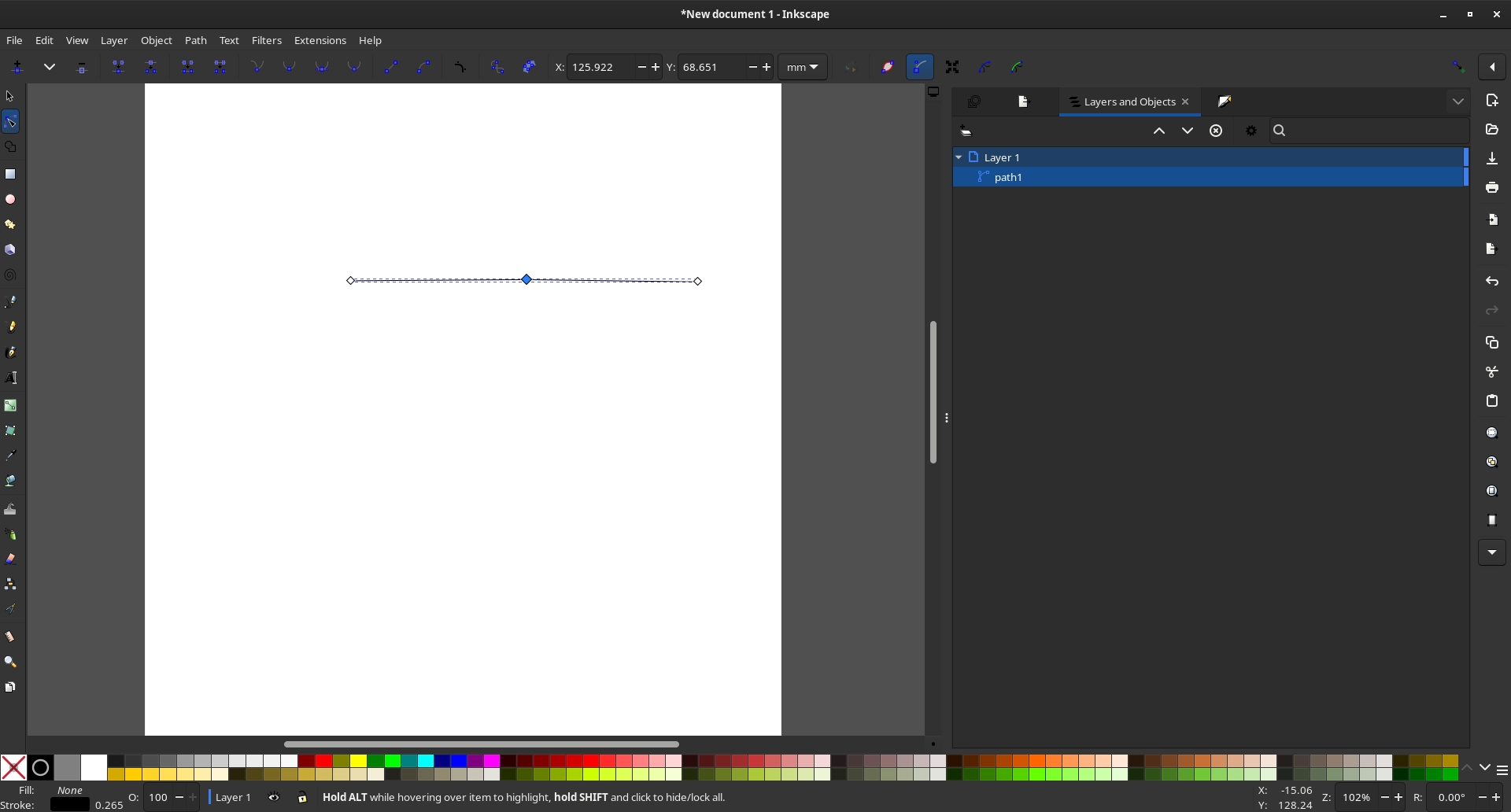
Add an option to use Beizer curves in the same way as Inkscape
I use blender to make non photo-realistic characters, and i want to draw references in 3D straight in blender. The only thing holding me back is how control points are handled in blender and the "split" function does not do what I want it to do. I don't want my changes to effect the segment attached next to the curve I want to edit.
Edit: Notice in my images the control points only effects one curve
Edit: i found exactly what i wanted i still hope this can be a main supported feature.
it doesn't seem to work with the latest version.
github.com/Shriinivas/blenderbezierutils
5 Comments
You need to offer a visual (or something) to demonstrate the idea, not simply "do it like inkscape." Assume the reader has not used inkscape.
I came from Cinema4D, and I understand PERFECTLY!... so, the tools to draw freely in blender, right now are useless... and we use them because there are no other way! but I remember when I used Cinema4D, drawing was fast and simple... just like any other vector graphic software... and to create, lets say... a glass... you just needed to draw the contour and revolve! and that was it! you have more control, and is faster than adding a object or line, then editing... you start and finish whatever you want and have more control over the drawing... even Illustrator can do it!!!
Look up QOL Polypal, on blender market. Works quite nicely.
Based on your new screenshots, i'm wondering if this is simply a matter of not using the tools that are already in Blender.
What I mean by this:
Start with 2-point straight line, as you did. Select both points, subdivide. Now you have a third point in the middle. Depending on the handle type you choose for this third point, you can either keep tangency through that point (automatic), or break it entirely (vector, or free) when you're adjusting the handles of that point.
by no means am i trying to be rude and i hate to use yet another program as an example but there is a reason why programs like GIMP don't get traction because they have this mentality where they see things as solutions on the surface but actually aren't solutions at all when other programs do the same thing better.
youtube.com/watch