
Merge the last used operator with the tool properties
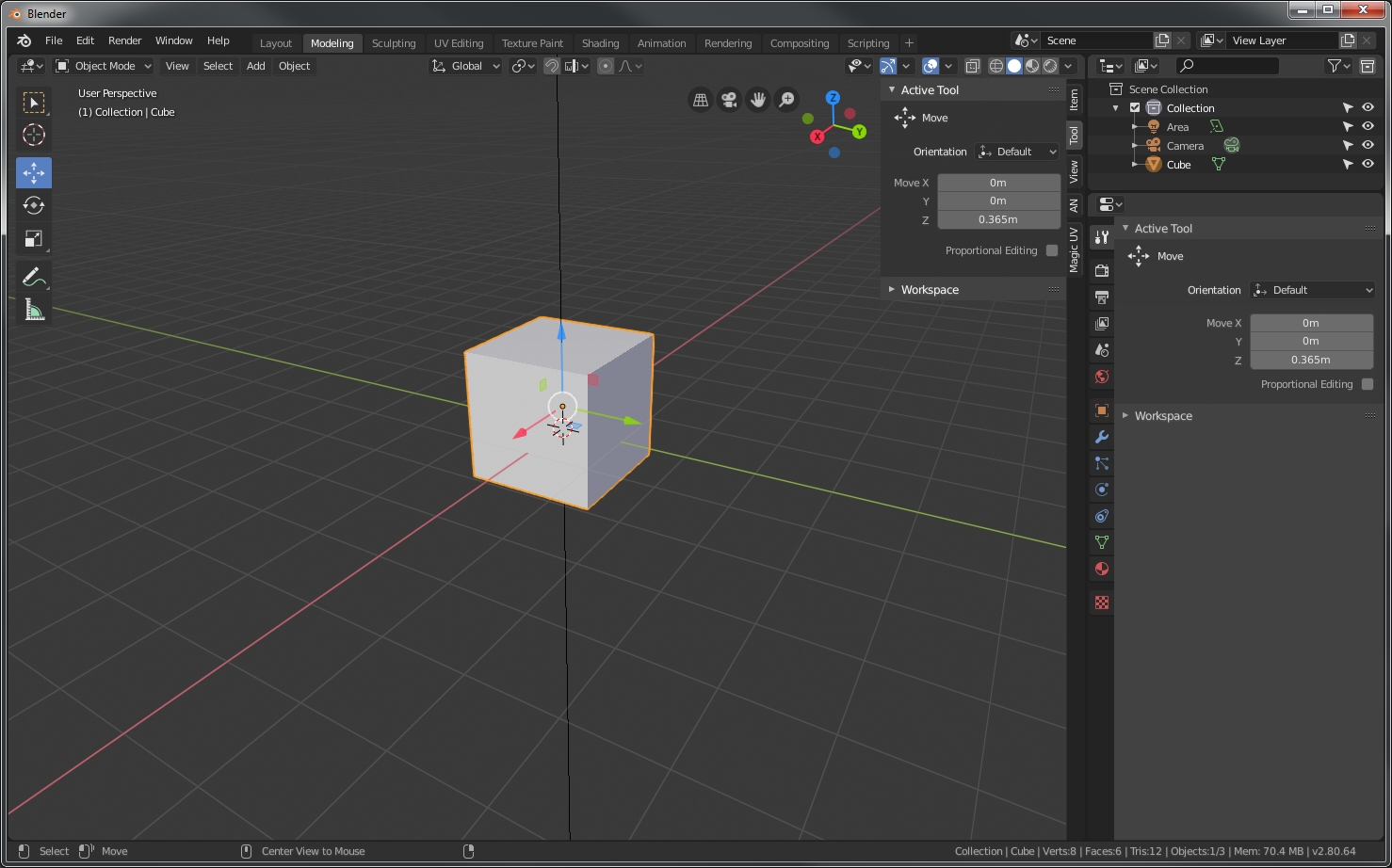
If we merge the last used operator with the tool properties we will have all the tool properties in one place. it is already in an prominent position both in the "n" panel and in the properties editor. There is no reason to have the tool settings split diagonally across the view-port.
Example: You select the move tool and the tool properties show you the tool orientation (the way it is implemented in blender right now ), and when you execute the tool the transforms are added and you can change the values etc.
6 Comments
Disagree. Some of us don't use tools, and therefore rarely have the N panel open at all. Your suggestion would require me to keep the N panel open at all times. The reason they are separated is because one is the Tool panel, the other is the Operator panel.
i.ibb.co/M7VLHsP/image.png
* @testure * in this case you can always use the shortcut (f9 i think) for the pop up. I used the tool for the mock-up because it was easier to visualise. You can easily see the icon of the active tool. The idea is to have all operators there active tools or not.
The new n panel design has the same footprint as the collapsible menu in the lower left. You will only gain space by moving it to the n menu, and you can completely hide it, unlike the current state.
Furthermore it’s more logical this way, n stands for numerics
* @george.mitev * that's just the point though- Under the hood, a tool is a collection of operators. An operator is just an operator. They aren't the same thing. In my screenshot, you can clearly see that the tool I have active is Select, but my active operator is Bevel. How does it make sense to combine the active tool and the active operator in this context?
do you guys know the reason if any of why the options are split like that
* @Orphydian * i think they wanted to make a canddy-like overlay, but they never finished it youtu.be/iDOIa_k0oaU
yeahm I think it is a good idea, unless we both can't see shortcomings...