
Face grid fill
Reducing the following steps:
select the face> delete it> select the border> run grid fill
to
select the face> run grid fill
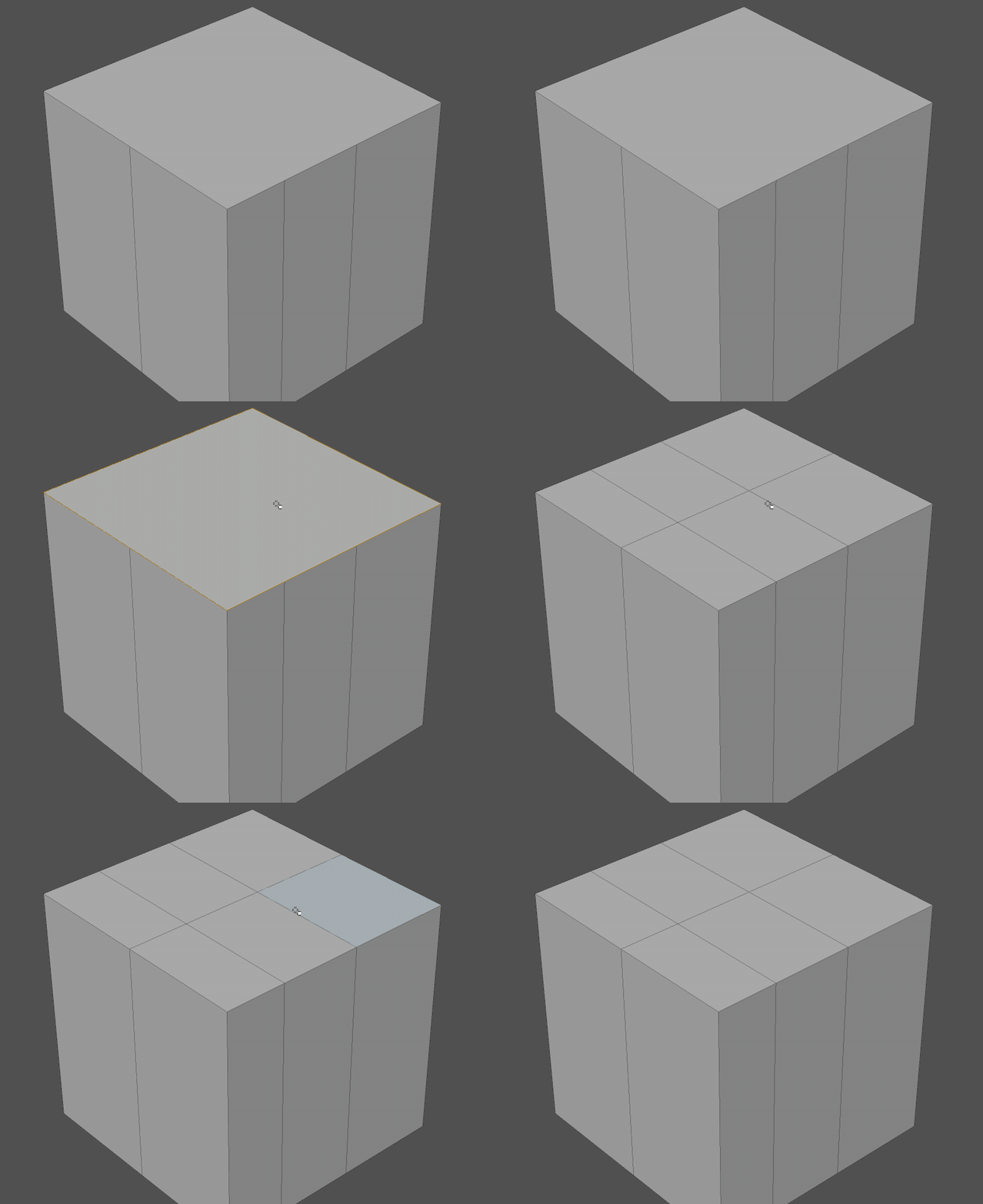
Reducing the following steps:
select the face> delete it> select the border> run grid fill
to
select the face> run grid fill
10 Comments
agree. It should be named like «grid cut» or so
This could probably be implemented pretty easily as an add-on. I'll see if I have a free moment to hack something together.
* @Jason van Gumster * In fact: Here's a quickly cobbled-together add-on that basically does what you're looking for. It could be a lot nicer in a lot of ways, but this is a functional start.
* @Jason van Gumster * I see you know how to do simple scripts- In 3ds max there are some nicemodeling comands like Build corner and build end . I wonder if there is already an addon for this and if not how hard is to script these and can you do it ? here is the description knowledge.autodesk.com/support/3ds-max/learn-explore/caas/CloudHelp/cloudhelp/2015/ENU/3DSMax/files/GUID-D07B4F5B-33AE-4544-A905-A52A678C7D64-htm.html
* @Orphydian * Vote + for build end/corner
* @Orphydian * That's a slightly tougher ask as that functionality isn't directly built-in as an operator in Blender (the add-on I linked to is really a quick n' dirty wrapper; a glorified macro, if you will).
Not saying it isn't possible, though. The bmesh API gives full access to mesh data, so it shouldn't be all that difficult to write an add-on that does what you're asking. I'd probably suggest that you make a separate proposal here for that, though.
* @Jason van Gumster * Thank you, I will give it a go tomorrow !
I made this free script add-on to do that. warkarma.gumroad.com/l/iheivu Since I don't know Python, I used AI help and it still can be buggy in some cases, but it is using vanilla grid fill with few additional steps. p.s. The script above didn't work for me. It would just delete the face and stop. The one I am providing can be installed as add-on and accessed from CTRL+F or Face -> Face Grid Fill
I am guessing this is not going to be done since it was requested about 4 years ago :(
a great companion for the grid fill