
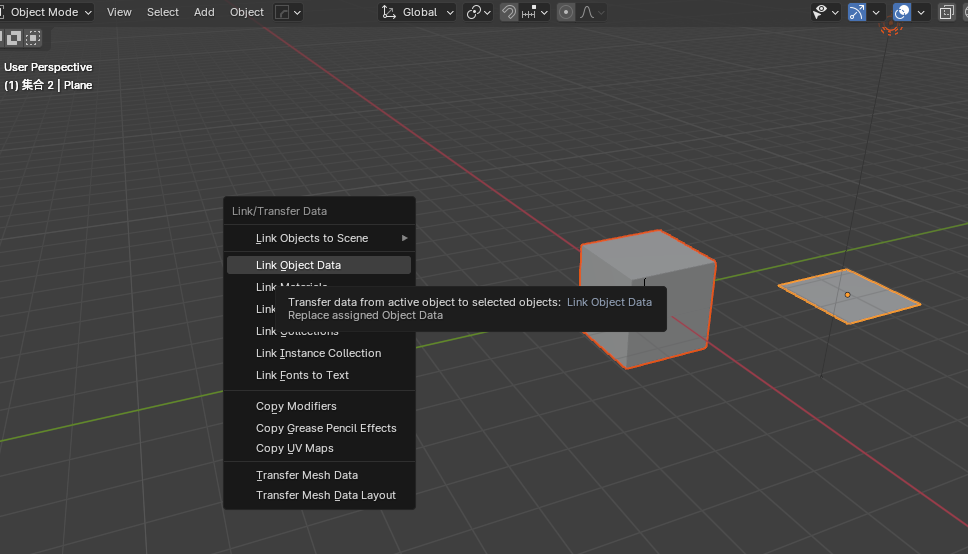
Ctrl+L copies the origin position of an object.
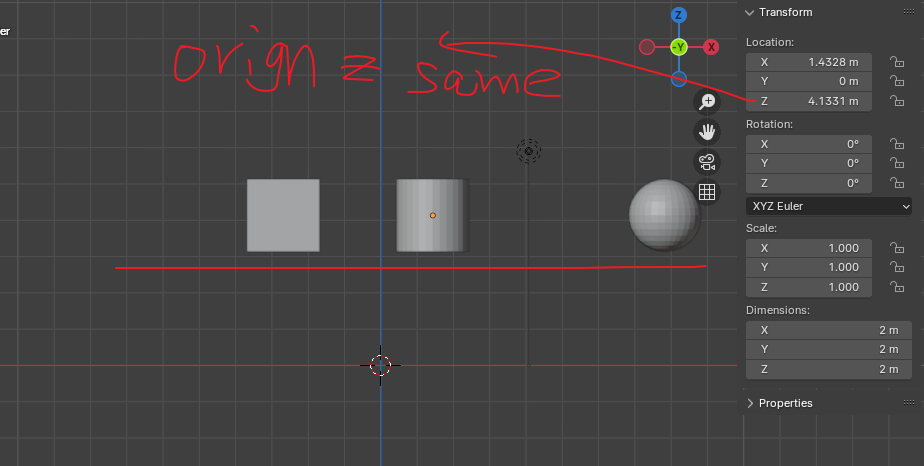
When we press Ctrl+L, we can associate materials and modifiers , so why can't we associate the origin position of an object? This would make it easy to set thousands of objects to the same origin.We can then gx gy the objects in edit mode,or add filters, such as forcing each object's origin to have the same z or x position after copying the origin. If the origin of each object was previously set correctly, for example, all at the geometric center, the objects will be neatly arranged.Of course, we can also copy the x and y angles of an object.
2 Comments
You can right-click Location and
Copy All to Selected.You can even do "
Copy Single to Selected" to for example use the same Z axis but not the rest.Well, I think this is more intuitive, and I strongly recommend adding this function to the ctrl+L menu. After all, ctrl+L is used to copy materials in the copy simulator. There is no ctrl+L menu to copy the origin. You have to operate it in the N panel. It feels like a new set of rules.