
UV channel selection on multiple objects
Working with multiple objects in UV editing changed everything but some stuff still needs to be done. (Or maybe it is already there and I am blind, it's really possible, sorry if it was the case.)
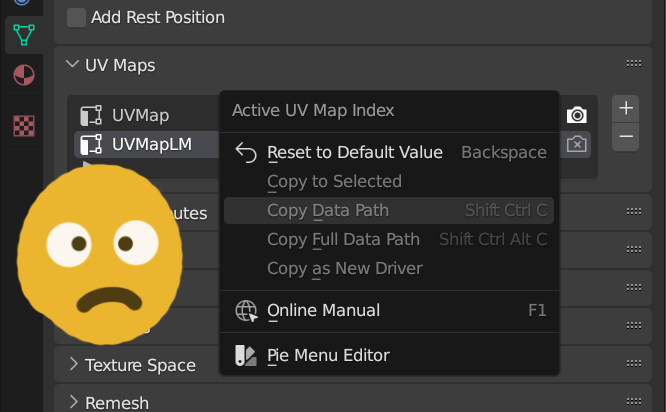
I ask you to allow us to select (for example) second UV channel on multiple objects at once. I am not talking about making it active for render (activating camera icon). Just about making it active in the list so I could see this UV in UV editor window.
Imagine having 30 objects in the scene that have their own first UV maps but common UV map in second channel for light map. To pack it I have to go through every object and select second UV channel manually.
Not good!
An option in UV channels list context menu like "Select this UV channel on all Selected objects" would dod the trick!
4 Comments
Addon solution(s):
madllama.gumroad.com/l/Batch_UV_Operations_Blender
or UV: Reorder UV Maps from github.com/greisane/gret
These are two great addons, thank you! Still, would be great to see it not as a 3rd party functionality as it is as basic as applying the same material to different objects.
Funny, holding Alt to set the selection's active render UV channel works, but not for selecting the UV channel.
In the UniV addon you can perform mass actions on UV channels youtu.be/-LEZl2Q9lhY