
Dynamic Multi-Tool Binding
ANOTHER IDEA by Dotails
You of course have your hotkeys profile set up as your default, but if you hit almost any key or mouse button while hovering over a tool button or menu option, you have temporarily assigned that key to that tool, until you hit escape. This way you can load up a handful of keys for quick switching for a particular task. Blender and your keyboard/mouse would then become a palette for Modeling Sculpting and Painting.
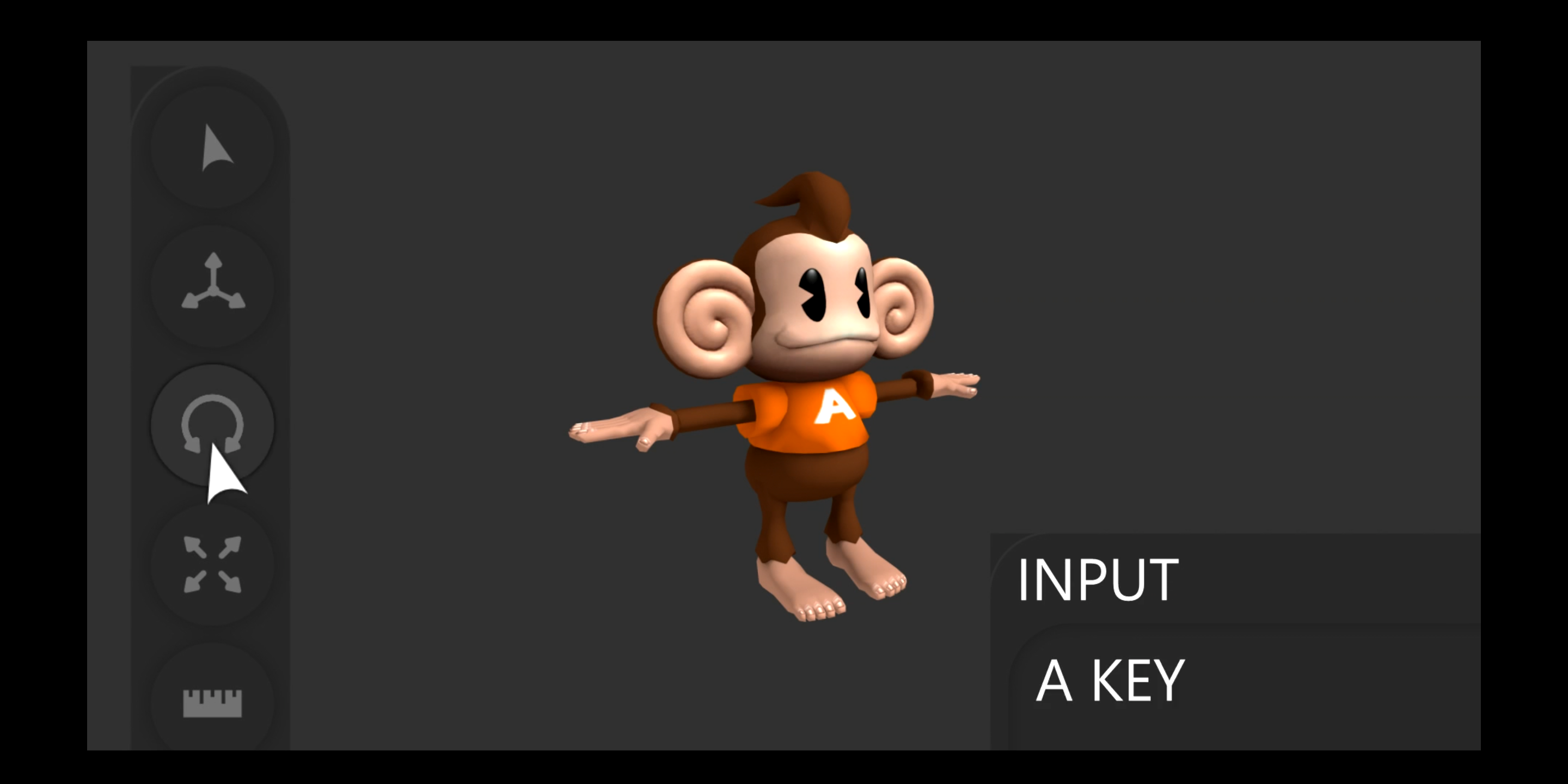
Check out how it would work in my demo here.
3 Comments
How does this differ from using right-click to assign hotkeys?
@Jason van Gumster: It"s similar, except faster and only temporary, when you hit ESC they go back to the preference hotkeys. Or better yet you could set a key like ESC as a toggle that would reactivate your last set of hotkey overwrites.
It could be like when animating; hitting "i" when hovering over a variable highlights it as it adds it's setting to the timeline.
Workflow wise it would be fluent, imagine going deep into a menu and you find the option your looking for but also spot another option you know you will use in a minute. Instead of committing the hotkey to memory or digging through the menu again, you can simply hit whatever keys your hand happens to be on or spare mouse button to effectively hold onto tools/options.
@dotails: This seems like really good idea, but I think the way shortcuts are made needs to change. The way you have it designed, you would never be able to assign anything to "i" or it will just animate the parameter. Also, "you hit almost any key or mouse button while hovering over a tool button or menu option" means that you must not be over a button when you press a keyboard shortcut.
Here's what I mean:
The problem of course is that there is rarely enough blank space in the properties panel (or many other panels) to comfortably move the mouse into an area where pressing a key won't set a quick key.
It just needs a key to start the mode where you can then go to set the quick key. This is a very good idea though. I like not having to muddy up your keymap or PME menus just for a task that's going to take you a short time to complete, but still being able to use the efficiency of shortcuts to do it as quickly as possible.