
"Lock to Object Mode" Outliner Toggle and/or "Lock Vertices" Vertex Group option
It would be good to have an additional toggle to prevent accidentally editing objects in any non-Object Mode (Edit, Weight Paint, etc). The Selectability toggle is a bit too restrictive in my opinion. Here is a mockup - icon to be discussed, as it could be confused with the "Lock" icon in the Transform panel.
Unlocked mode
Object can be edited in any compatible modes

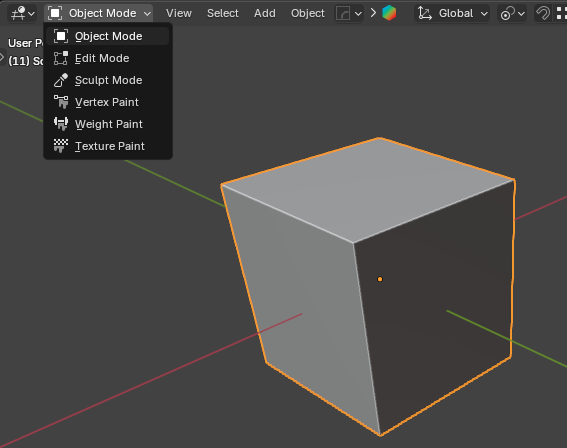
Locked mode
Object can't be edited in another compatible modes, but is still selectable/transformable.

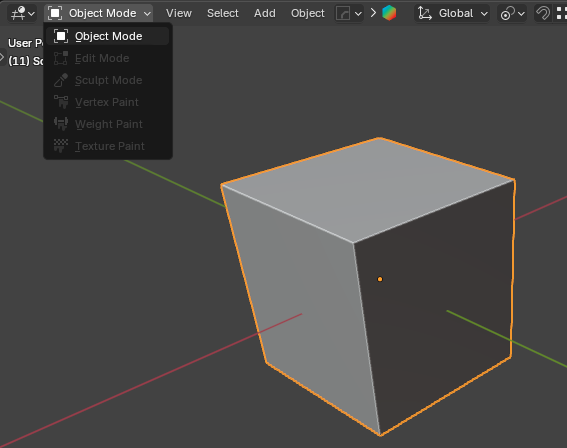
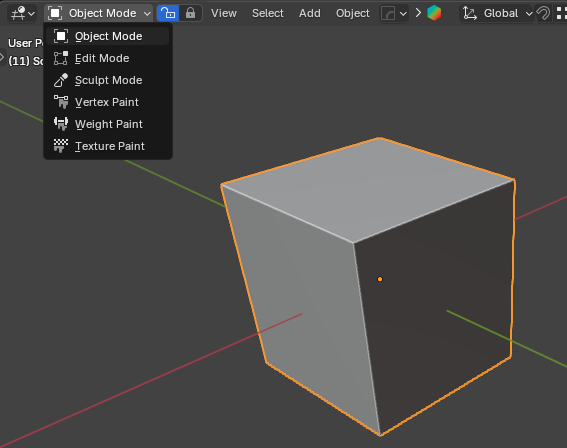
Other option
Maybe we could have a toggle in the 3D Viewport too?
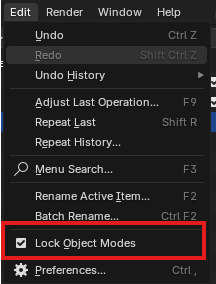
Note
There's also this option in the Edit Menu which isnt exactly the same.
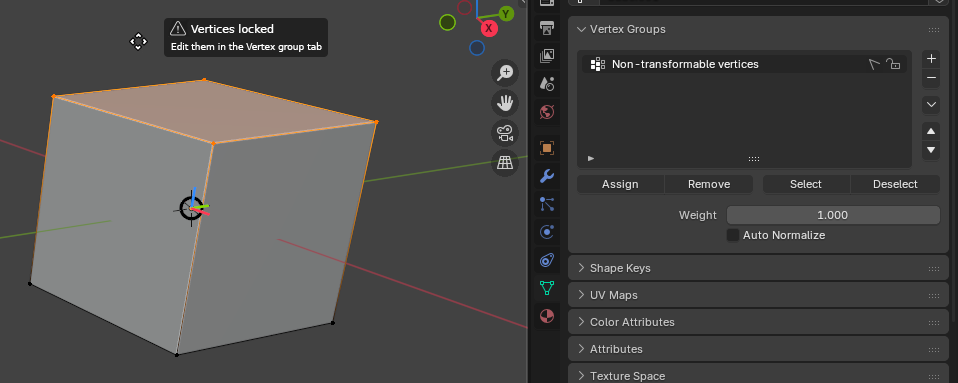
Other idea: Lock Vertices with Vertex group
The idea is to use the Vertex Group to "lock" vertices to prevent any undesired transform operations.
0 Comments