
Shift-click to place 3D cursor should follow Cursor Tool settings
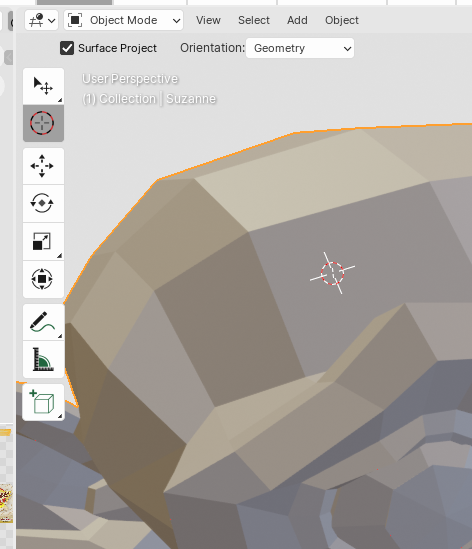
The 3D cursor is a great utility tool. I often use it to place, align and transform objects. I mostly don't use the toolbar. I find Blender's shortcuts very handy and fast to use. Same for placing the 3D cursor. I use left-click select and shift-right-click to place the cursor. When using shift-right-click, the functionality seems different from using the cursor tool from the toolbar.
With the cursor tool I can align the cursor to geometry and subsequently align other geometry to the cursor. I wish shift-right-click to place the cursor followed the settings or at least had the same options after the operator.
2 Comments
I would like to have this option exposed or at least in sync with the cursor tool settings. I use different shortcut but you can look for cursor in the keymap editor and change the operator like in the example gyazo.com/b50e6baf9e5690a9ef23df51f244ea6b
Thanks for the tip! Interesting place to put those settings...