
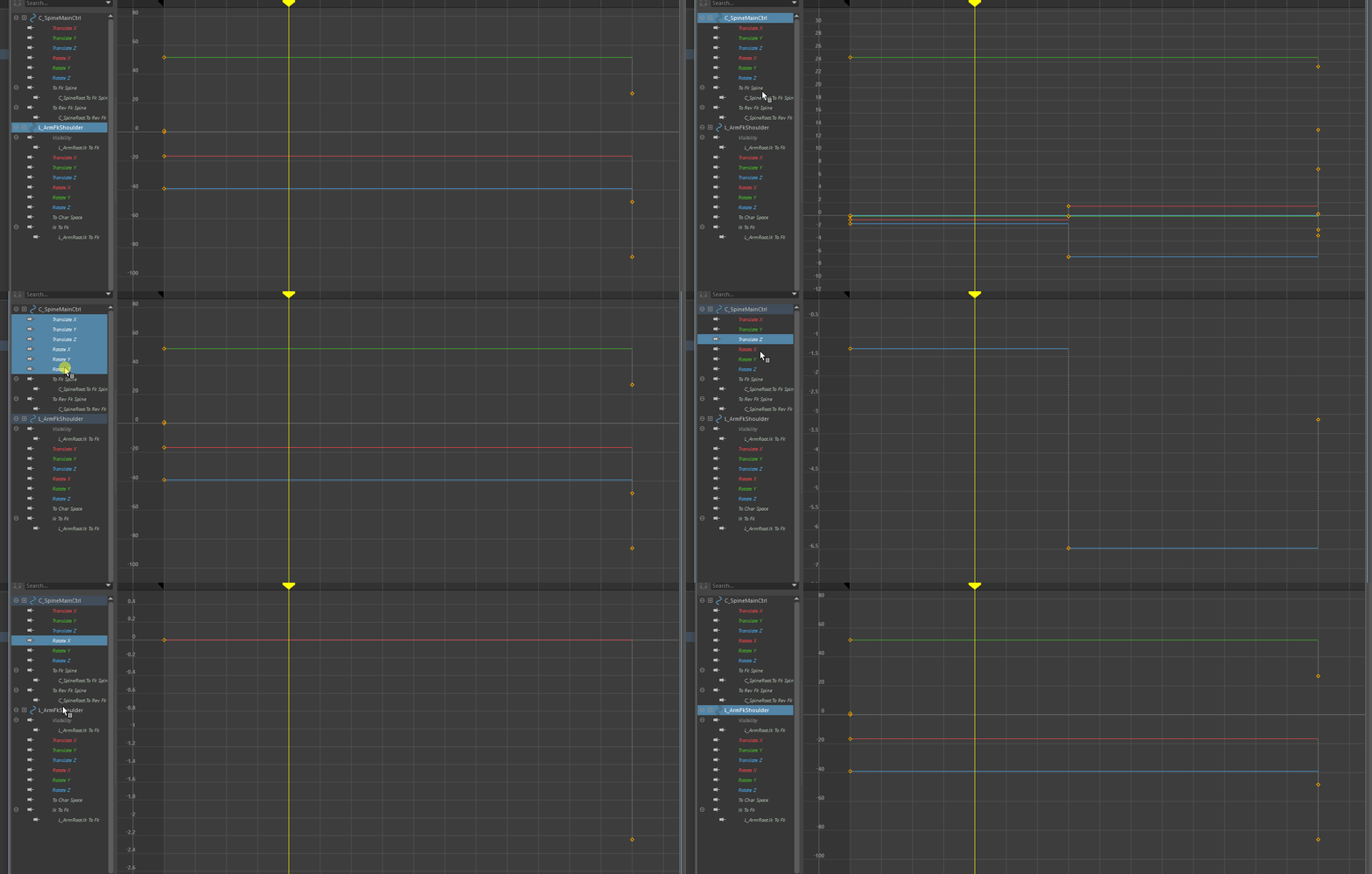
Show & isolate only the curves of the selected Bone in the graph editor by it's top node.
In the graph editor selecting the bone name doesn't show/isolate the curves of that bones you have to (box) select the channels.

this is the desired workflow, so when selecting the bones in the 3d view it should select the top nodes in the graph editor and selecting single bone in the graph should isolate and show that bone's curves.

7 Comments
Haha I just made a post requesting this yesterday but it's already buried. Definitely agree this is a must have for animators!
Yes! 😥
BTW while you can't select a parent node in the channel list to see the children channels, you can at least set up Blender to only show the select channels' curves using these two settings:
Why in the world would this not be an option!?!?!? PLEASE add this ability.
Especially when editing a bone it should ONLY show the curves for that bone and not have to manually isolate it from the whole list.
I need this so baaad
I miss the isolated speed in photoshop so much!!😒
oh man! in what century do we actually animate change immediately
Agreed!