
Transformation constrain using RELATIVE VALUES BY DEFAULT
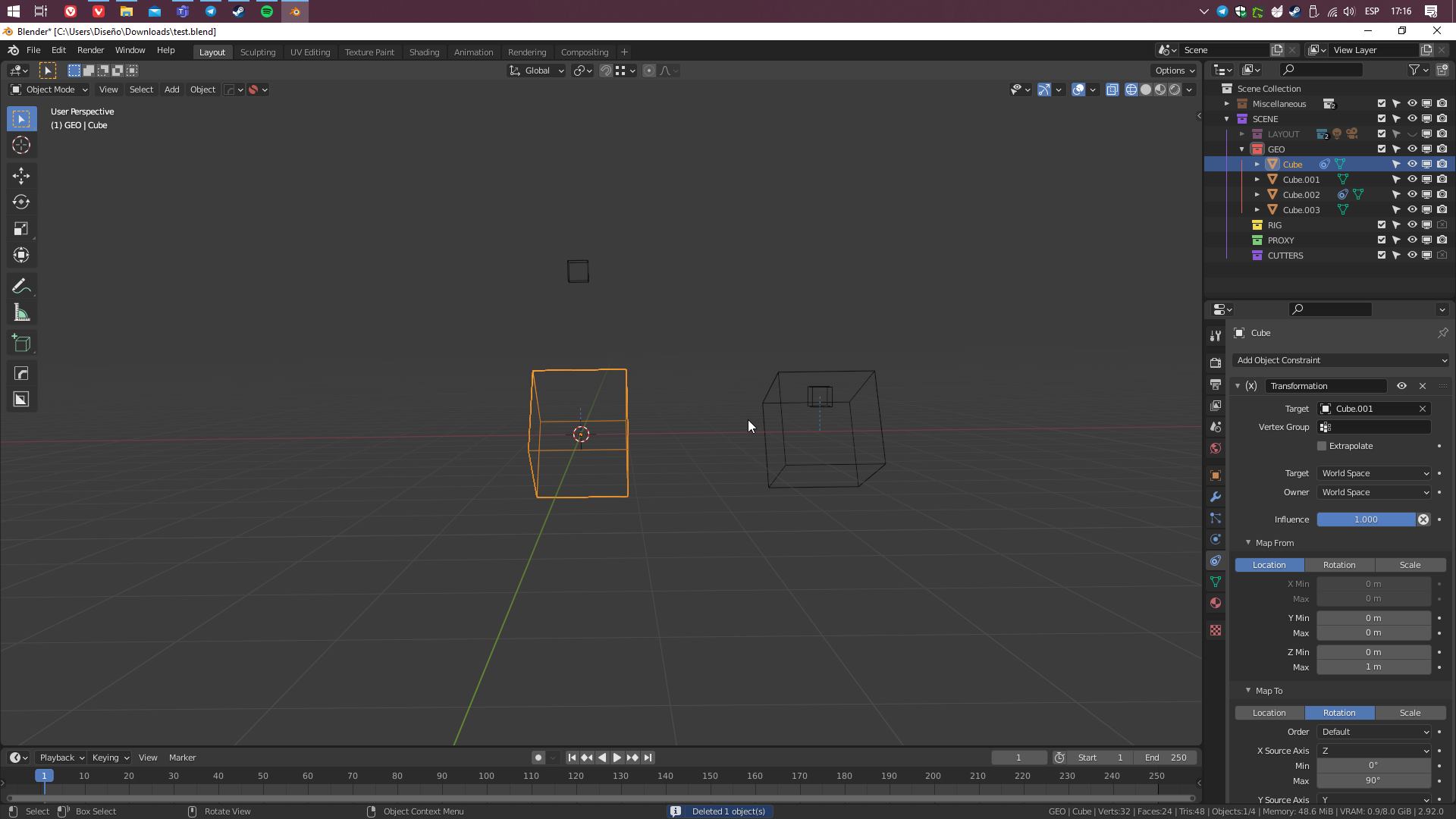
The transformation constrain uses the absolute values by default, making it really challenging for begginers and people coming from maya to use it... in the picture both rigs are the same, except the one of the right has delta values and the origin in it's center of mass, while the one on the left, has no delta values and the origin on the center of world... which is not really intuitive nor user friendly...
It would be nice if you could toggle the transformation values between relative and absolute, people most of the time just want to use the object transformation as a reference or absolute value instead of the world's absolute value, without messing with their origins....
Like having translate X 10 transforming into Translating Y 10, 20 or whatever value the user puts on max..
hay una forma de sobrellevar eso?
4 Comments
THAT WOULD BE A LIFE SAVER!! D:
* @luisf.carranza * I know right? D:
Imaging the "connection editor" of Autodesk Maya but a little less useful, but gets the job done :,v{attachment 2021-03-11_17_40_46-Connection_Editorpng}
* @luisf.carranza * yep that would be really nice, and easy to understand U,U