
modeler UI
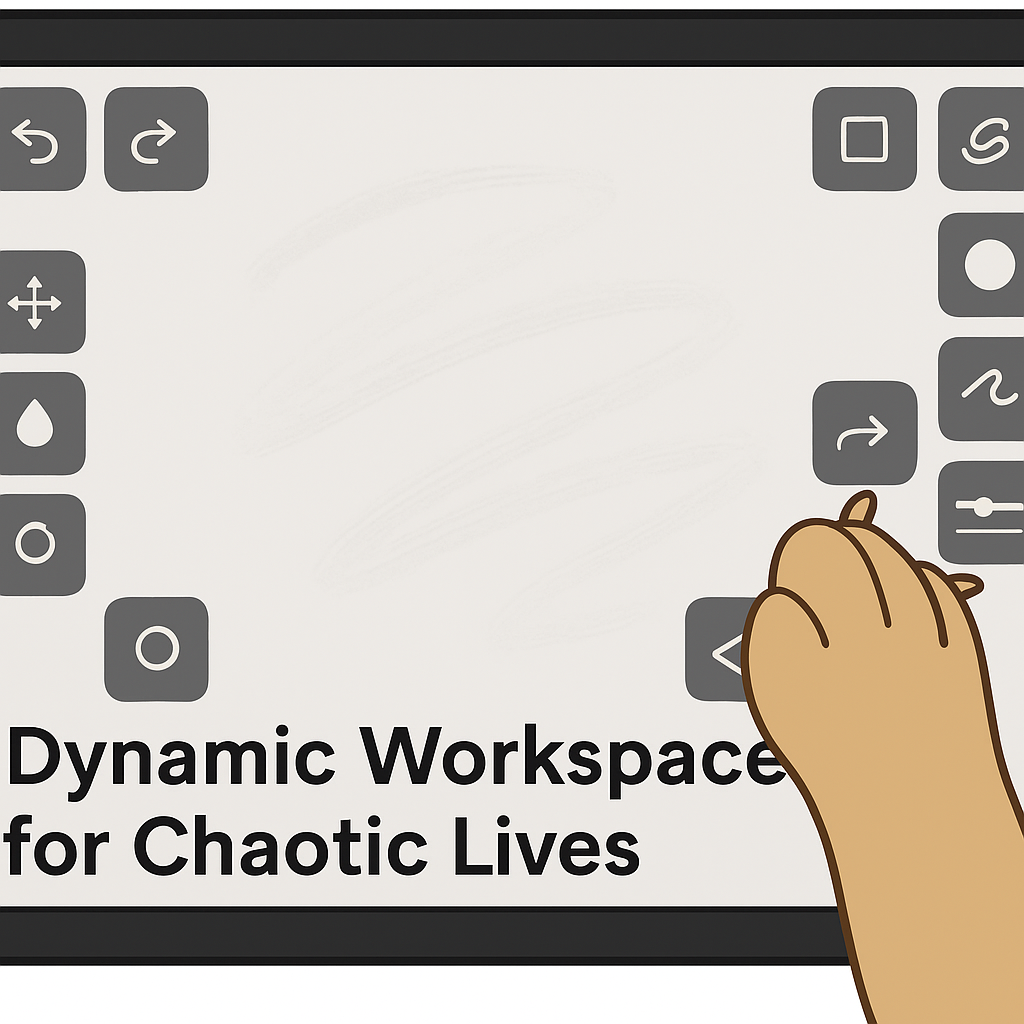
Subject: Tactile UI Concept: Drag-and-Drop Button Layouts for Digital Art
Hi! I’m a visual artist who loves working with physical materials, but struggles with most digital art UIs — especially in 3D sculpting apps. I’m not alone in this.
What I wish existed: A modular interface where I can drag and drop floating buttons and sliders around the canvas — like I would place tools around my physical desk. Each button could be assigned a function or shortcut, with visual/tactile cues (size, shape, maybe texture icons) to help memory and muscle coordination.
This kind of setup would:
Reduce mental load for neurodiverse users
Mimic the intuitive, spatial way traditional artists work
Eliminate the need for expensive external hotkey pads
This isn’t about reinventing the wheel — just letting us rearrange the tools on it.
so get brave and do it !
3 Comments
Big issues I see with this:
Please consider stopping using the Blender Developers YouTube channel: youtube.com/@BlenderDevelopers just as you are not using the Blender Cloud YouTube channel: youtube.com/@BlenderCloudOfficial ¡Gracias!
I could see this being done as an option to pin a button to the viewport with right click, that way all the dynamic stuff like the tools list etc would still be able to work