
Render tiles at clicked position
During rendering of images that take many hours I often wish for a feature that would let me click somewhere in the render view to start a "hilbert spiral" (or circle) at that position:
- Start rendering - e.g. 4k image that takes 3 hours with render settings much higher than the viewport settings (e.g. subdivs, child particles, ...)
- Rendering starts in the center and looks good
- Knowing my scene, I would now like to see maybe the area at the bottom right of the image
- In the image editor on the "Render Result" I click on the image at that location
- The next tile is being rendered where I clicked, starting a new spiral/circle at that location filling out the image and not-yet-rendered titles
- After a few tiles have rendered at the selected location, I can click on another area in the image and start a new spiral of tiles there
That way, I don't have to do several different test-renders of render-regions that
- possibly take many minutes just to prepare (BVH building a.s.o) for each and every test-render
- get thrown away anyway
which will ultimately result in less time wasted!
I hope my explanation of my idea here is clear enough and that I am not the only one who thinks this could be a useful (and possibly easy to implement) feature for all blenderheads!
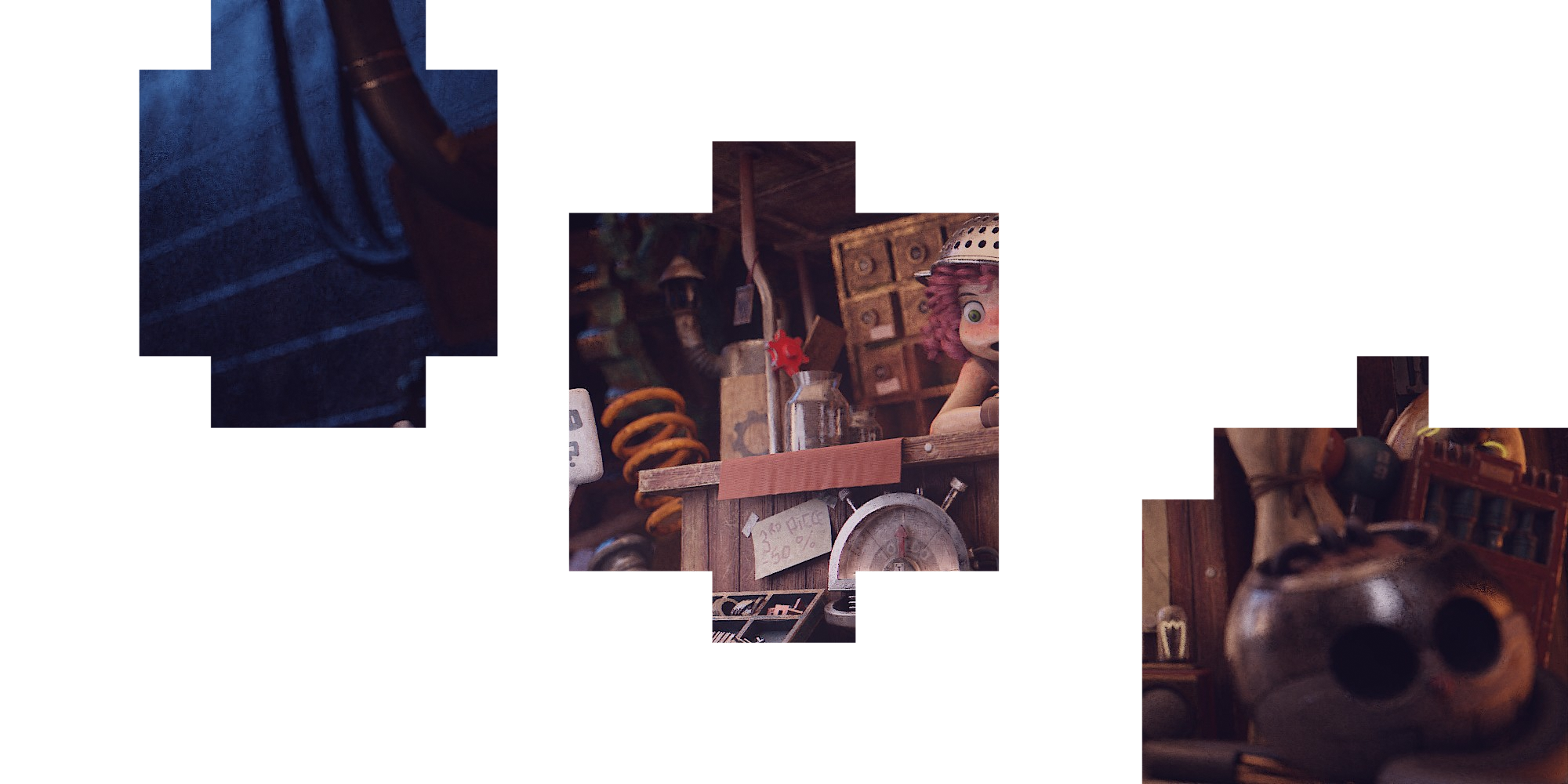
Edit: Made a quick mockup:
21 Comments
What about first drawing a fast EEVEE studio-light pass or something, overlaid with the tile grid and then allow the user to click tiles to be rendered soonest/latest with the latest-clicked tile getting rendered later/sooner.
* @Ivo * that would take this whole idea to the next level! Show a simple viewport render faintly in the background plus a faint grid to see the tiles ... love it! 👍
Shoot, if you do that, then you could get fancy and draw multiple ordered render regions with the grease pencil as well. For really large renders that take a long time, that is pretty useful. Shoot, that would be useful on it's own. I've got an appliance up on my screen right now at about a 45deg angle. If I need to just render the narrow UI again, the rectangle region render would probably give me about a selection that's probably 60% bigger than I actually need. I thought I remembered someone having an addon that let you select an object and it automatically did a non-square region based on that, but my memory isn't so great and that could have been a different software altogether.
Good idea. I think just need to add a 2D Сursor to the Image Editor and add the item "Closest to 2D cursor" in the "Order" menu in Tiles settings.
I like this idea a lot
Amazing stuff! I hope we all will be able to do as you propose as soon as possible! Cheers!
Would be very useful. My last render needed 15+ minutes to build before rendering and I had to check 4 spots across 6010x1080 pixels.
* @thomasreisinger * right!? Same here! And I always stare at the image while it is being rendered and think that I would really like to check this spot or that area...
Incredibly useful! I miss being able to do that when I was using 3DS Max + Vray
Render tiles at clicked position would be great
Why isn't this archived? Cycles' bucket rendering has been pretty much deprecated and is less efficient than progressive rendering on both CPU and GPU, so this request is no longer valid. You don't need to set priority area for buckets as you almost always see the entire image at once.
Maybe shoud exist in camer grid to select boxes to render?
we need this feature!!!!!!!
Seems useless. This feature forcing an ineffective and DUMB workflow when you need to seat and watch tiles during final rendering instead of doing actual work on improving/refining the project. If your draft is okay then final result most likely will be okay. Prepare everything in lower resolutions, less samples and draft settings to cut off the BHV caching time, cut off rendertime before going for finals. There's a lot of thing to focus devs attention with Cycles and rendering workflow instead of minor unimportant things.
* @yury.ziankouski * ahahahaha wonderful ... thanks for that amazing input!
Doesn't the keyboard shortcut "SHIFT + B" already address this problem??? youtube.com/watch Scrub to time stamp 9:52 to see it in action.
* @pierregagne982013 * Yes it does, but also wastes precious time when you decide that the inspected part is fine and the calculations should continue on the rest of the image, but need to restart the entire render and pre-render for the full image.
How about making the renderer faster, so we don't need a feature like this?
* @adrencg * maybe in a parallel universe ;)
Someone on facebook suggested to simply render at the mouse pointer location BUT I believe clicking the next tile would be better (maybe even visualize the next tile somehow?!) because the current tile might still take a while and I don't want to sit there waiting and hovering with the mouse pointer...
It doesn't even have to be a hilbert spiral ... a simple circular order would be just fine!