
Right now the extrude tool does not "remember" which direction you start dragging. Auto normal direction
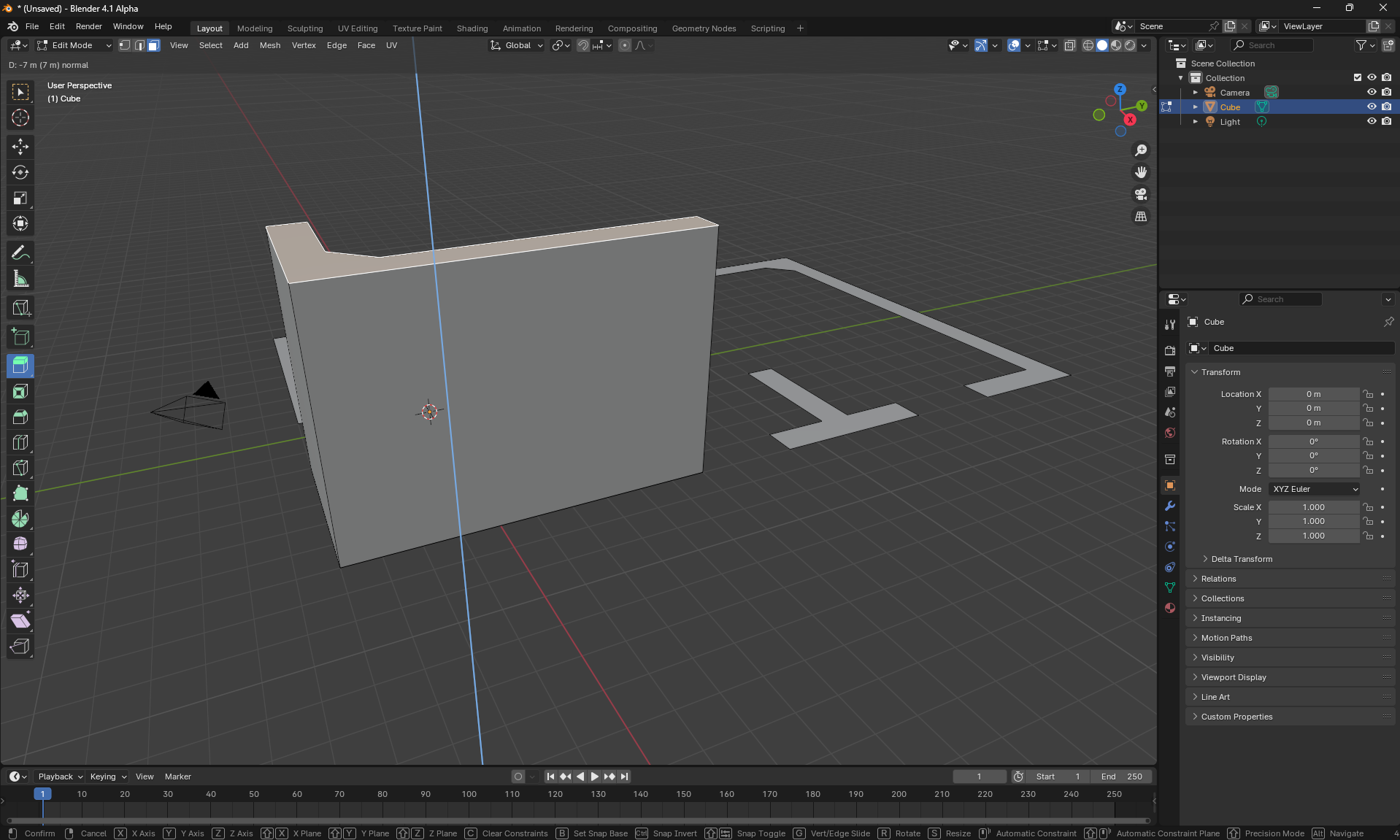
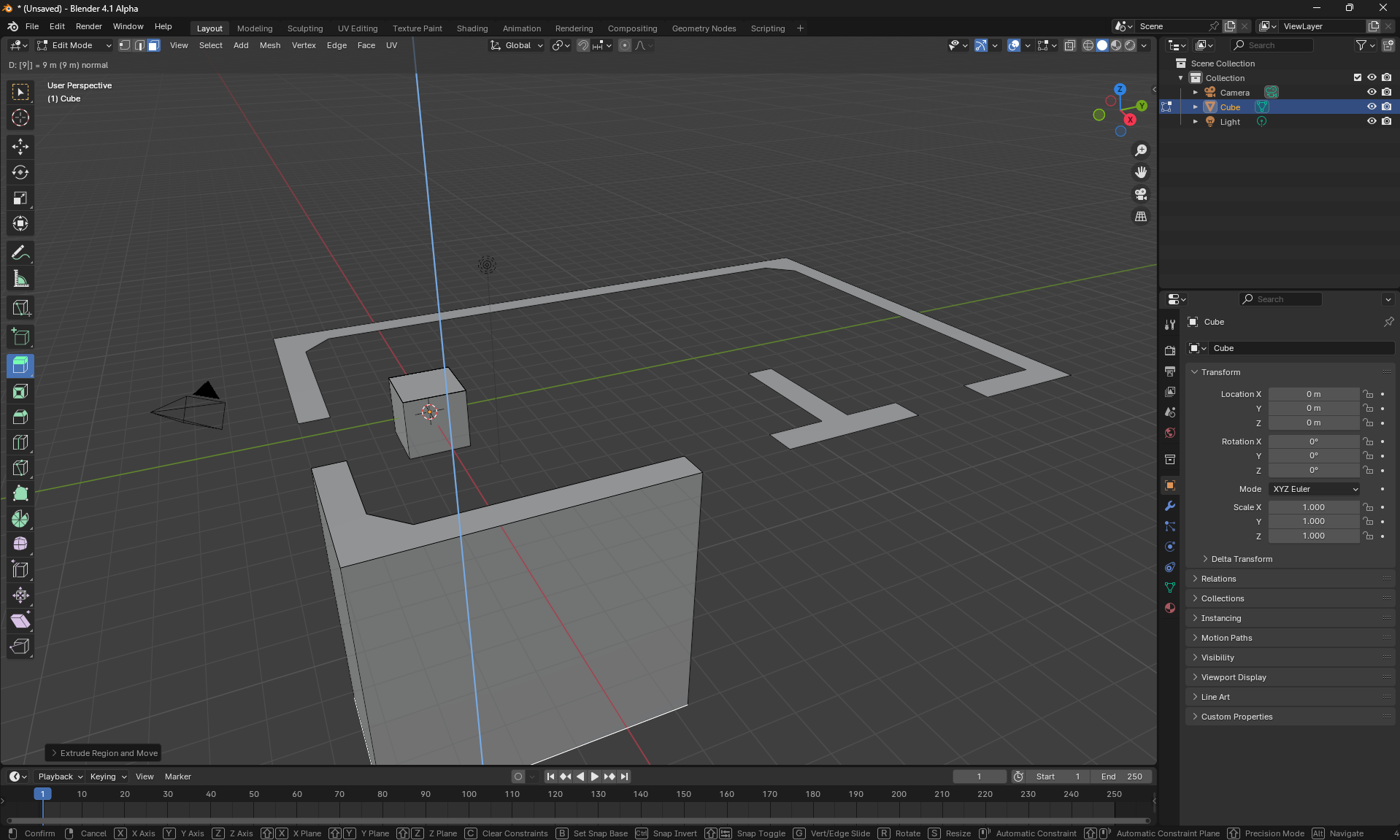
Extrude is working as expected, since extruding in direction of the face's normal uses positive values and negative ones for the opposite direction. But sometimes closed shapes have normals pointing down in the negative direction. You can flip the face direction every time if you want to extrude in one direction only but this increases the amount of work needed with the mouse and chances of getting RSI.
Right now the extrude tool does not "remember" which direction you start dragging. So can you make it so closed shapes drawn with the line tool have normals pointing up, or even better, the drag of the extrude tool has the normal facing the direction it is being pulled by the mouse. Also if we start the pull and then type in a positive value the normal would be facing the correct direction. Or when we pull the shape in the negative direction a negative mark is automatically added so when we type in the positive direction it points the right way and when the user types in a negative value the double negative becomes a positive value. This would also fix the problem. Basically any method is nice but something that allows the extrude tool to point in the correct direction easily.
0 Comments