
Remove (!) the ability to collapse the icon tabs in the Properties editor
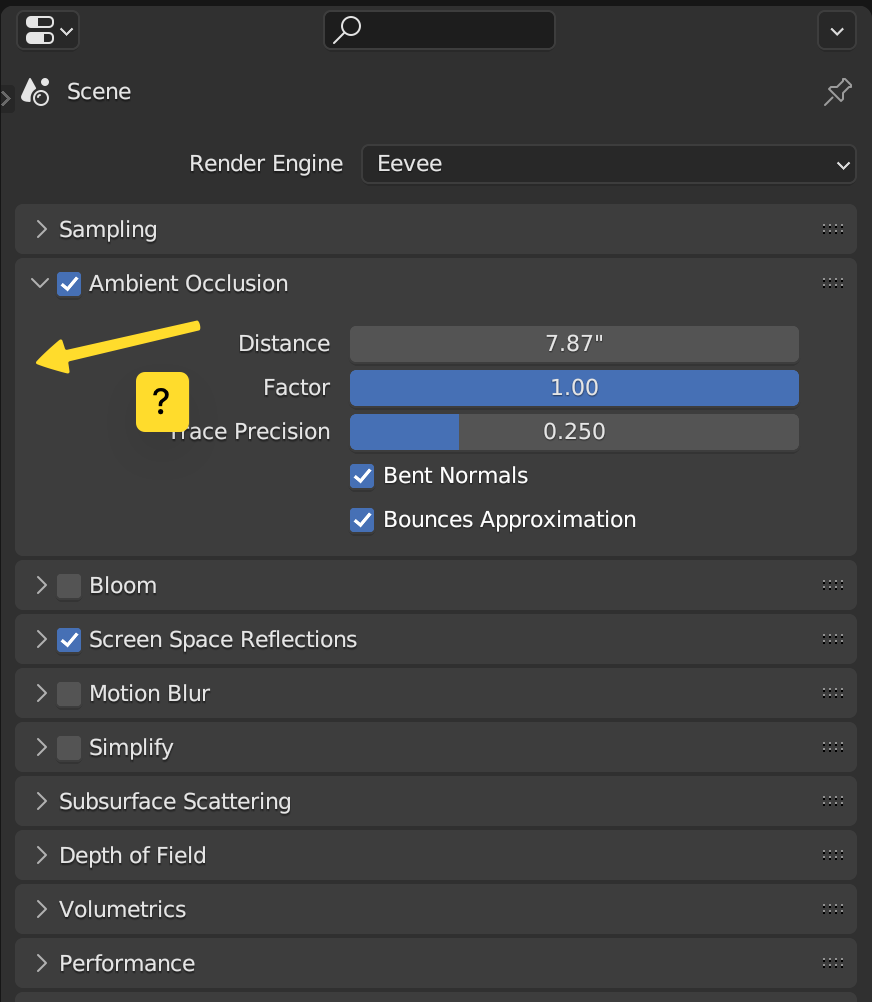
Spend some time with a new Blender user, and at some point you'll see them accidentally collapse the little tab bar in the Properties editor. The one with the icons. It's easy to make this mistake when you're just trying to resize areas, and it's not clear how to fix the problem. The T key doesn't work, and the button to show the tabs is frankly microscopic.
Meanwhile, does anyone ever want to hide these tabs? I'm sure someone will say yes, but I would bet that 99% of the time, when these tabs are hidden it's a mistake.
4 Comments
toggle with T is a good idea, and remove the possibility to close it by dragging with the mouse.
I think we should, in the same way it was done with the header, remove the ability to collapse it by dragging the edge.
It can be confused with the resizing of the editors. It should still be possible to hide it, but that can be in the right-click menu (in the same menu where "Flip to the right" is).
Some people actually want to be able to hide the icons, for specific UI setups or tasks. Perhaps a better solution, is to make them automatically appear if you hover the mouse near where they typically are. (Think similar to Windows Taskbar.) Additionally, a "Pin" button could be offered as a more intuitive way to keep them visible.
There's already a pin button in many editors including the Properties Editor, I suspect adding more of them with different functionality will be confusing.
Being able to toggle the buttons with T sounds a sane idea though.