
Do not select all objects when reveal hidden
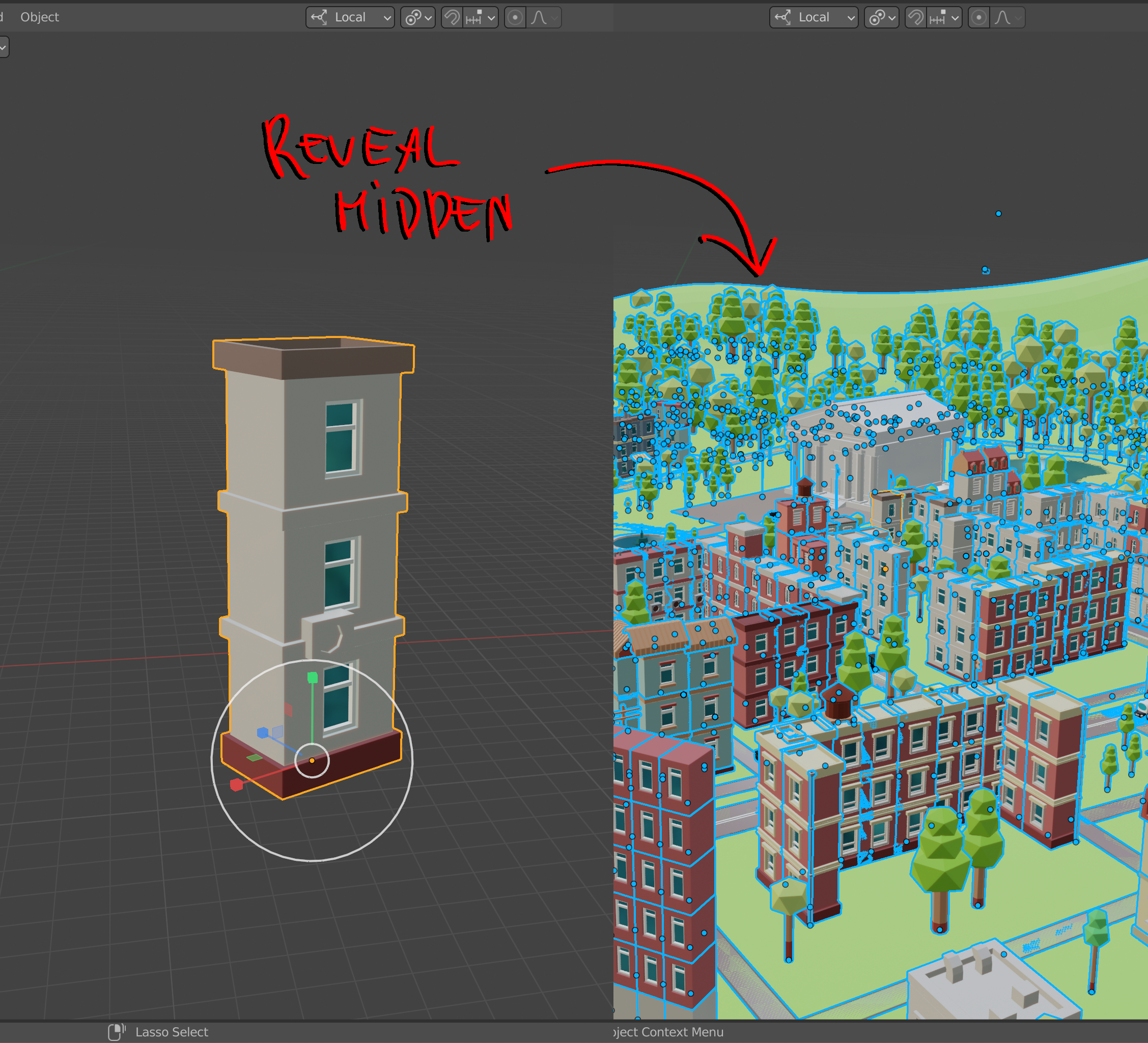
I hide unselected to make changes to a certain object, and after i reveal hidden objects blender selects everything including the object i've made changes on. I don't see any good reason for that, more to say is when you have a lot of object selected blender starts to lagging.
I would like blender to keep selected object selected and do not select all which were unhidden
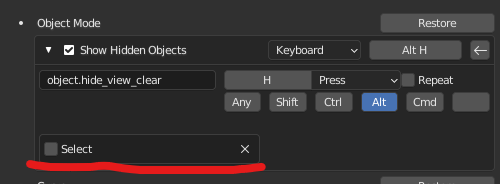
UPD: just uncheck the select checkbox
10 Comments
Already a feature:
It just doesn't show up in the redo last menu for some reason.
oh! thanks a lot man! you saved me a lot of time)
That works for the shortcut, is there the same option for the menu item?
I don't think it's possible to change the defaults of the items in the dropdown menus, sadly. Though I'm not sure. You can ask for that (as a whole) as a feature, or see if anyone else knows python better.
However you can add a new item with the defaults you want with a simple python script:
nice, I didn't know you could do that, thanks
So I guess the feature proposal should be to make that the default behavior for both shortcuts and menu items.
Should it? I'm fine with them selecting, honestly... In edit mode, I'll often use it in conjunction with select linked - hide some part of the mesh that splits the whole mesh into 2 new islands, select linked one of them, unhide.
If anything, I'd rather have the option to change my mind with redo last - seems more like a bug that the select checkbox is missing from there...
Huh? It sounds like you are dividing the mesh into 3 parts, two "islands" and "everything that is not an island". And you then click on one of the islands to select it, and want un-hide to also select the "everything that is not an island". I can't imagine why, and couldn't that be done by hiding the other island instead?
Seems even like a bug to me, to change your selection for no good reason
It's not a bug. It's a (weird) default behavior. But as there's an option in Keymap to reverse that behavior to what definitely feels more "normal". Then all is fine. As always with Blender, what's great is that it's heavily customizable. And devs thinks about every little thing that makes of Blender the very best 3D app around.