
Compositor Photorealistic Bloom and Glare
When comparing the bloom of Eevee with Compositor's one (The only one avaliable in Cycles)(Blender Compositor>Glare>Fog Glow) the differences are obvious, the Compositor's one is much less realistic and it doesn't give you enough options to change that. The main issue with the Compositor's Bloom effect is the falloff of the bloom, the lens fog that happens because the light has a smooth and slow falloff from the emmiter, and the "Glare>Fog Glow" effect has a very sharp and fast one (and it doesn't let you change it), this can be sort of solved using a blur, but it doesn't do much.
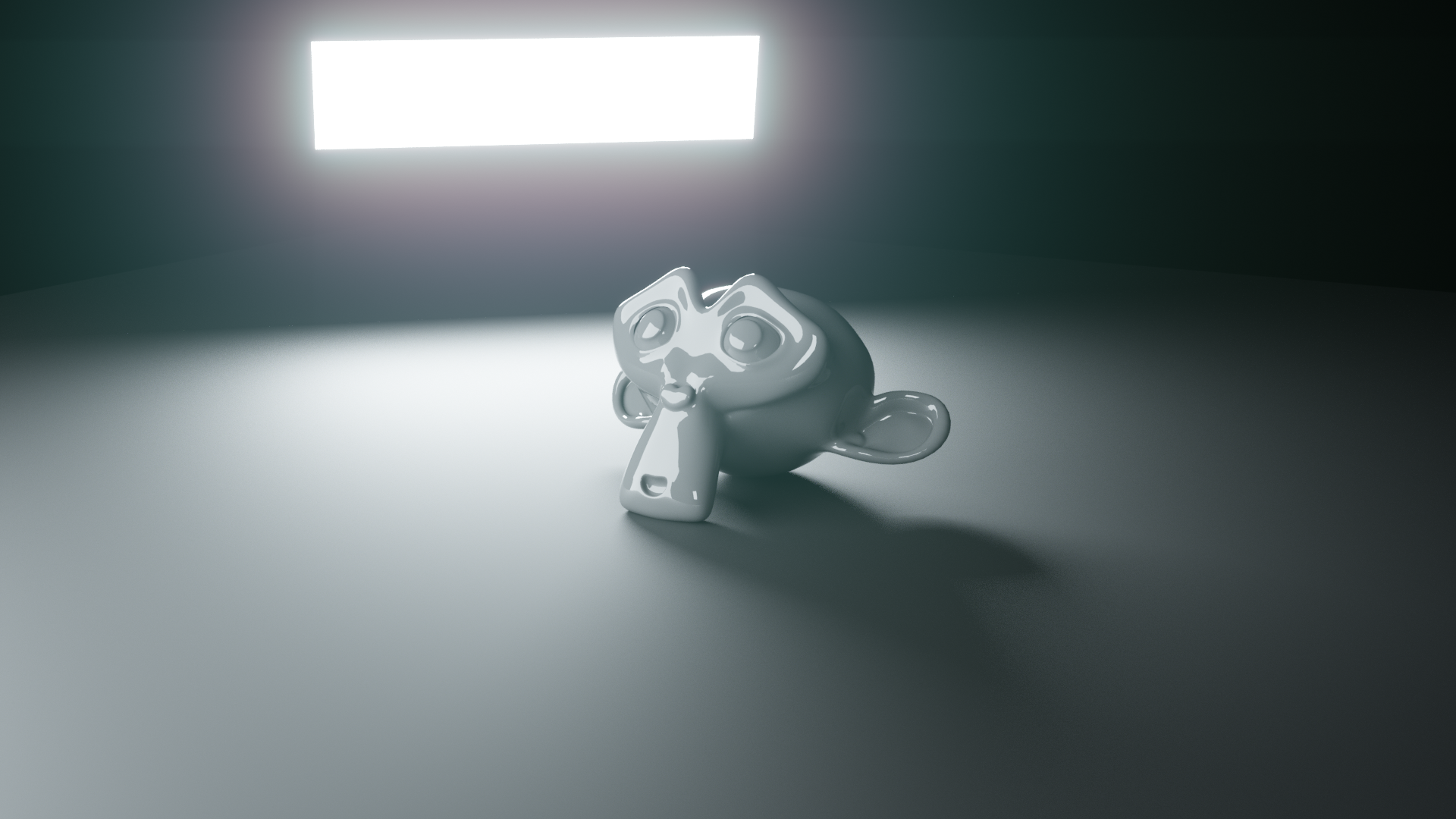
Compare this to renders, one made with Cycles and the Compositor Bloom and the other with Octane (lighting changes a bit, but the important part is the post-processing effects: Octane: imgur.com/1NobOlu Cycles and Compositor Bloom: imgur.com/QNXe5Be
The falloff is obvious, and other thing I had to add manually on the Compositor Bloom is the light refraction (or chromatic aberration). Octane does the bloom and glare effect automatically (with 4 or 5 slides to customize it) while with blender I had to make all of this imgur.com/vCRi0Bm And the chromatic aberration isn't good either, the color shift happens in all directions but with this setup it is directional.
So, what can be done to solve this? Blender compositor needs to new nodes: Bloom (which recreates a fog like effect) and glare (a modded version of the Glare>Streaks node) but with some controllers on both: Fallout (like the fade slider in the Glare>Streaks node but more customizable, maybe even with a curve), a better size not so constrained (today max values only reach Size: 9), light dispersion or chromatic aberration (only on the effect and in all directions), threshold and mix (like already have).
11 Comments
To be fair, this isn't a Cycles thing, as you've described it. It's a compositor thing.
* @Jason van Gumster * yes, and also: i never got a glare as bad as the one in your example! can you share the scene?
* @ Lsscpp * Yes, I deleted (didn't even save) the project used on the example but I recreated it (the compositor as I did). we.tl/t-3NfLBRYARe
If I didn't use a proper node setup for this effect please tell me what I did wrong to improve.
* @Jason van Gumster * You're right, but usually in Eevee you can use the Bloom effect ont the render tab so the issue is present when using Cycles.
* @mgonzalezobenza * My point is that this isn't a specific to Cycles. You can use any of the Compositor nodes regardless of the render engine you're choosing. There's a difference between improving a node in the Compositor and adding a bloom feature directly to Cycles. You need to be more specific in what you're proposing.
* @Jason van Gumster * I changed It to reflect that.
In case you want to play with a different route to get some of these effects - you can use a piece of glass in front of the camera in the scene with something like Realistic Glass:
blendermarket.com/products/realistic-glass-shader
(or your own shader with Diffraction)
You still have to play with compositing to get glow effects but at the very least you can access some beautiful abberations with a lot of creative control.
* @walkerzavareei * But the difraction only happens on the glow (not so obvious in the objects), and I would like to be able to change the effect without the need to render the scene again.
Agreed, default glare could be better, most of the time I use the one in AE.
The composer still needs same beautiful and high-quality Bloom effect like in EEVEE. The glare filter is significantly behind.
Also as you see the Octane area light gives a much much smoother falloff.