
Better glow
I once noticed this and now it drives me crazy. The glare node doesn't render glow in a photorealistic way. This is all rendered in AGX but one frame is composited using Blender's glare node, the other uses deep glow in After Effects.
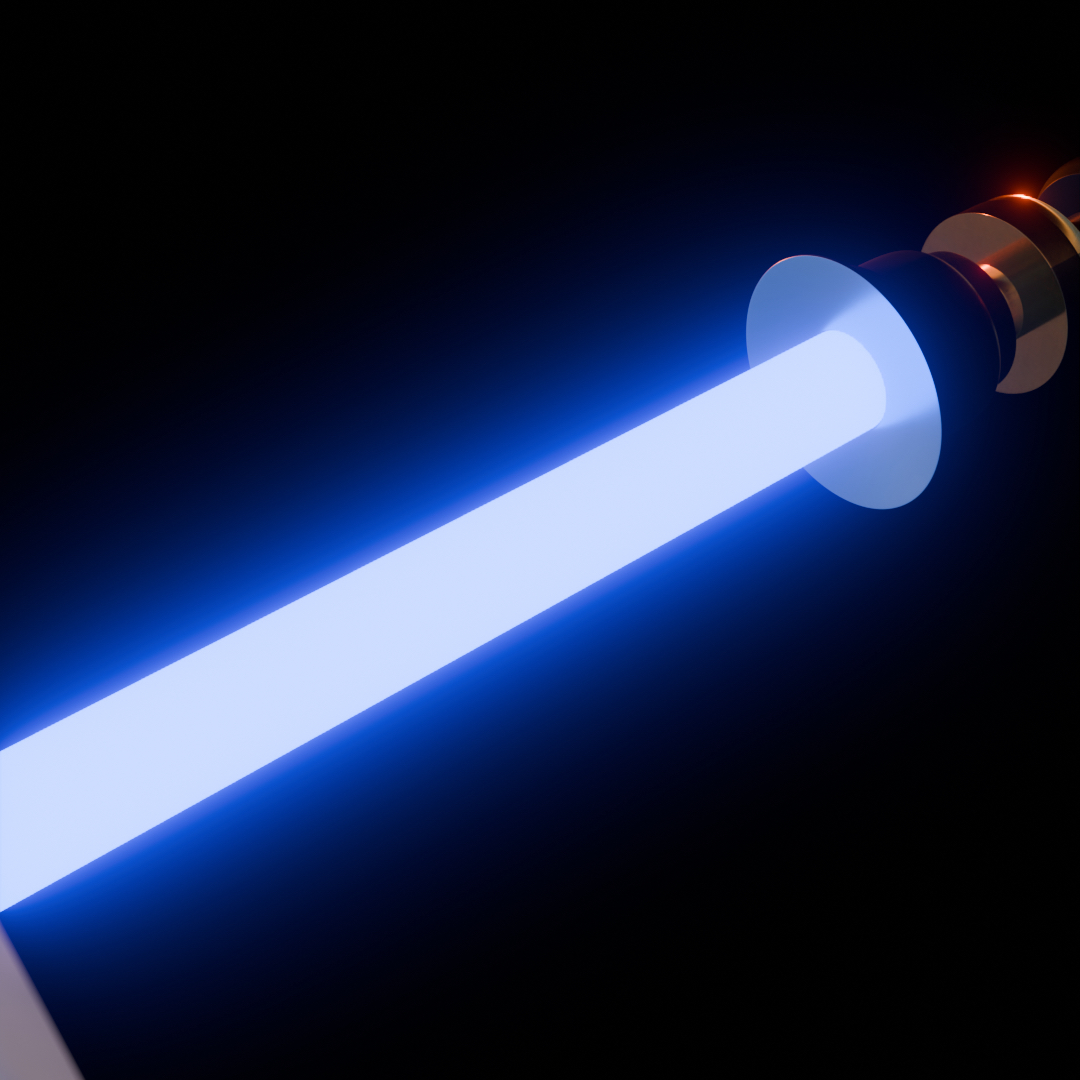
Blender's glow impacts how the brightest part of the glow is displayed, looking way too red when compared to its surrounding glow, a small intense glow should touch the emitter but in blender's version it is way too big, resulting in an unnatural white soft blur, when it should be way more intense. you can see a close up for comparison.
the glow is also way over saturated, you can easily see it in the highlights of the reflection in the right corner.
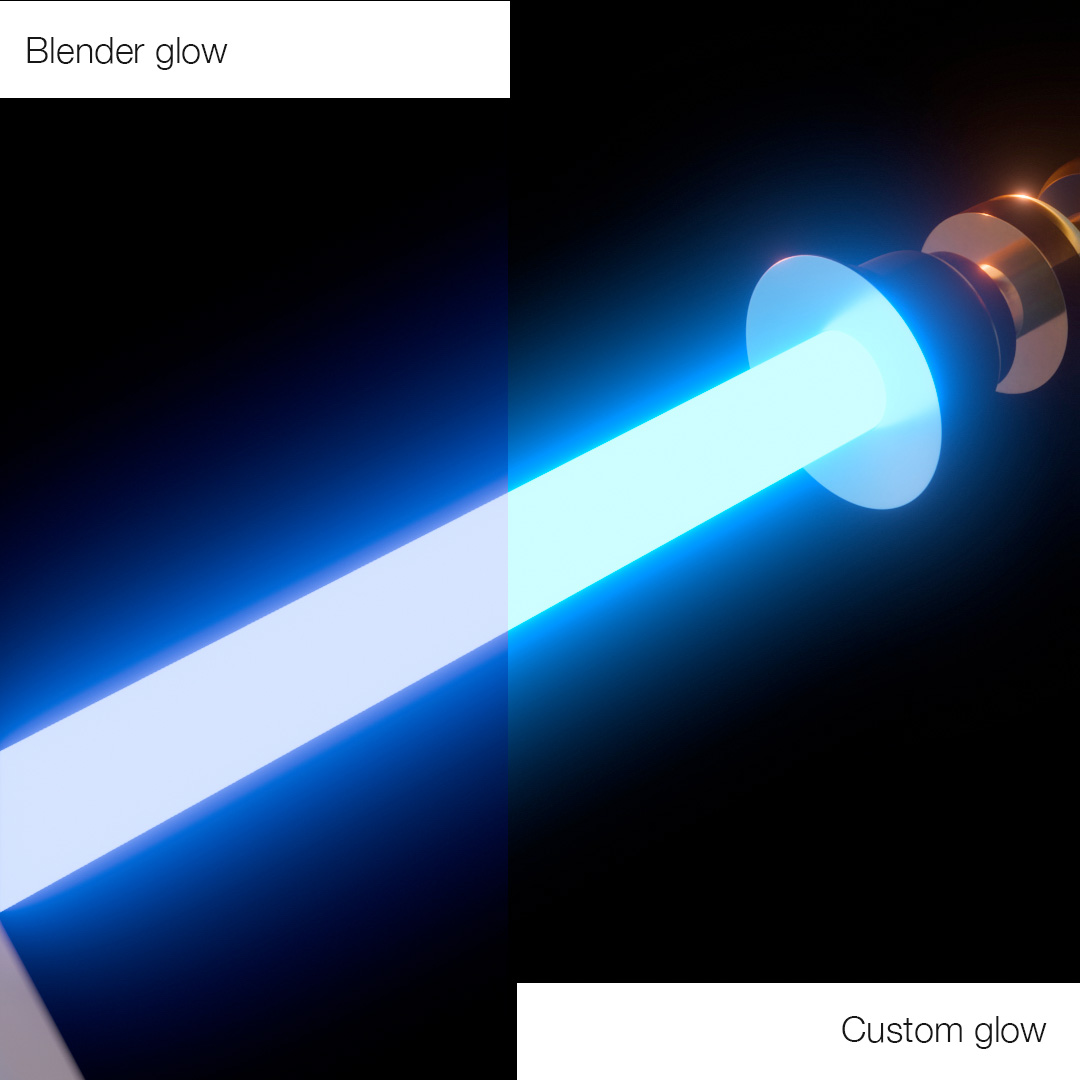

Custom Glow ↓
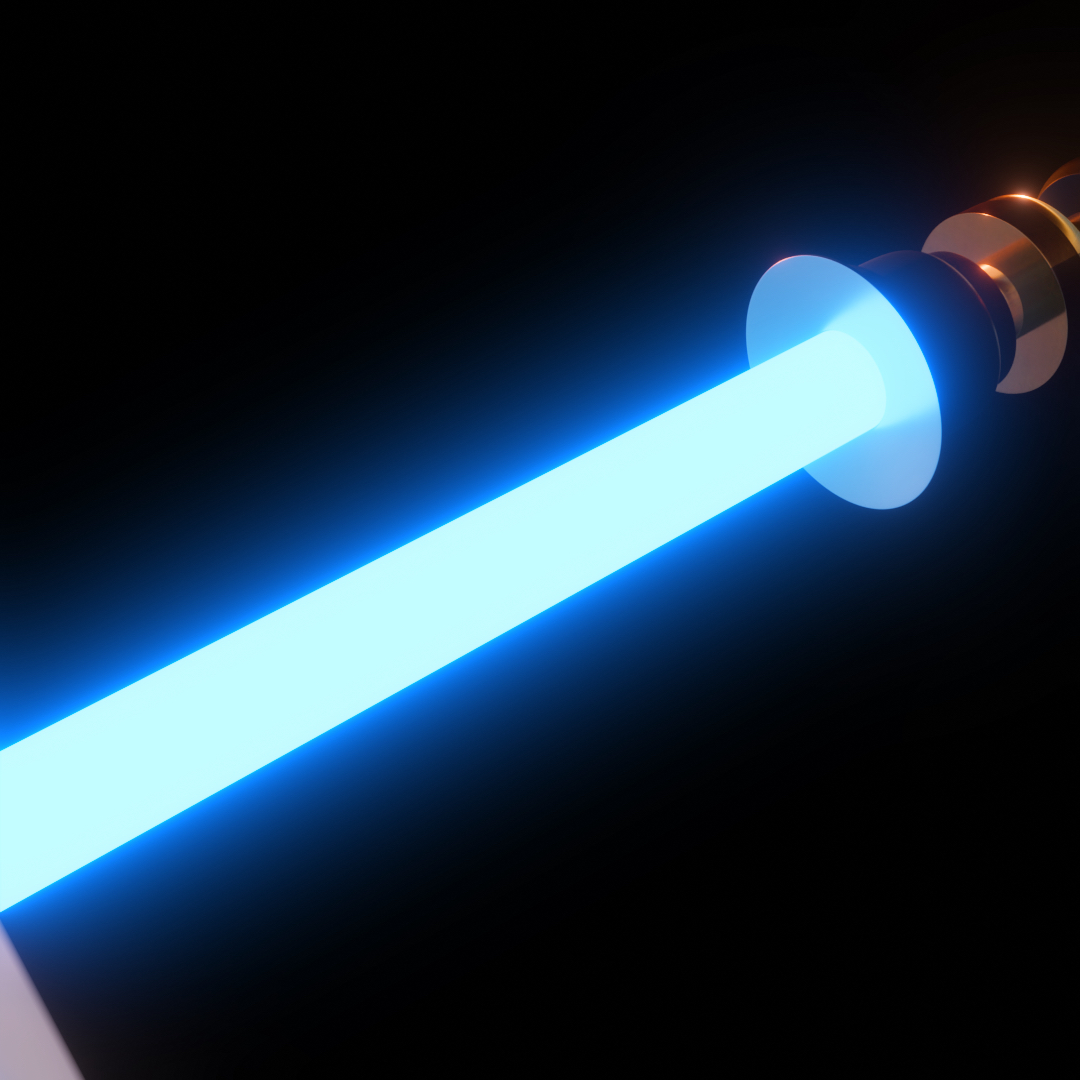
Blender Glow ↓
3 Comments
Seems like a critique of agx more than the glow node itsellf. They are nearly identical except the size (which is a parameter). It's the agx view transform that affects the way bright colors are displayed. Agx was made specifically to not behave that way (no colorshift, higher dynamic range). Try using Filmic.
Blender's glare node always sucked, even more with filmic. I know I might be asking for a lot here but look at videovillage's "Scatter" plugin, or maxlab's "Deep Glow" plugin.
Do you think you could ever do anything close to that directly inside blender? My answer is no and I don't love it
I did try and I got much closer in blender doing it inside of display space, doing the glow in linear, and blending on screen. The results are very close to what you show.
The descriptions of how the colors aren't how you like is about how colors are processed describe the way linear scene-referred color management works.