
Asset Browser - Pin Badge or Icon
To have an optional Icon overlay you could turn off and on in the asset browser to help organise assets and boost productivity.
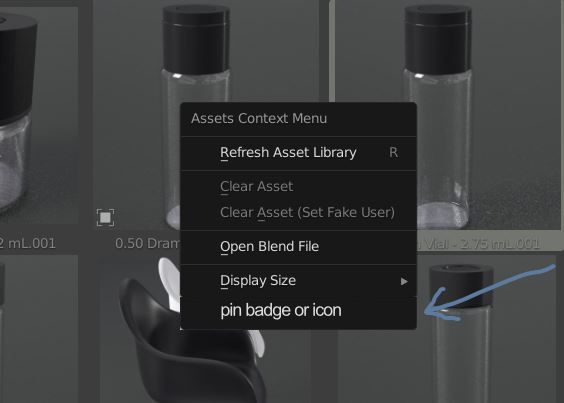
Right clicking an asset, there would be a new option of " Pin Badge or Icon"
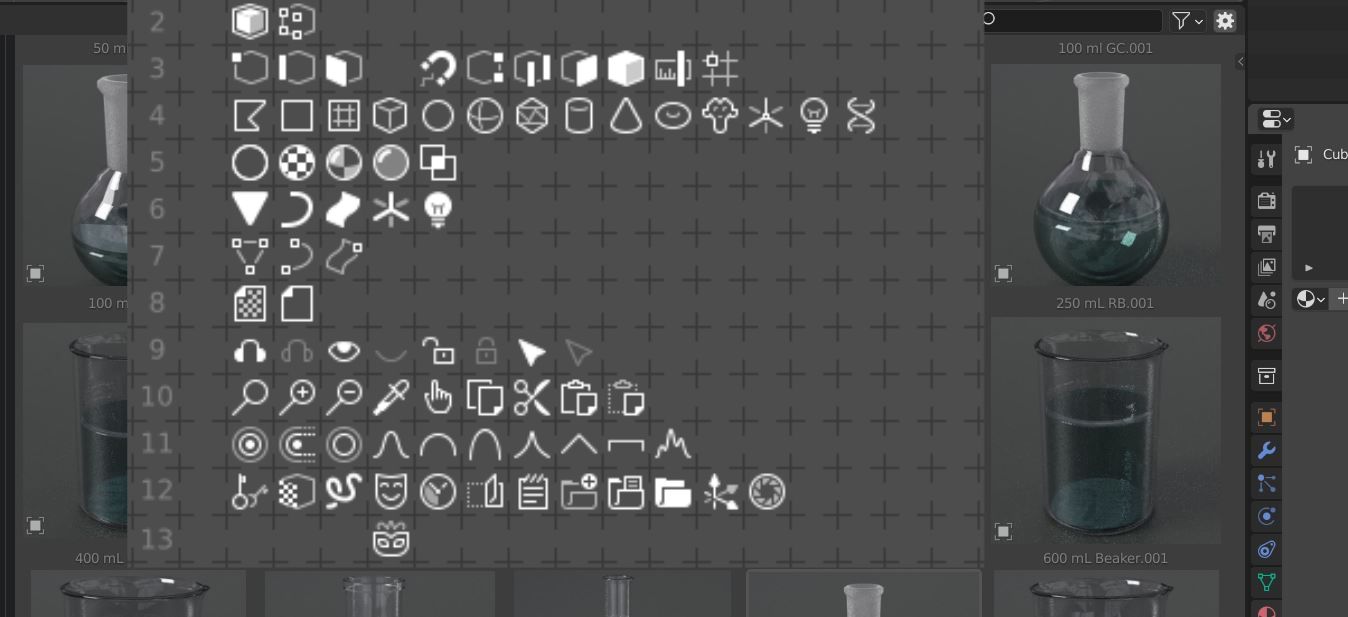
Then there would be a popup menu of icons and badges to choose from.
The icon or badge would be placed on the top right of an individual asset and could always be turned off or on as an overlay. Here are three examples of how that could look.
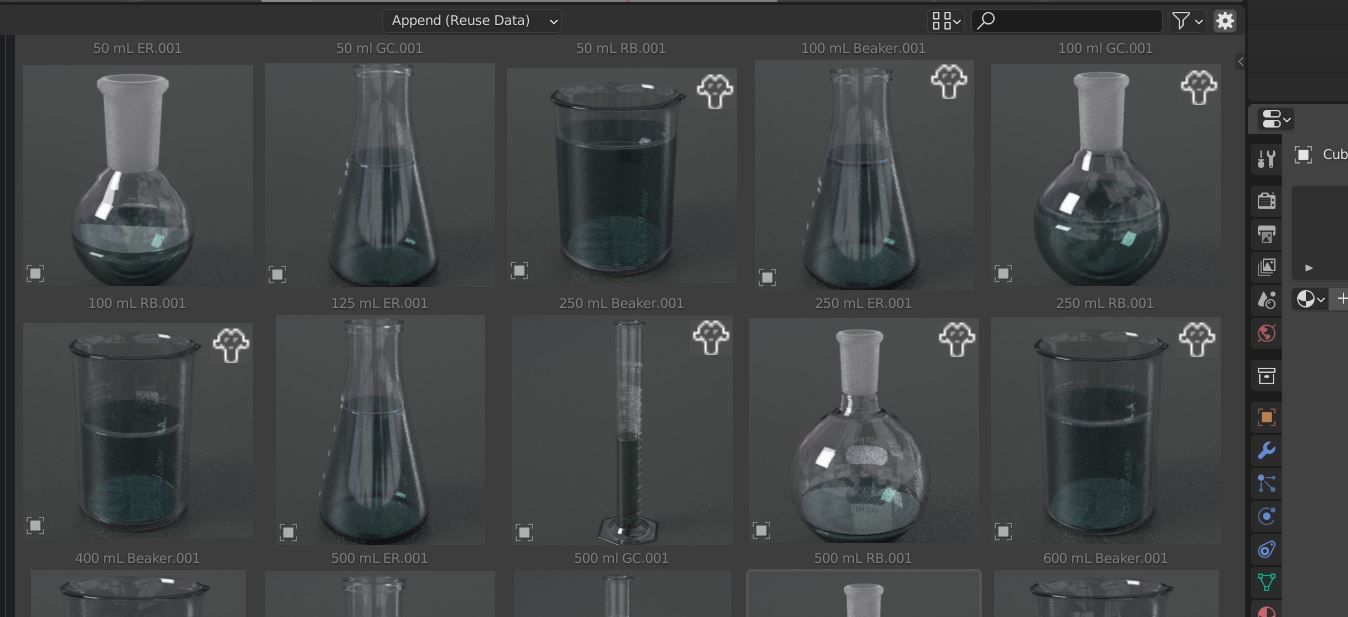
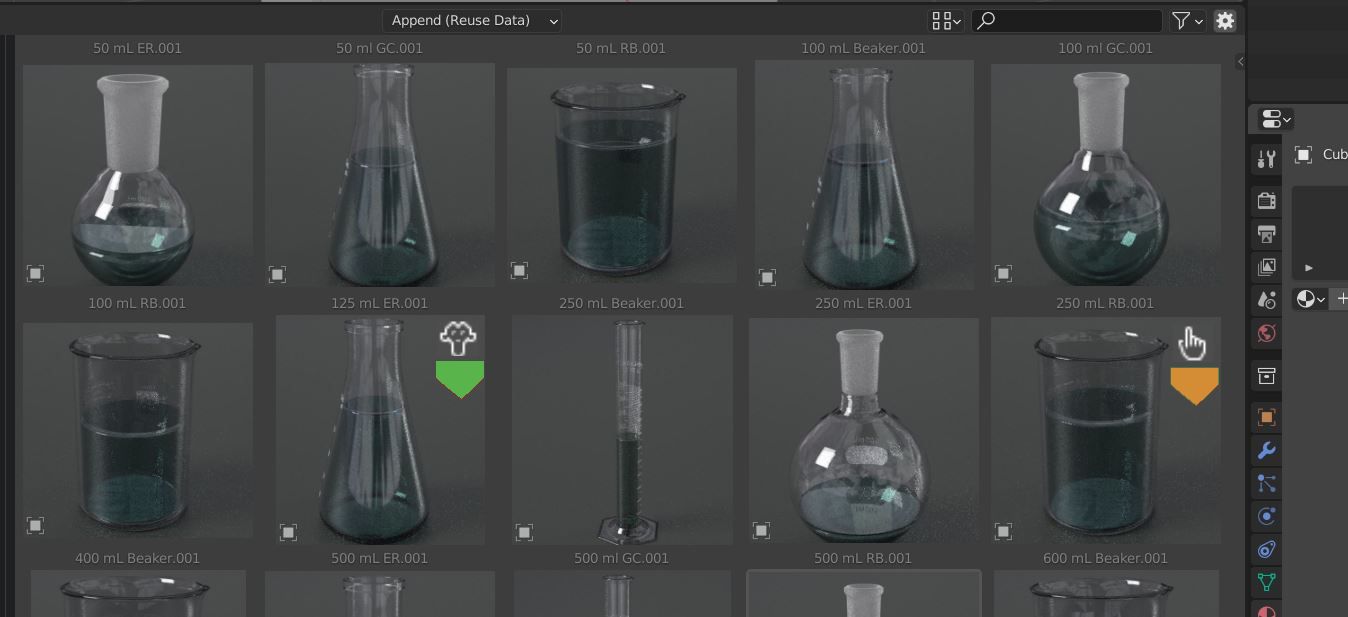
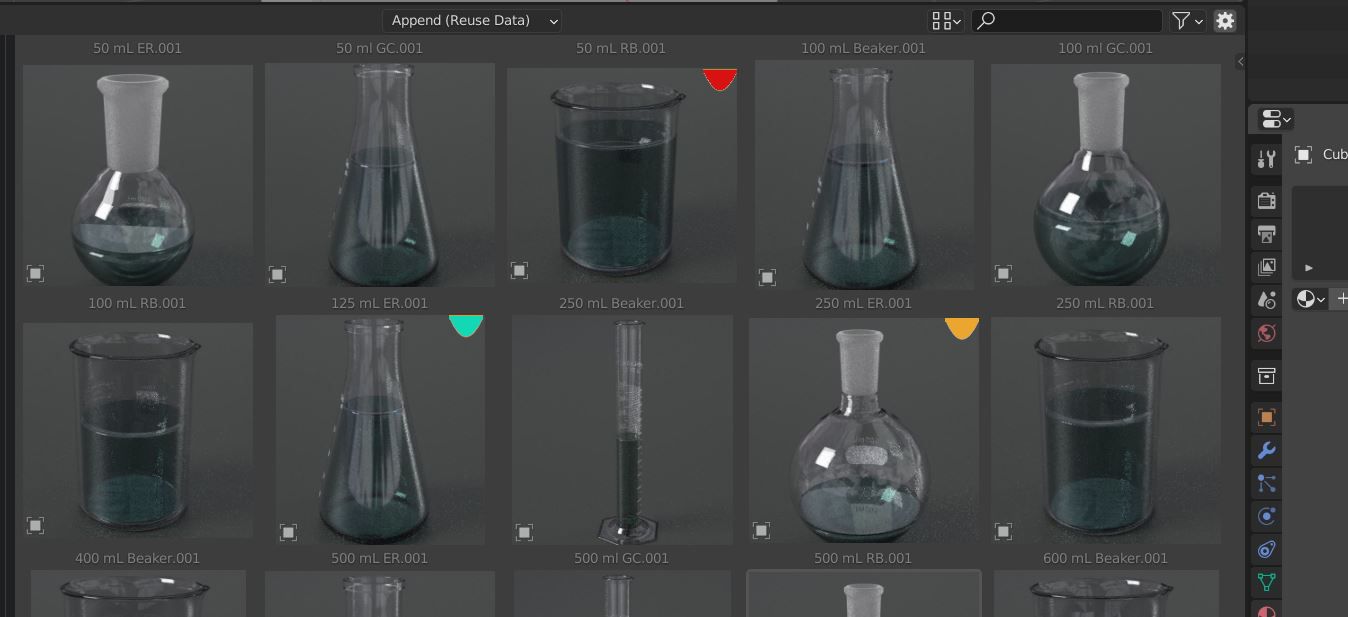
I would be happy with any other design such as a coloured dot or other basic shapes. The general problem is more assets you have, the more you need to be able to spot the ones to fix and an overlay can help with this. I am aware of the initial asset browser design had a rating system that might be implemented in the future, but some colour /Icons would also be nice to have as well.
3 Comments
I think there is already a solution for this, which is called “Tags” found in the N Panel. Just add a tag w.i.p. or something like that and then you can easily filter
yes I already use tags a lot. I like to tag thing #1 -#5 for ratings or "fix" etc for stuff that need fixing. However having a visual indication without filtering was my idea... say you had an icon of a stopwatch for any asset that is animated, a caution icon for million poly objects, a rotating arrow icon for something that rotates in a certain direction... its helpful without having to type or filter stuff. But yes tags will cover most of this..
So, let me reframe it, You are asking for Visual Tags which currently is limited to star icon only. I am sure this can be done by a custum addon whcih renders ur thumbnail with overlay icon of ur choice but as Feature Request it is more personal rathe than for the masses. A quick Hack you can do is Take screenshot of ur asset and add icon/text etc on it and use it as a thumbnail. I use SniPaste app for that.