
Snap to cursor, but with orientation
When snapping an element using Shift+S There should be an option to enable the rotation of the 3D cursor.
Image of proposal : i.imgur.com/xiU99aL.png i.imgur.com/cfahkgj.png
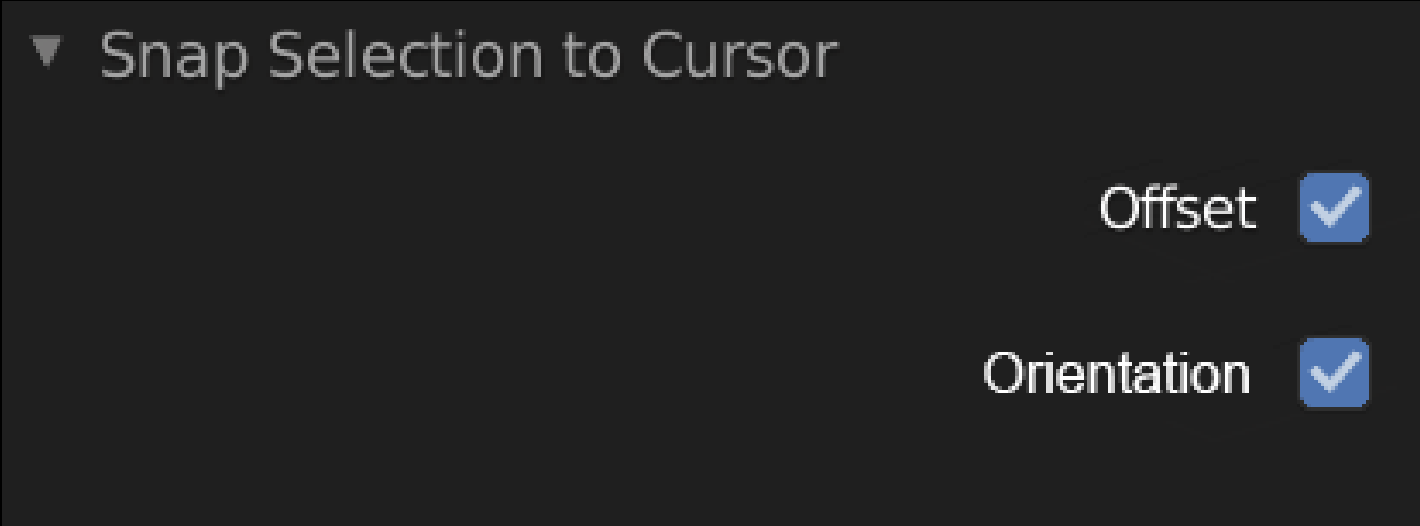
When snapping an element using Shift+S There should be an option to enable the rotation of the 3D cursor.
Image of proposal : i.imgur.com/xiU99aL.png i.imgur.com/cfahkgj.png
4 Comments
In the Cursor tool's options, you can set the Orientation to 'Geometry'.
It would make sense for the Shift-S Snap menu to respect this setting.
At the moment, to snap the cursor to the center of a face, aligned, you have to:
It would be a lot easier if that only required step 1.
Please remove New Object from this as it's already implemented.
* @ammusionist * Done, i did not found the option the first time with create new objet, it was in the dropdown menu.
* @yoann softyoda * It's also in the Editing Settings to set as a default if you want it :-)