
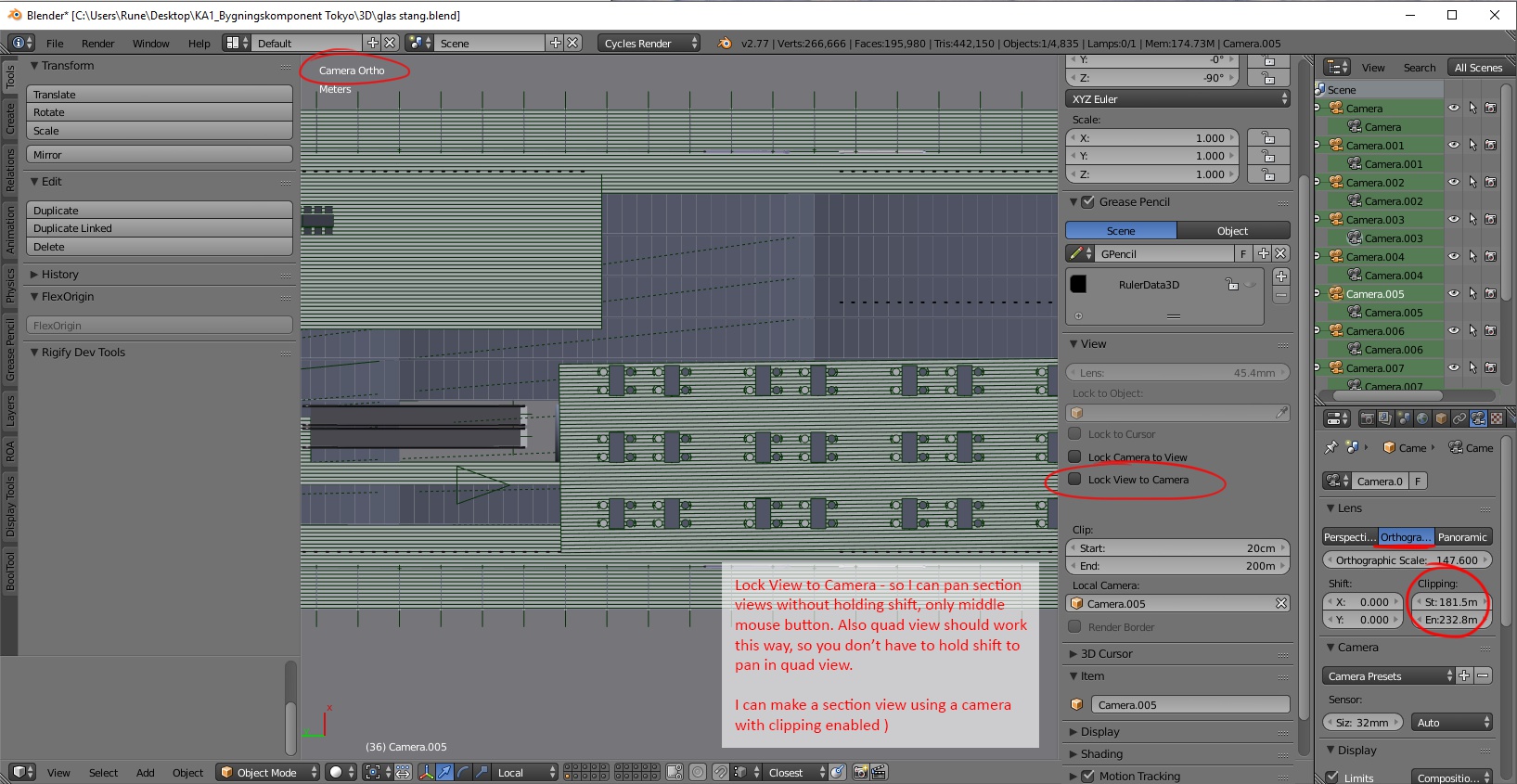
Lock View to camera
Lock View to Camera - so I can pan section views without holding shift, only middle mouse button. Also quad view should work this way, so you don’t have to hold shift to pan in quad view.
( I can make a section view using a camera with clipping enabled )
4 Comments
The holding <kbd>Shift</kbd> thing is a hotkey customization thing that I'm sure you can figure out on your own. As for locking any arbitrary 3D View to prevent rotation, that's easily done as a simple add-on with a few lines of code. In fact, I already wrote it .
Nice little script! But it would be even better if the script could modify the keyboard shortcuts so when 'Lock View to Camera' is ticked, we could pan with mmb, and when we unticked, it would go back to normal. But I guess we cannot change shortcuts with python.
Sure you can change shortcuts with Python. That's how add-ons get their own hotkeys. I never added that because it wasn't was originally asked for when I wrote it a few months back. Also, my personal preference is to keep navigation consistent. I personally don't want navigation to arbitrarily change based on a special mode.
I have tried to write the keyboard shortcut middle mouse only, to pan the view into the script, but I am no coder, and I cannot get it to work. Here is how far I got: dl.dropboxusercontent.com/u/4126254/lock%26pan.py