
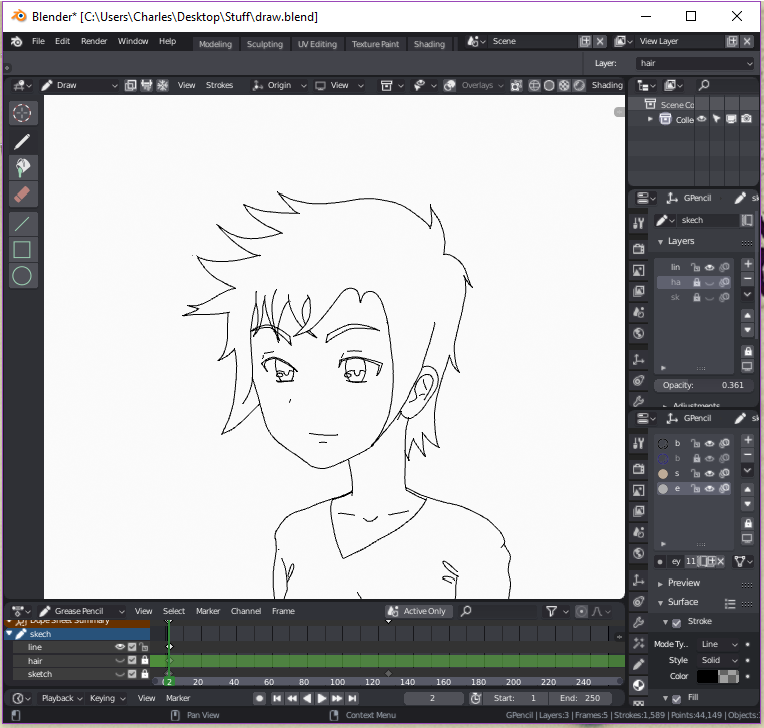
Some Grease Pencil suggestions to create a vector style workflow and some extra ideas.
Grease Pencil edit mode ideas:
*Add vertice option with control click like in the object edit mode;
*Extrude option for vertices of grease pencil like in the object edit mode; (During extrusion of grease pencil vertices, mousescroll changes thickness of the line)
*Join vertices in grease pencil edit mode with Alt M, or create a line between them with F key ;
*During edit mode the smooth modifier continuing visible, like the subdivision surface did (maybe it is just me but when a enter in edit mode for grease pencil the smooth modifier doesn't show);
*Fill the drawings with the old create face option. For exemplo, select a circle of vertices and prece F and it creates a face to fill the area;
With this options would be possible to draw with grease pencil in a vector-like style. And it seens to be possible since grease pencil draws and works with vertices as regular objects.
Also an extra idea that could help those people who draw with tablets, is the option to roll the screen when in CAMERA view like when you press Shift Numpad 6.
2 Comments
This is really multiple ideas. It would be best to separate them into individual proposals so they can be tracked, addressed, and discussed on their own.
@Jason van Gumster: okay. thank you. I'll do that. :)