
Sculpt brush depth limit (addition and subtraction)
Hello guys I would like to propose a feature that would allow the user to set a brush depth limit while sculpting. This includes both the add and subtract function of a specific brush.
This will give the user an option to sculpt in a more consistent manner. The settings can be adjusted by using data based on pixels or other unit systems.
Note: The following image mockups are presented in a side view orientation to explain the feature much clearer.
1.) Subtract sculpt mode: The user can only subtract a mesh up to the level where the limit is set
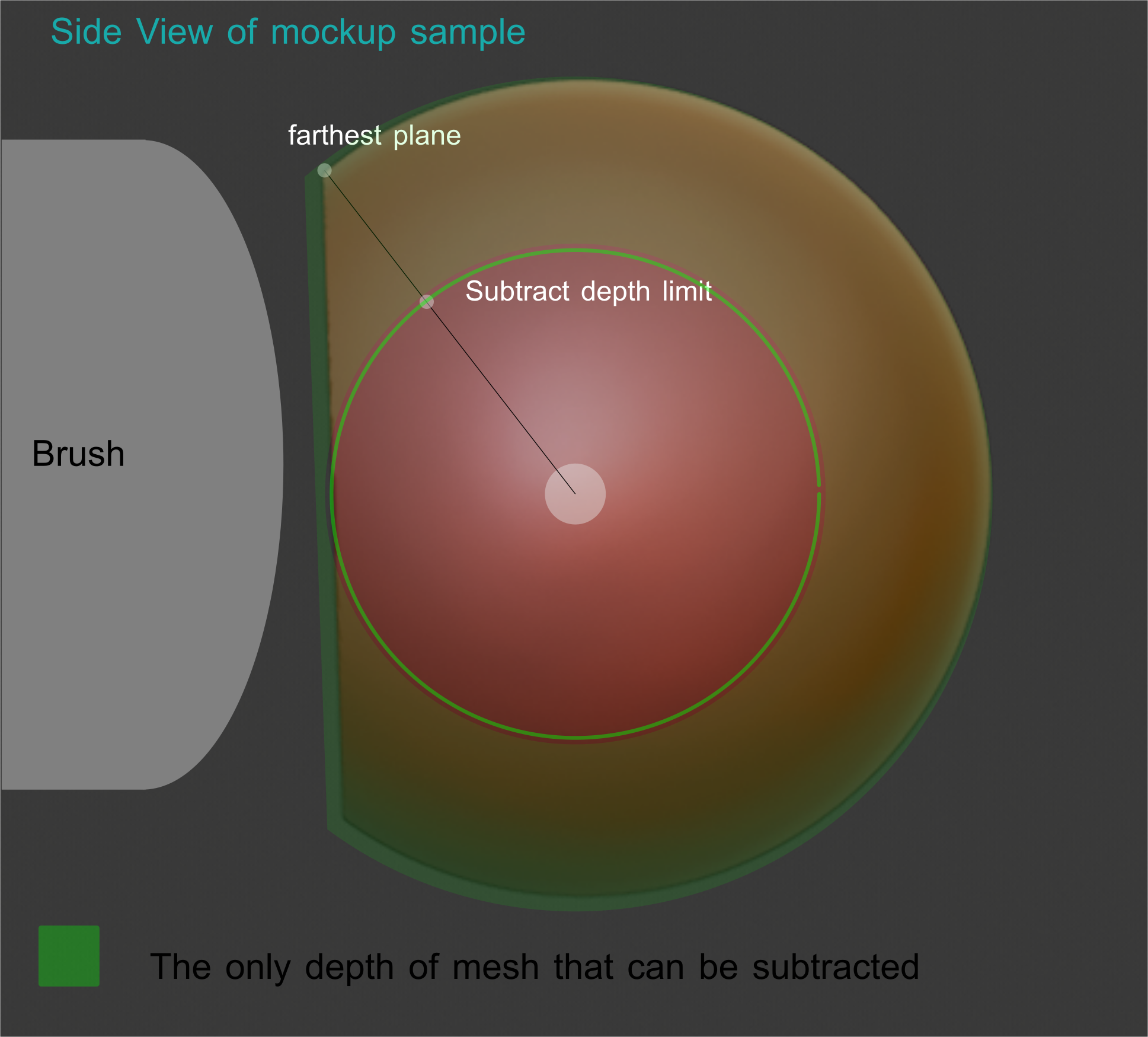
2.) Add sculpt mode : SImilar to the subtract mode but the depth limit is set on to the oposite direction which is outwards.
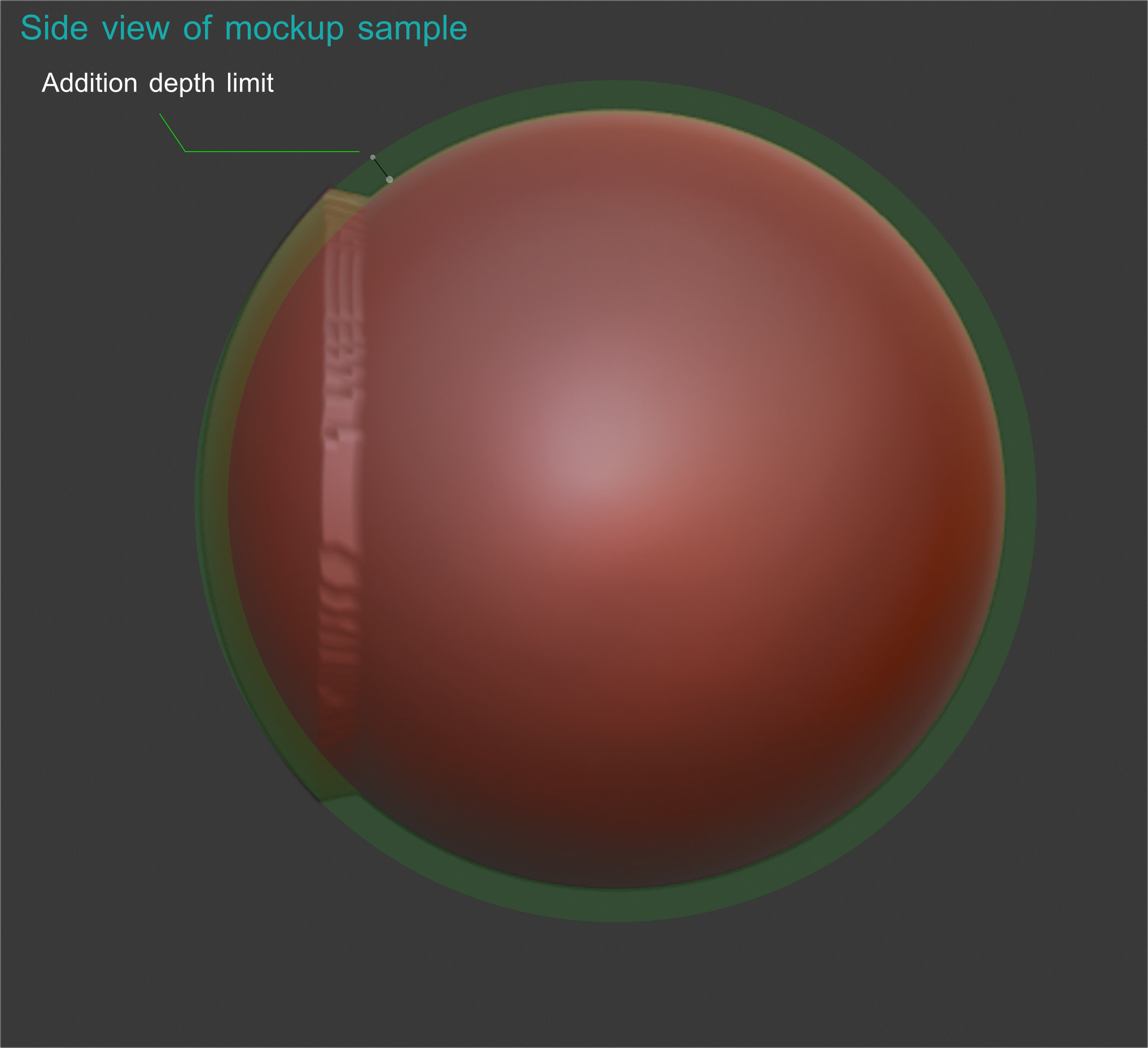 \
\
\
3.) Lastly it would also be nice to use both of them at the same time.
\
\
\
\
\
// Additional Request
\
\
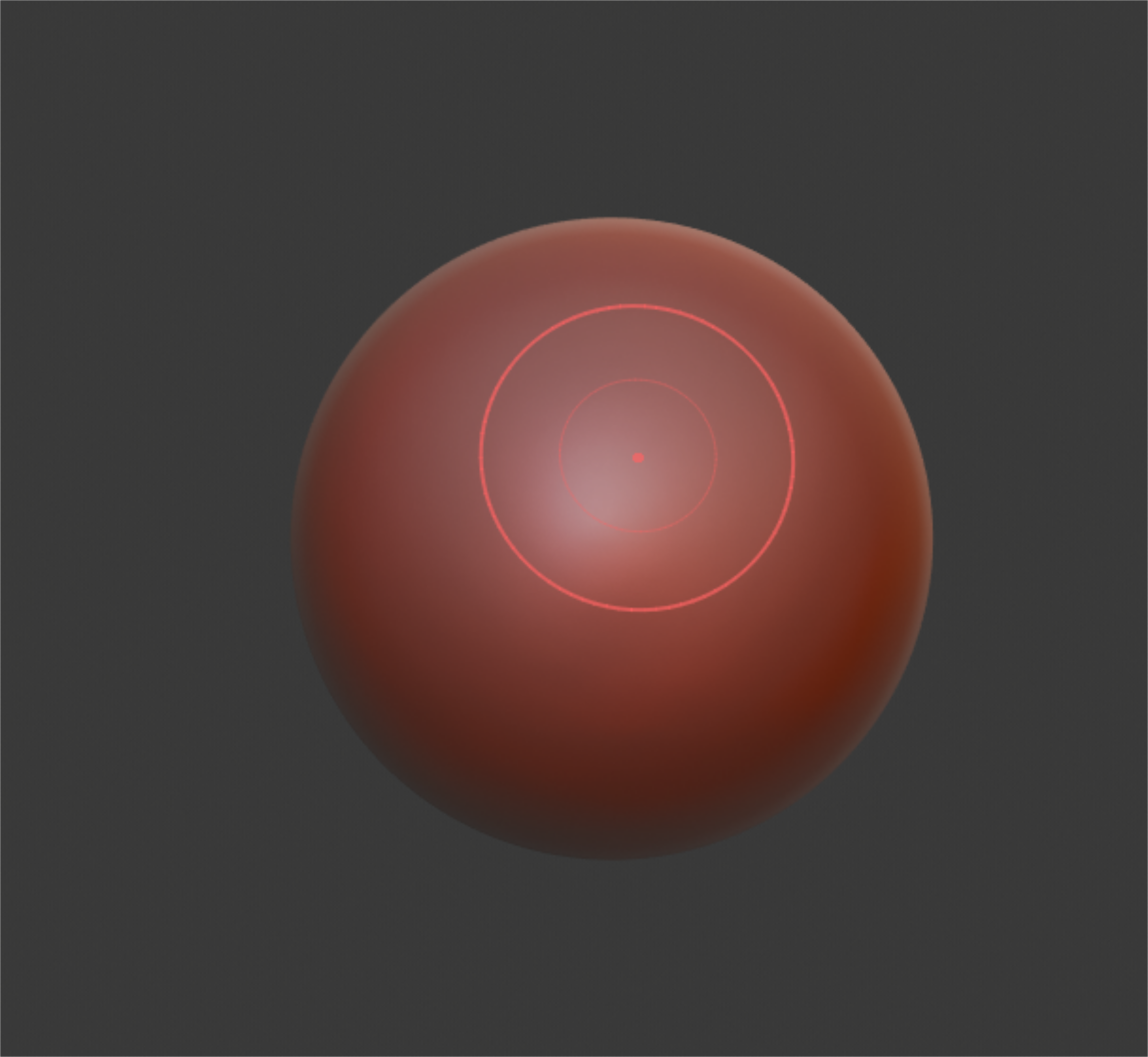
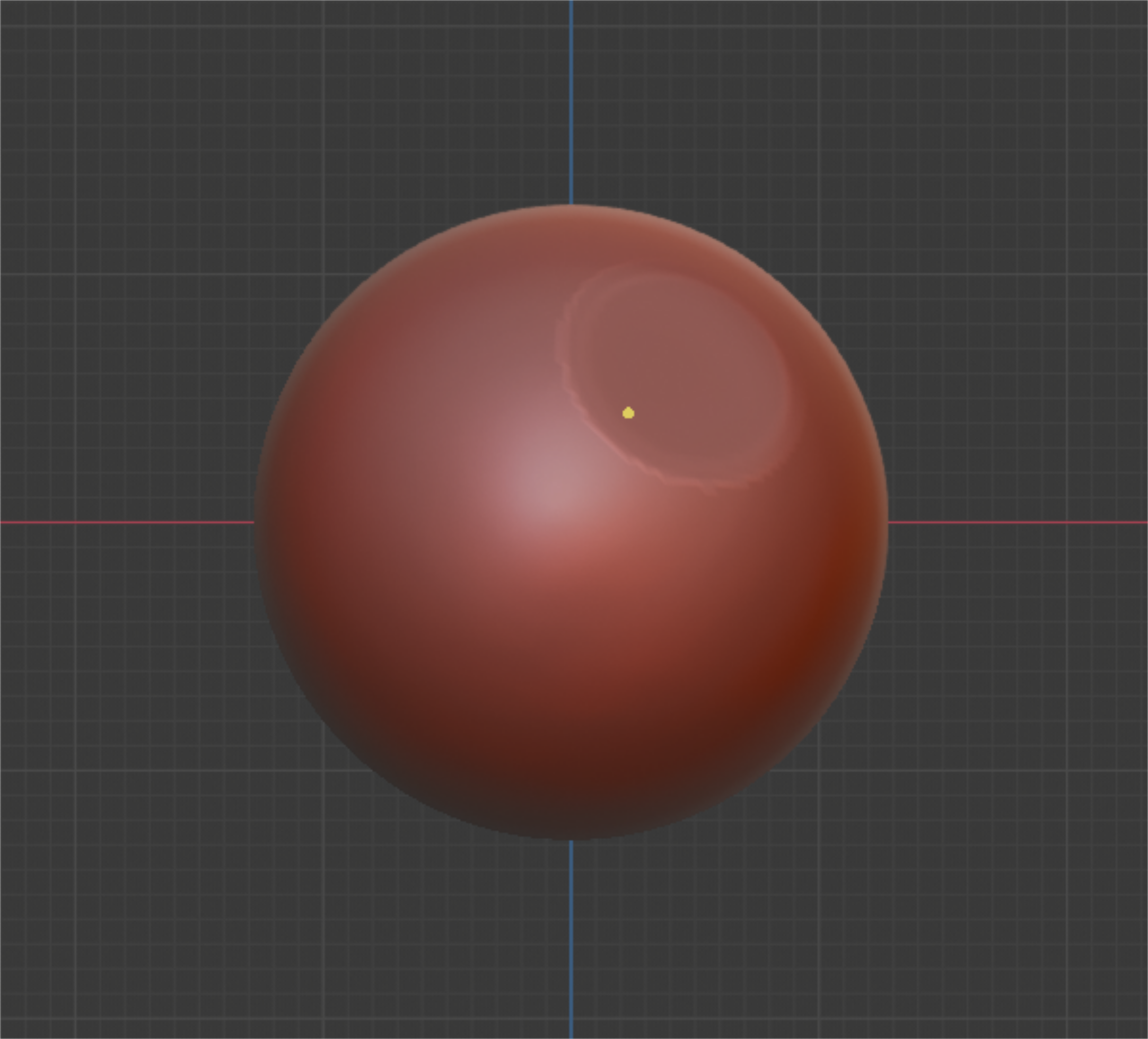
On a related topic I would also like to insert this matter regarding the brush alpha in the current blender 2.81 build. Originally you can see the brush alpha while sculpting but in the new blender 2.81 update I am not sure if that is still possible.
\
\
\
3.) Lastly it would also be nice to use both of them at the same time.
\
\
\
\
\
// Additional Request
\
\
On a related topic I would also like to insert this matter regarding the brush alpha in the current blender 2.81 build. Originally you can see the brush alpha while sculpting but in the new blender 2.81 update I am not sure if that is still possible.
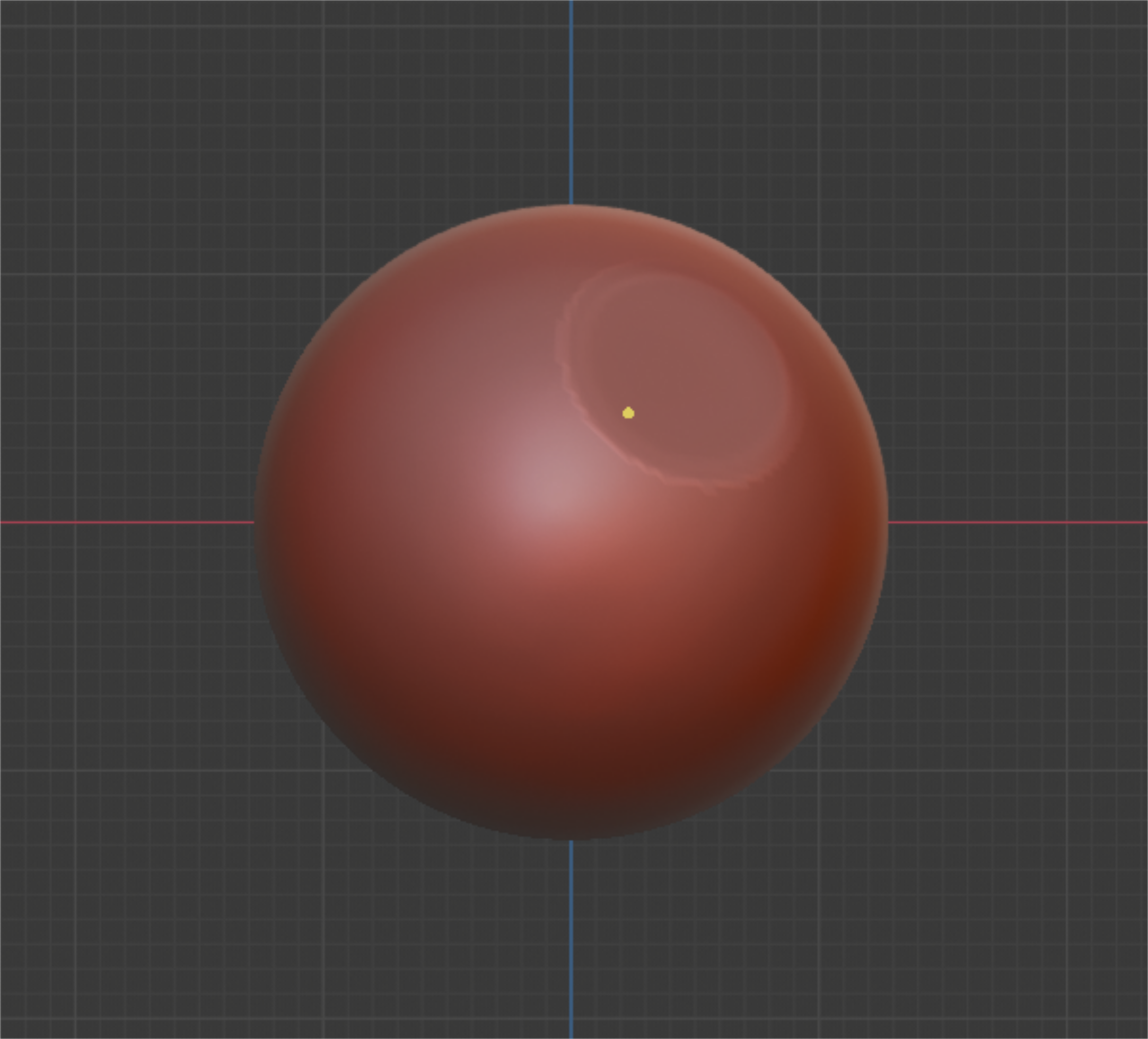
When you press the mouse to create your sculpt the only thing left would be a small dot which can also be nice when a user prefers to see the sculpt more clearly but In my own preference this would make it harder to monitor how your brush stroke will turn out and also it will be harder to control where you would place the alpha when your sculpting with only a single dot guiding you.
Thanks.
9 Comments
New layer brush will act like this.
I see people commenting layer brush has or acts like this. But isn't handy if this was a global function, meaning brushes which can improve by this would benefit. Say for instancing masking. If you could influence the depth limit you could very easy masking out raised parts instead of turning painting, turning paint etc etc Same like what Zbrush has for depth youtu.be/UthCuDB1IEQ
I think its like the Height setting in the layer brush.. If that could be used by other brushes, i guess that is quite useful for more defined control
so basically, the layer brush in zbrush
* @testure * Blender has layer brush but has different purposes? I am slightly new to sculpting.
Yes!! I always wondered if this could be possible. You almost never know how far deep you're going with a brush until you move the model. This could be very useful.
* @GabrielMoro * That was also one of the reasons that I proposed this feature. This may be a potential addition that would open up some greater possibilities for some other sculpting tools. I can also see this being useful in complex hard surface modelling that may require some slight precisions and consitency.
* @johnpdelacruz26 * I believe this could be extremely useful. Carving consistent stuff like wrinkles could also benefit from this.
If the depth limit is hit what would happen? Would the brush subtract parts that aren't hit or just not do anything?
There is no 3d cursor in sculpt mode so how would the the origin from were the limit is calculated from. Maybe you could use a mask to calculate what to set the limit to, take the mask and "extrude it into 3d" exclude not just the surface but what is behind.
* @Eitan * If I am not wrong, I believe the sculpting would be established by each of the mesh's individual normals. On the other hand, each normal's origin would be the center of the object itself.