
Project on to surfaces belonging to different objects in a specified direction
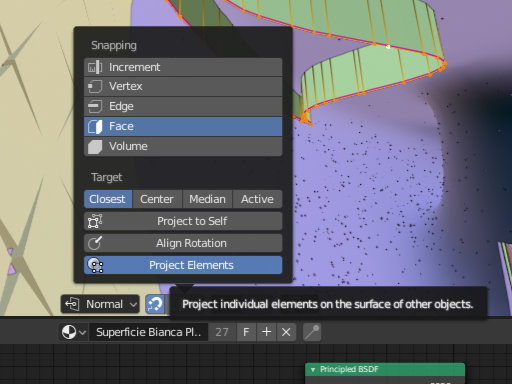
I often needed the ability to project vertices on to the nearest surfaces in a specified direction and not in respect to the view. I know this is possible through the shrink wrap modifier, but let's assume I have to project one object's vertices on to surfaces belonging to different objects.
One example: Let's assume having 2 quads one close to the other whose normals are parallel to the z direction and another quad under the first two which is randomly oriented. Now, I want to project the third quad's vertices on to the other two's faces along the z direction, but, when projected, 2 of the verts land on the first quand and the other two land on the second one.
At the moment to do so I would either have to look from the bottom and activate projection and it would only work if I don't have anything hiding the interested objects or have to set two shrink modifiers up with two different vertex groups forcing me to priorly know where each vertex will land after projection.
I hope someone will get what I mean and I hope Blender will improve things like this, instead of focusing too much on the UI only which is getting very cool anyway along with Eevee and other new features.
3 Comments
Yeah, I have to rely on an addon to make a one click shrink wrap
Create a single vertex or empty mesh and merge ground objects using boolean then project over this brand new object - hidden for render.
@stephen: Ok, there are some workarounds and all, but I think you can agree with me in that it gets a mess really fast when a lot of supporting objects are added to a scene full of stuff on its own.