
Save screen position and window size of Blender on Restore Down or Exit Full screen
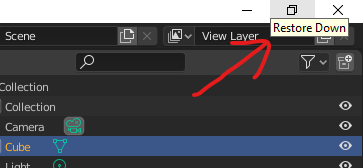
Most other desktop apps have a way of remembering the size of the window when you take it off full screen. For Blender, the restore down (Windows) or Exit full screen (macOS) sets it to a size just slightly smaller than full screen which you then have to set every time you open Blender. On the other hand, apps like chrome will automatically use the last window size and place it in the last position you placed it in.
It would be convenient to have especially if you open and close Blender a lot (eg. when making assets).
1 Comment
Win8.1 Blender2.82.7 I've 3 monitors and have learned that the window position and size are affected by the video card drivers and how you plug in the monitors. I've 3 display cards so for years I plugged each monitor into there own card. I started to have stability issues with 2.82.7. With research I found the advice to plug 3 monitors into 1 card. This helped with the stability of blender but now when I wake from sleep the blender window reposition to the main monitor and I have to move them back to there respective monitors. No big woop just interesting. This is true with all my programs, palettes, and the window just doesn't stay in place. Blenders multimonitor/window was never good before 2.8x but now with "TABs". There can be a fight of who has control of the task if you have two UV windows open.