
Permanent tool setting
I'd like to see a button to keep tool settings permanent.
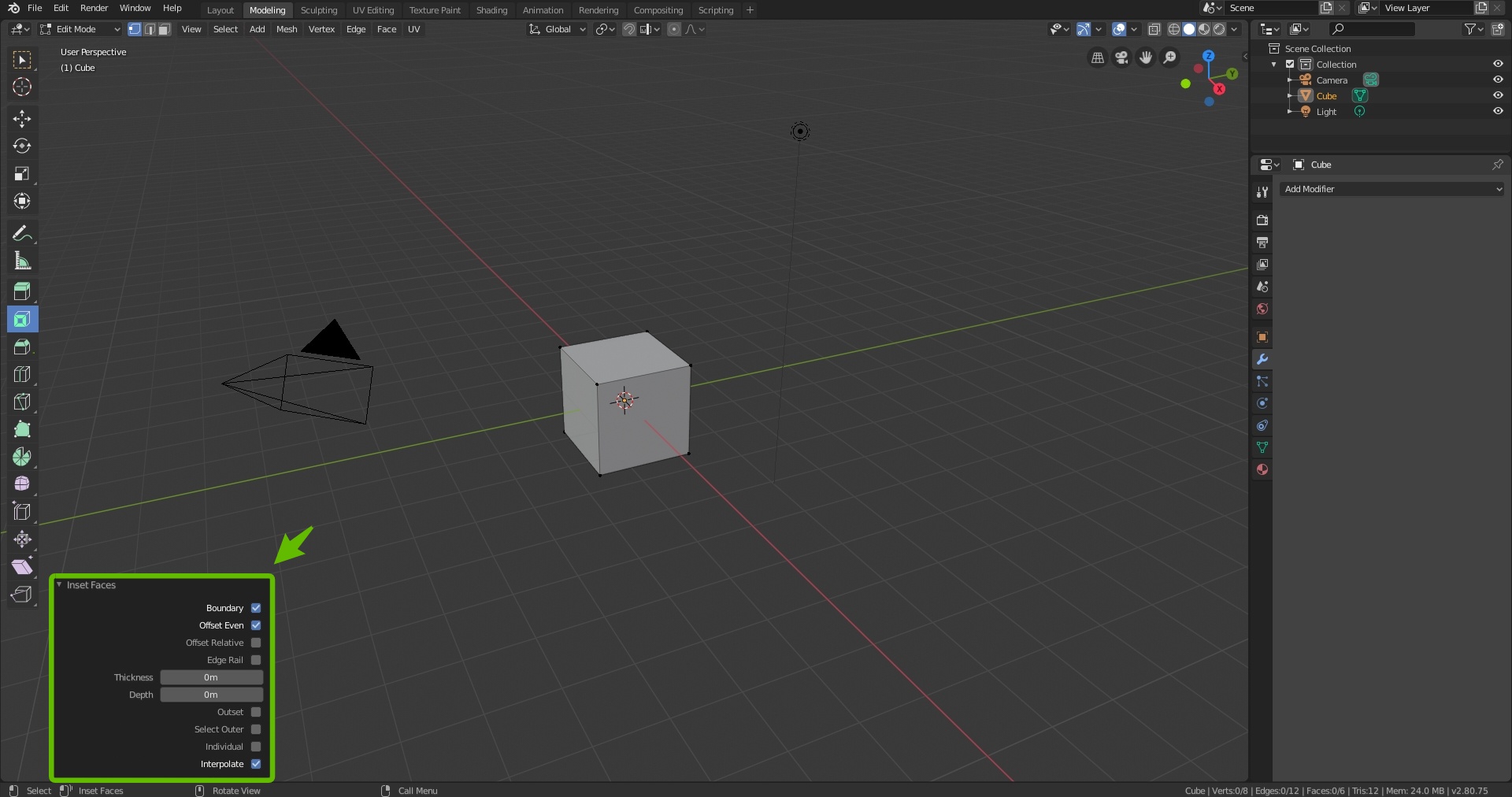
After I'm done using a modeling tool with a specific setting, that setting disappears as i was gonna keep using it. It could either be a pin button after you've pressed F9 or a lock button placed in the right panel or in the lower left tab after using the tool.
6 Comments
I like this idea. As a suggestion: other panels in Blender allow pinning. Adding a pin to this panel might solve it being kept open?
* @rwees * I like the suggestion. I dont think the box in the lower left corner disturbs the process of making an object and that it could be kept open if the person wishes so. Also that all panels, more or less, is given the pinning system.
How about double-click or middle-mouse-button on input fields to make them persistent (for this project). Also, clicking a check box 2 or 3 times could bring up a tool tip to tell the user how to toggle persistent-mode.
For global persistence (all projects) it could be accessed in a context menu (right-click).
While I like the UI as clean as possible, I'm sure users new to the feature will like to see the tool tip instruction.
This feature could also be implemented across most input fields throughout Blender.
* @LilacDogoo * Double click or middle mouse button works aswell. I was thinking of one way to toggle the pinning system. and when it comes to persistent mode. I think its a good idea for new people that's using blender for the first time.
For the global persistence. I think it could either be in the context menu or in the settings option.
Agreed with the idea that new users should be able to see the tool tip instruction.
and it would absolutely make blendeer much more easier if the pin feature would be implented in more fields.
also keep last settings for knife tool
* @Sergey Ivanov * One suggestion is that the settings you previously changed are kept so until you change them yourself. Or that there would be a setting to automatically return them as they were before or you have to manually turn the settings on and off.