
Better UV grid images by default
I came across this post recently: rizom-lab.com/creating-a-uv-grid-2/
It will walk you through creating custom UV grids, as well as offer you a few free downloads.
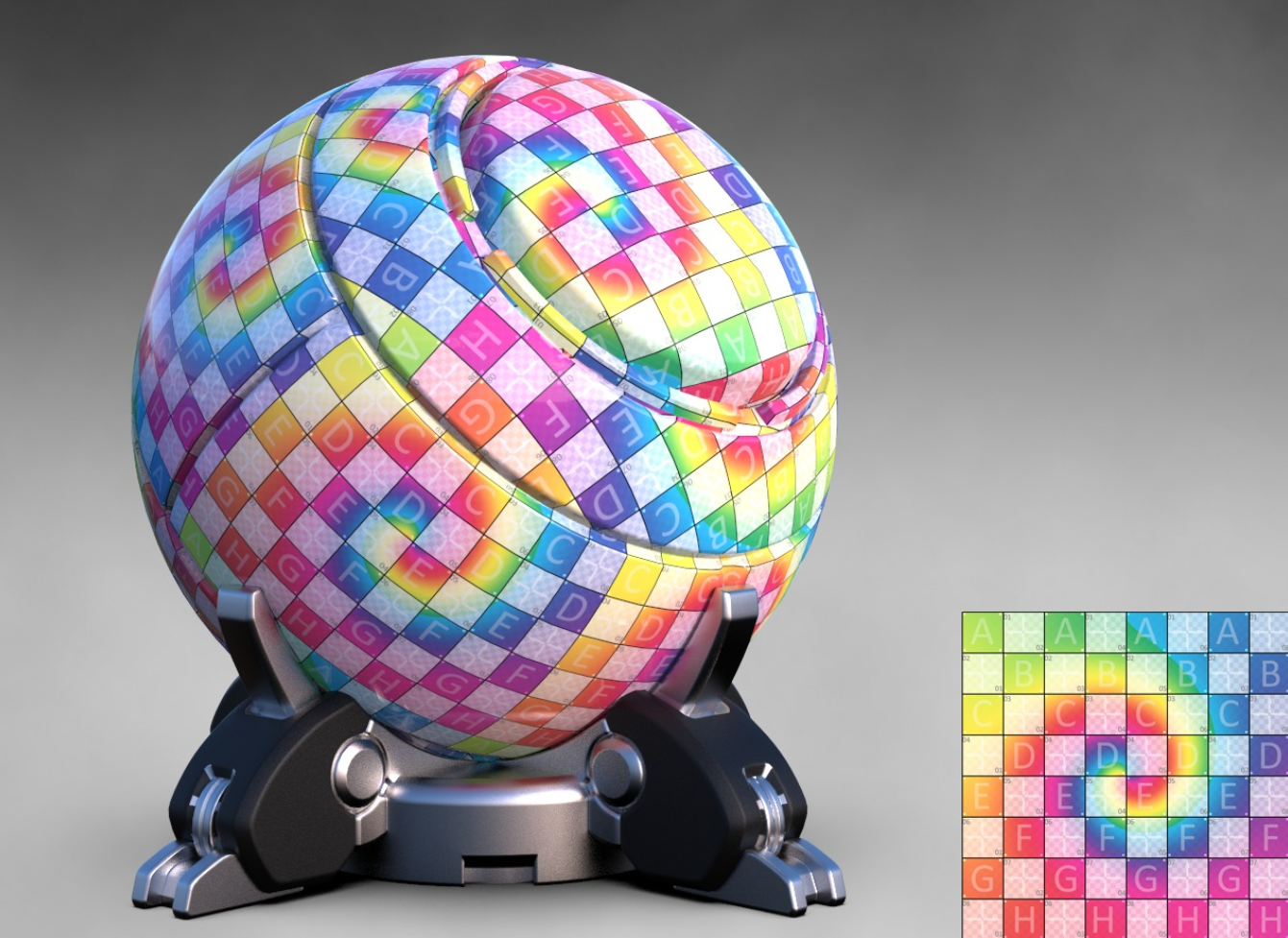
That got me thinking. Blender's default UV image is basic. It gets the job done for simple tasks, but it has no advance visualization tools. For example knowing the orientation, or scale of the UV grid at a glance.
My proposal is just getting some better UV grids in Blender by default. Different ones for checking different aspects of the layout. This is especially helpful with UDIMS.
If you're confused about how to make them, or why they're necessary, go ahead and just visit that link.
I'm more than happy to put some together if a developer just want to throw them in.
Take care,
6 Comments
There is worse UV-grid on the picture than initial. Blender color grid have 4x4, 16x16, 64x64, 512x512 blocks, Rows with Letters and columns with digits, vertical oriented stripes and horizontal oriented hue.
So if you want to propose something better, propose it please. But grid on the picture is worse for analitical purposes.
It looks like you are talking about simple grid. Try another one.
{attachment 41562713png}
* @ Vyacheslav * I've love to share that one I use but I can't find the way to attach an image i n my reply. Can you tell me how please?
* @riouxr * Just drag on text field.
* @ Vyacheslav * Humm... doesn't work for me
Here you go. I love this one because of the little circles everywhere that makes it easy to see the distortion. community.foundry.com/discuss/post/1115373/content/98857
* @riouxr * use «closest» interpolation, and yo will see each pixel. Current color grid still more handy.