
Left-Click Snap Cursor
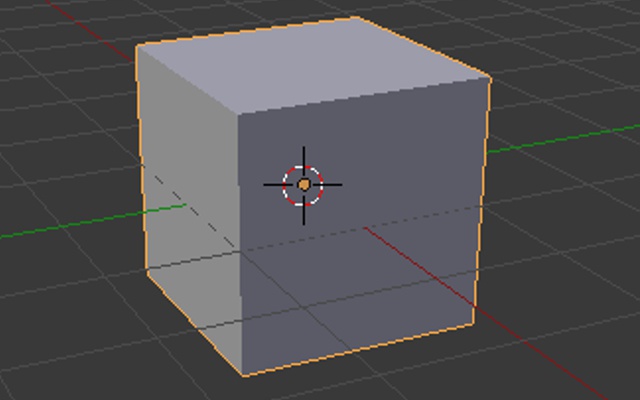
When has anyone wanted the cursor floating in no man's land? For this, in Object Mode, if you left-click an object, the cursor automatically snaps to the origin. In Edit mode, if you left-click a vertex, edge, or face, the cursor automatically snaps to that. And maybe a toggle to turn it on/off like the object snap.
4 Comments
I would do it like that - Action Button Hold to place and slide cursor. While it is sliding, it respects snapping settings. Action Button press to place as currently.
I frequently use arbitrary location (or volume snapping) to place the 3D cursor for bones when rigging. This feature seems like it would interfere quite a bit with that workflow.
We have an addon able to do it. wiki.blender.org/index.php/Extensions:2.6/Py/Scripts/3D_interaction/Enhanced_3D_Cursor
Thanks zeauron, but this is so simple I think it should be default in Blender. The addon is great for advanced users.