
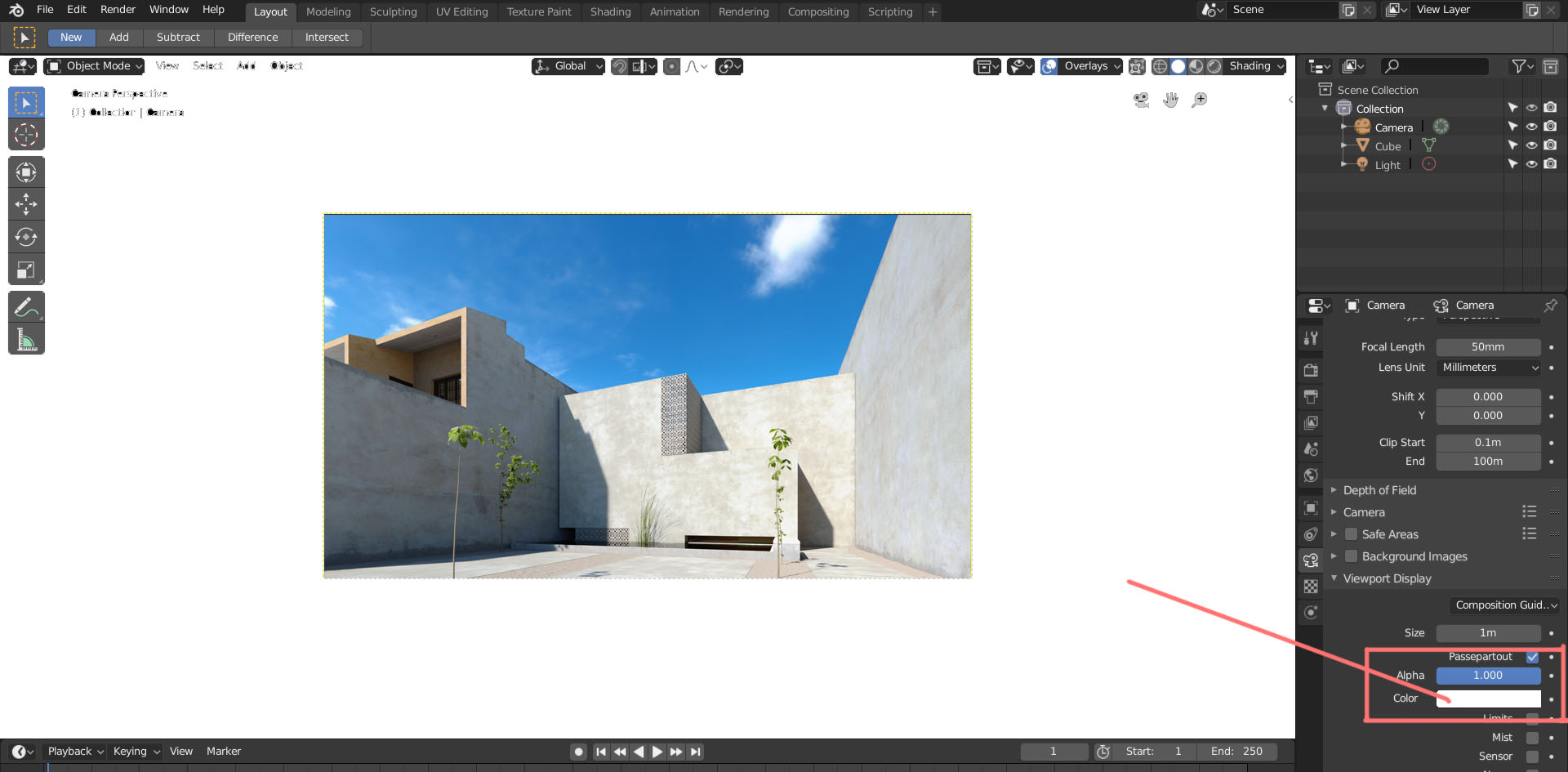
Ability to change the passepartout color for preview renders
Hello everyone,
I use Blender mostly for architectural visualization. Usually the work has to be printed on white paper. I am not 100% sure, but I think the background color influences how one perceives the colors and contrasts for the image. going further I could imagine a option to replace the passepartout color with a image similar to how the background-images work., for when the work has to be incorporated into a existing illustration.
7 Comments
The passepartout colour is now themable as of this .
very good idea, I didn't know I needed it but I do :)
AFAIK you can change it by settings now, but custom for camera will be good.
* @ Vyacheslav * Hi thanks for the info. Tried to find the settings on the latest Blender 2.8 build in the theme options for the 3d view but no luck.
* @Andersh * so i am wrong and only opacity can be changed.
Easy to do with compositing, but still a good idea.
* @Josephbburg * Sure, but I prefer to make adjustments directly while preview rendering and I judge the images somewhat differently depending on the backdrop. As a alternative the passepartout-color could also be tied to the theme.