
Place on floor
is there anyway we can have the function to place objects on the ground plane, i know you can do it by moving the origin and then moving that to the 3d cursor yada yada yada but surely it would be easier to just click a button that does it in one step, even wings 3d has this feature and it works so well.
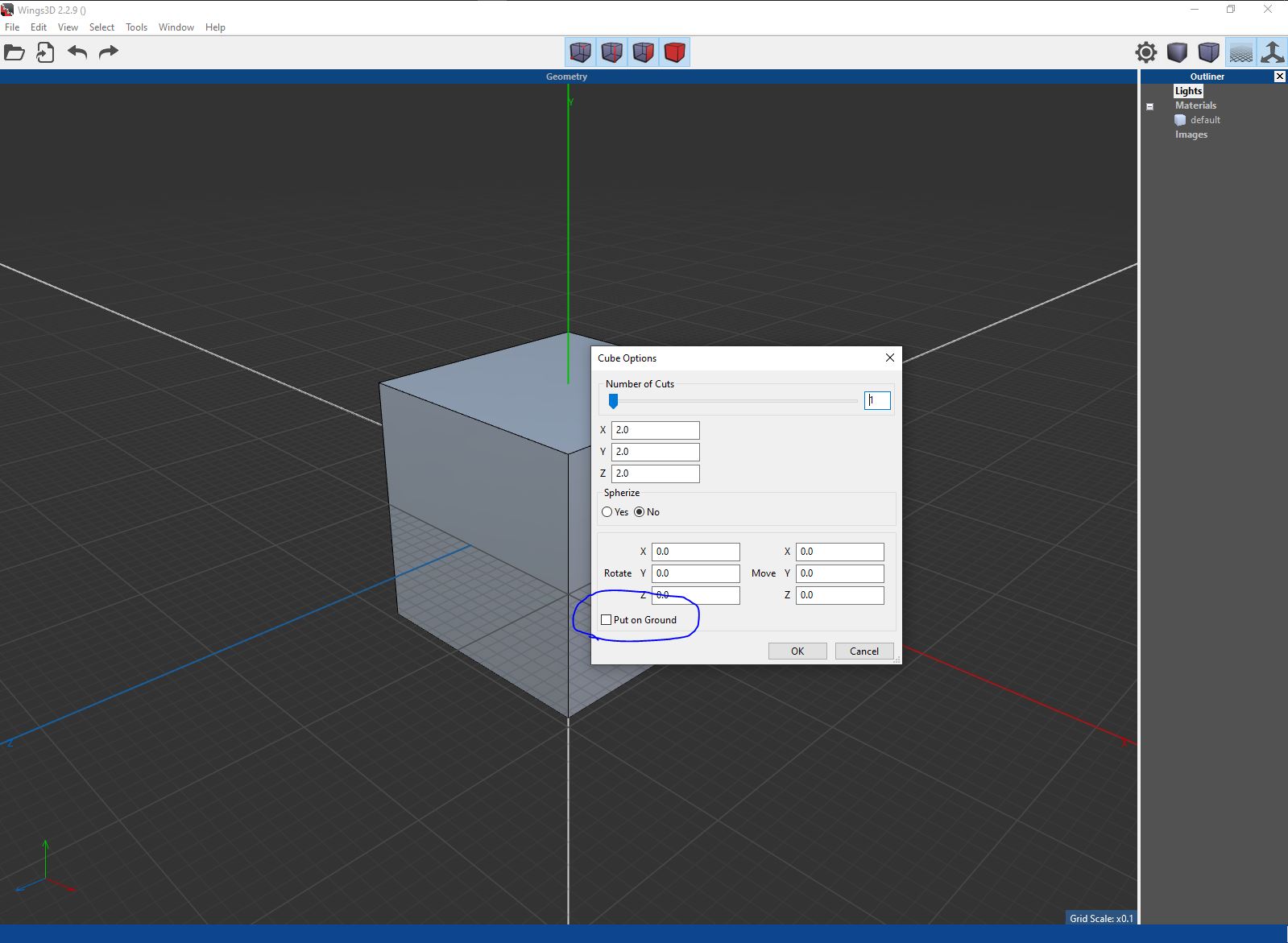
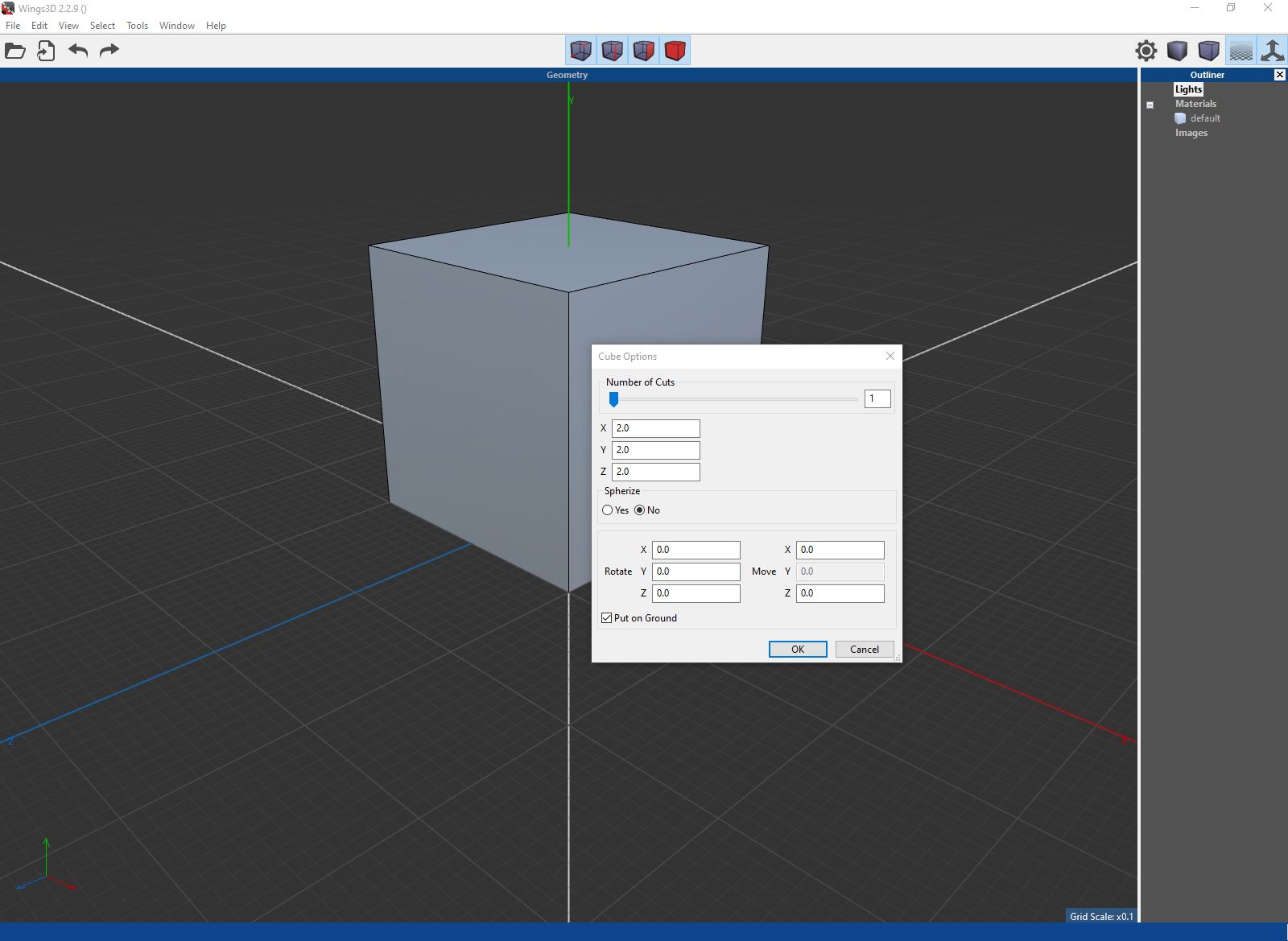
the screenshots are from wings 3D
Additional
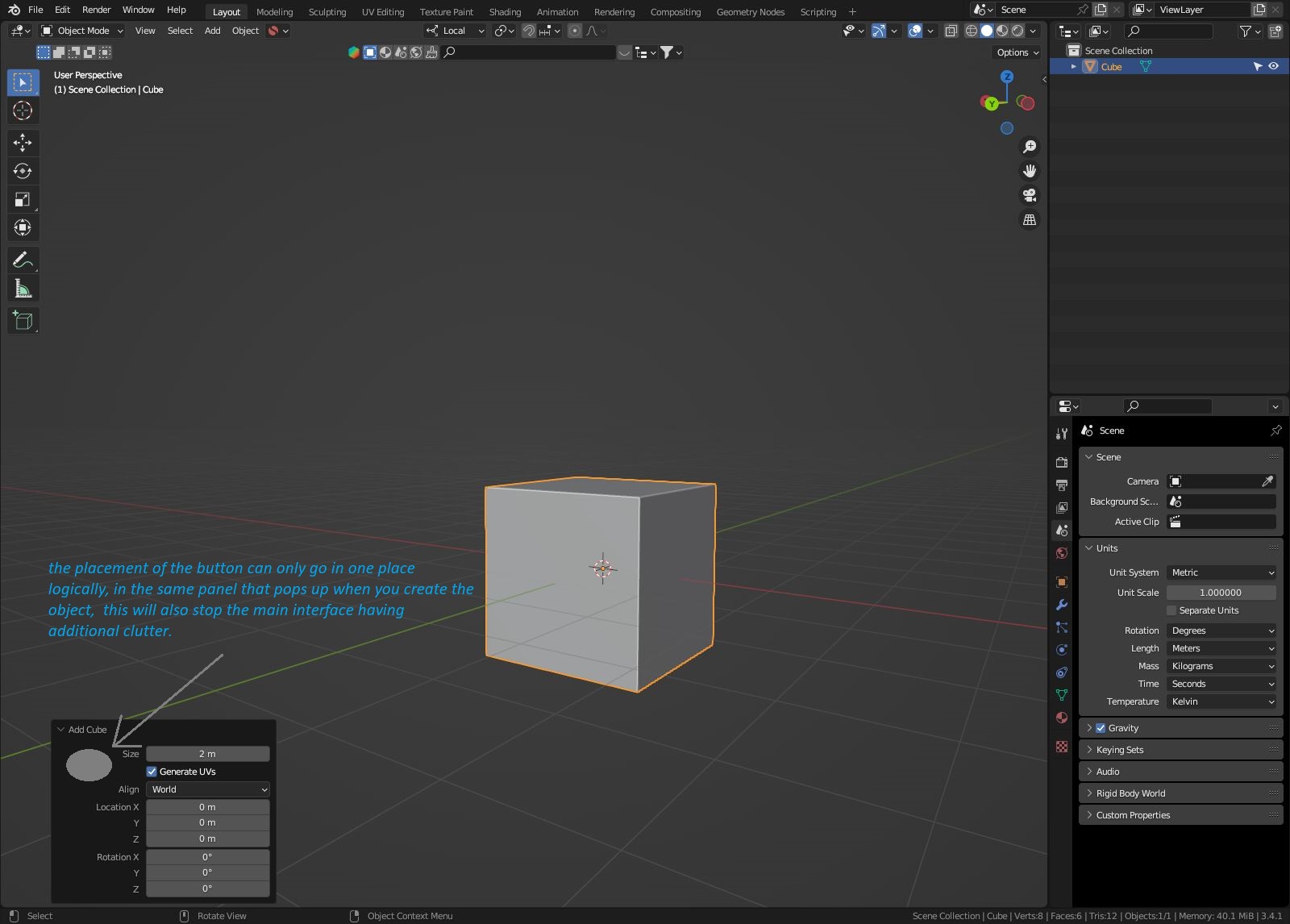
below is a screen shot of where i think this button should go, and i think its pretty obvious if youre coming at this from as 'makes sense' point of view
10 Comments
Yes, there are addons that can do this, but I agree this is fundamental functionality. 3D software is optimized for a world in which objects can float anywhere and intersect freely, but that's not how the world works. Normal behavior, where objects sit on the floor and on of other objects, should not require an addon.
A functionality for this this in Object > Transform would be great! One click and done.
Addon: GZ Pivot.
Align tools addon included in blender can already do this kind of task, and more.
Click on advanced operator and use options: Active too, Z, Pivot, Max.
That's a very involved way of doing it, with multiple steps/option setups and no clear signal to the user that's what it will do. You can set a preset, but overall the process isn't self-explanatory or user friendly. A single menu item would be extremely useful here.
I see your point.
My issue is, would it be ok to just settle for an operator that places things on the floor, and nothing else after that? in that case sure. Other than that, I think it would be more productive to flesh out an improvement for the current align tools addon.
Otherwise you would just end up with a half finished menu that copies the functionality of align tools. Let's also not forget there are still currently methods to snap things to the floor inside of blender.
So might as well cut to the chase. Or at the very least, have a more fleshed out proposal on how many functions, and where in the UI they should be placed.
But that is just my opinion :)
Yeah valid concerns! I think considering how indirect the operation mentioned above is, having a dedicated functionality wouldn't be terrible. There would be a bit of overlap but Align Tools' Advanced Operator has a lot more functionality and isn't specifically made with the primary purpose of dropping objects to the floor, I don't think the usefulness of either is negated. One more menu item in Object > Transform that offers the same functionality as a main tool in other software seems reasonable to me (I totally acknowledge concerns around bloat, doubling-up etc. too)
Ill check it out, Thank you Omer
one function, button should be placed in the panel that appears when you create a new object, doesnt need to be any more complex than that.