
Hide transforms. As a button or combined with local view
Hi, everyone. This could be done with help of null objects or similar workarounds, but could not find any one button solution to do this.
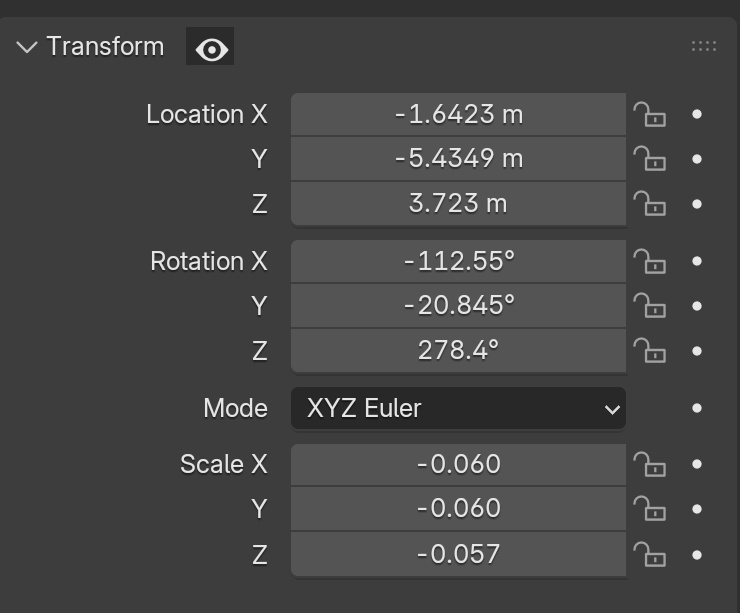
After an object is placed on the scene, it might need some editing later, but the editing would be easier if it could be returned to it's default scale and rotation for this period. A hide button for transforms would solve this, or make it default function when entering the local view mode by pressing "/", or making a new local view shortcut (maybe "shift + /") for combining this transform reset with local view.
0 Comments