
2.8 Viewport Backside Shading
Prior 2.80 there was a graphic querk which made the backfaces of objects in solid shading view slighly darker. Now in 2.80 that querk is fixed and we don't have a really good way of telling if faces are backwards. Currently there are following options to do that:
- Viewport Overlays > Face Orientation > Get Sore Eyes > Never come back to the computer
- Show X-Ray > Be confused
- Viewport Shading > Backface Culling > Never see your great art again
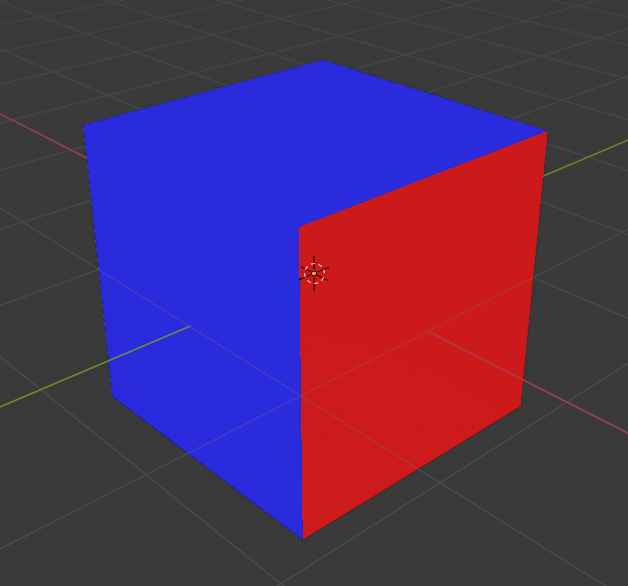
All of these options are not really useful and there is nothing like the old shading querk in current Blender. I propose to replace the Face Orientation feature with a feature to add an overlay to backfaces. Instead of the Face Orientation checkbox there should be a checkbox for Backface Overlay with a Color Picker right next to it. That Color Picker should support the Alpha channel to make the overlay partially transparent. The default color should be something like a 20% Alpha blue-ish grey to complement the orange selection color.
1 Comment
The face orientation color values have currently been hard-coded and I believe a simple solution to change the face orientation colors will be added to the themes menu.
Since this issue is brought up in every Blender weekly stream, expect a change in the coming releases quite soon, seems to be a simply fix.