
Simple outline objects render option in EEVEE
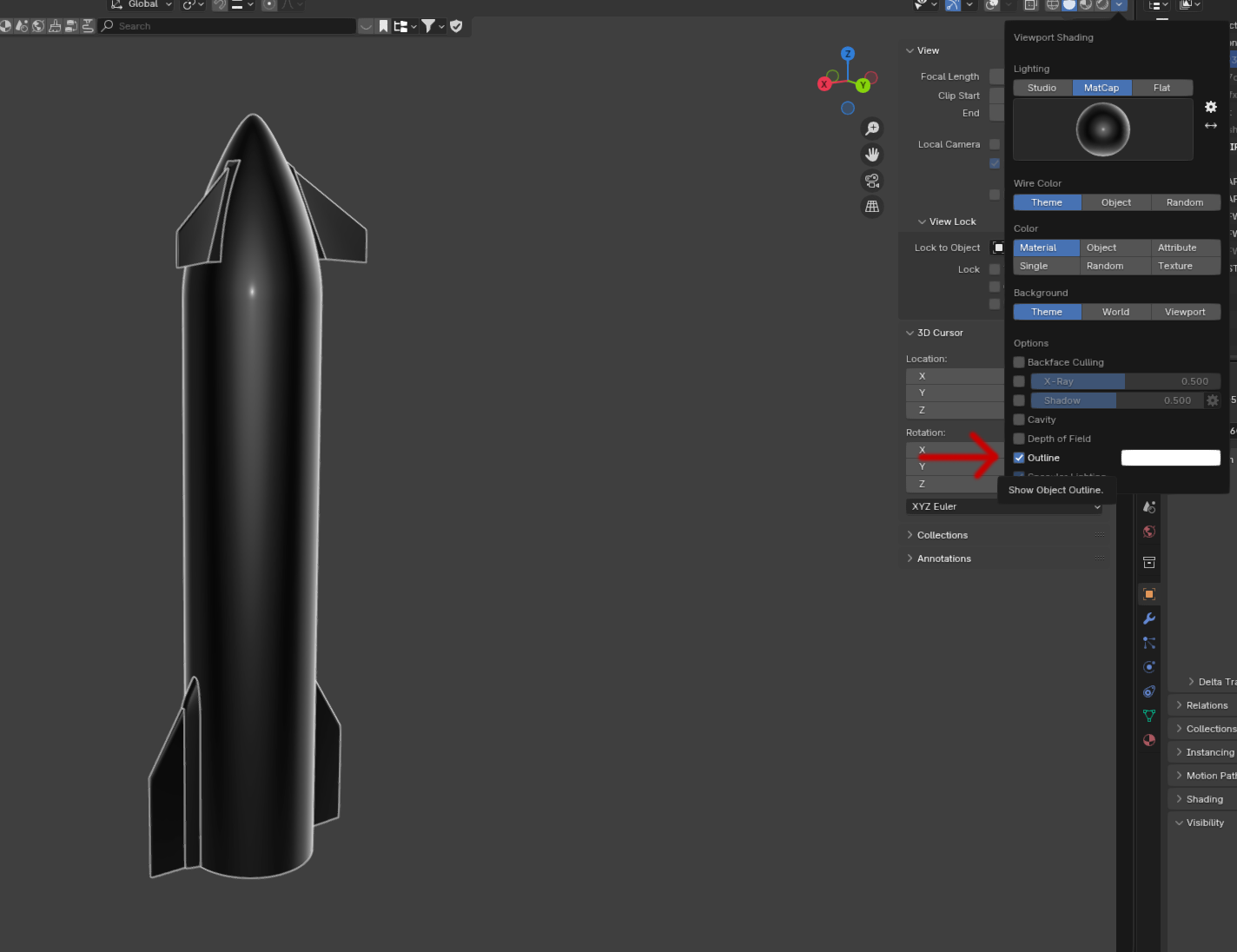
In the viewport shading options there's an option to outline all objects with a color stroke. This effect is seemingly impossible to recreate with Freestyle or shaders. It would be extremely useful to have a simple way to achieve the same effect within EEVEE for an easy stylized look. Should be able to apply it to only certain objects/collections as well
2 Comments
In the viewport menu Add ⟩ Grease Pencil , you can add a grease pencil object with a line art modifier which will target either the selected objects, a collection, or the whole scene:
This gives you total method on what gets a line art, what kind of line art (contour, creases, intersections, ...) and how the line art looks like. You can set up as many of them as you want.
See Line Art Modifier - Blender 4.5 LTS Manual
Literal life saver. Thank you so much!