
UI Papercut. 3D Viewport Tool Feedback Center Align
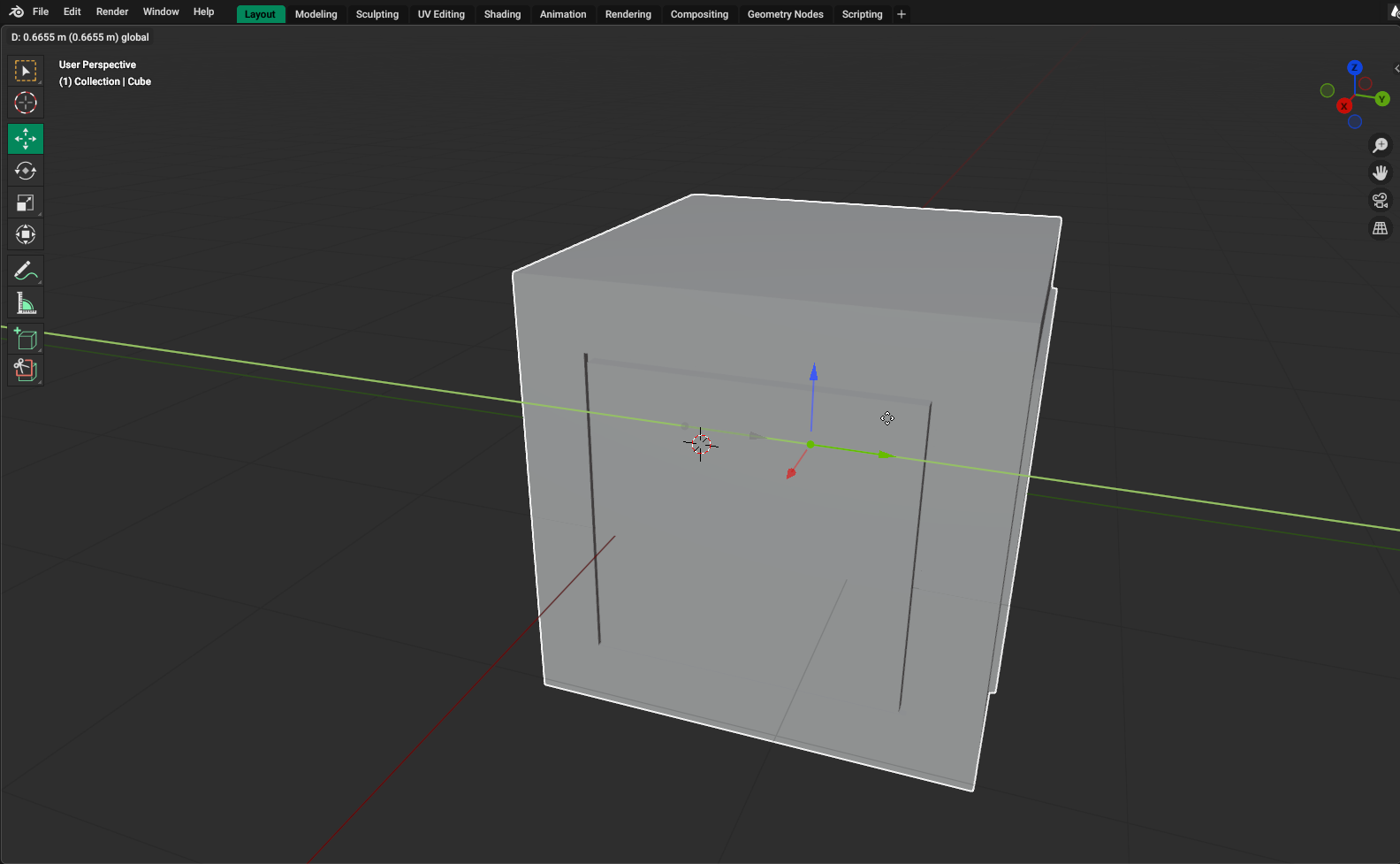
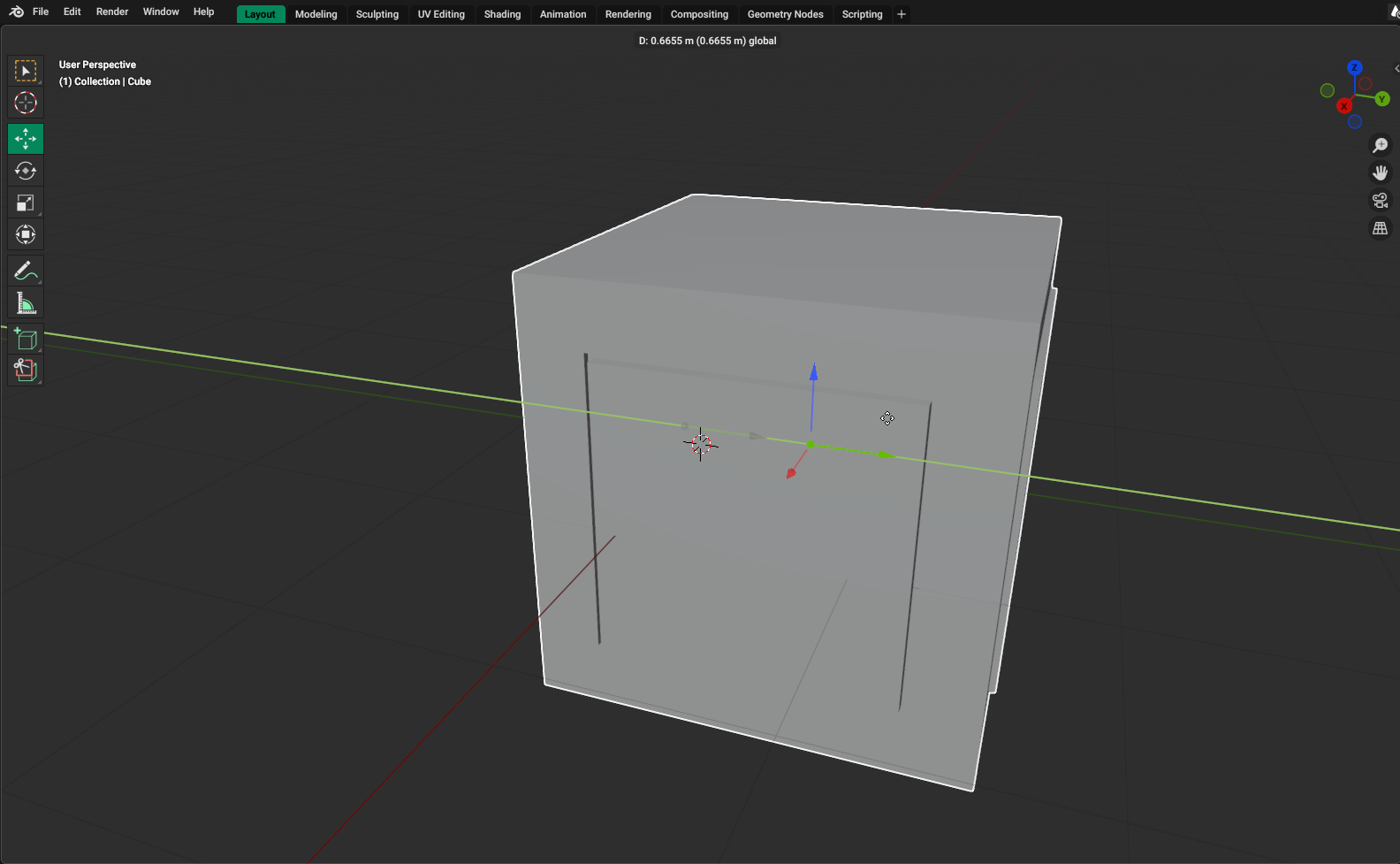
When working with Tools or Operators, all the feedback is aligned to the left of the screen.
This makes for a clunky UX as the User is generally performing an operation at the center of the screen.
Ideally this wold make more sense to be visible where the User is performing the operations ( locked to the Gizmo or aligned to the center of the Selection ), but that would be a complex task.
I suggest aligning the feedback to the center of the Panel as its easier to read and not as further away as the corner of the panel.
2 Comments
Made a quick PR for this: projects.blender.org/blender/blender/pulls/139507
Test builds: builder.blender.org/download/patch/PR139507/
Thanks Pablo !! The PR is looking good. Hope this makes it in.