
Random viewport colors for Join Geometry node inputs
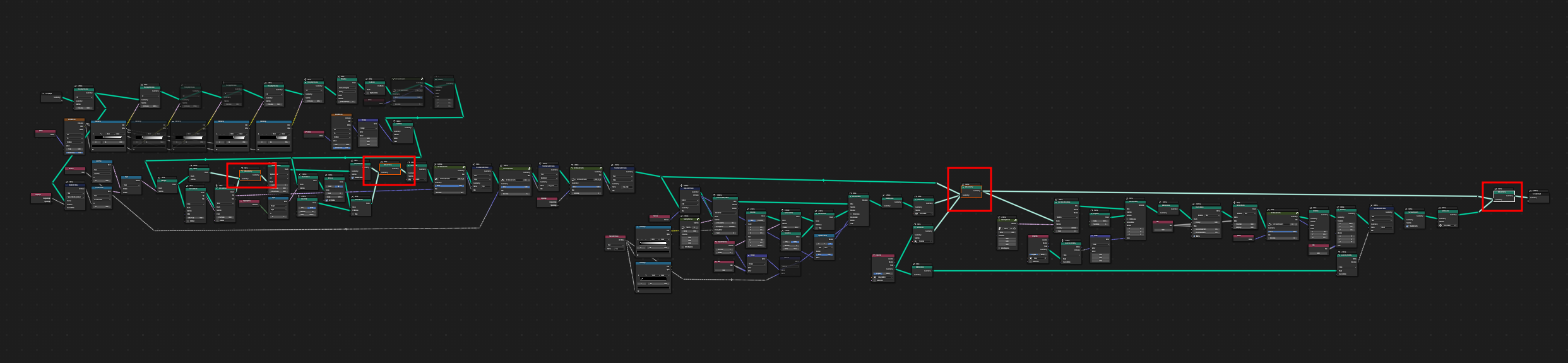
When working on more complicated objects with a lot of different components it's sometimes hard to separate them visually.
Workbench for that purpose have
Random
Color Type. Sadly this is not working for Geometry Nodes, as they are treated as one object.
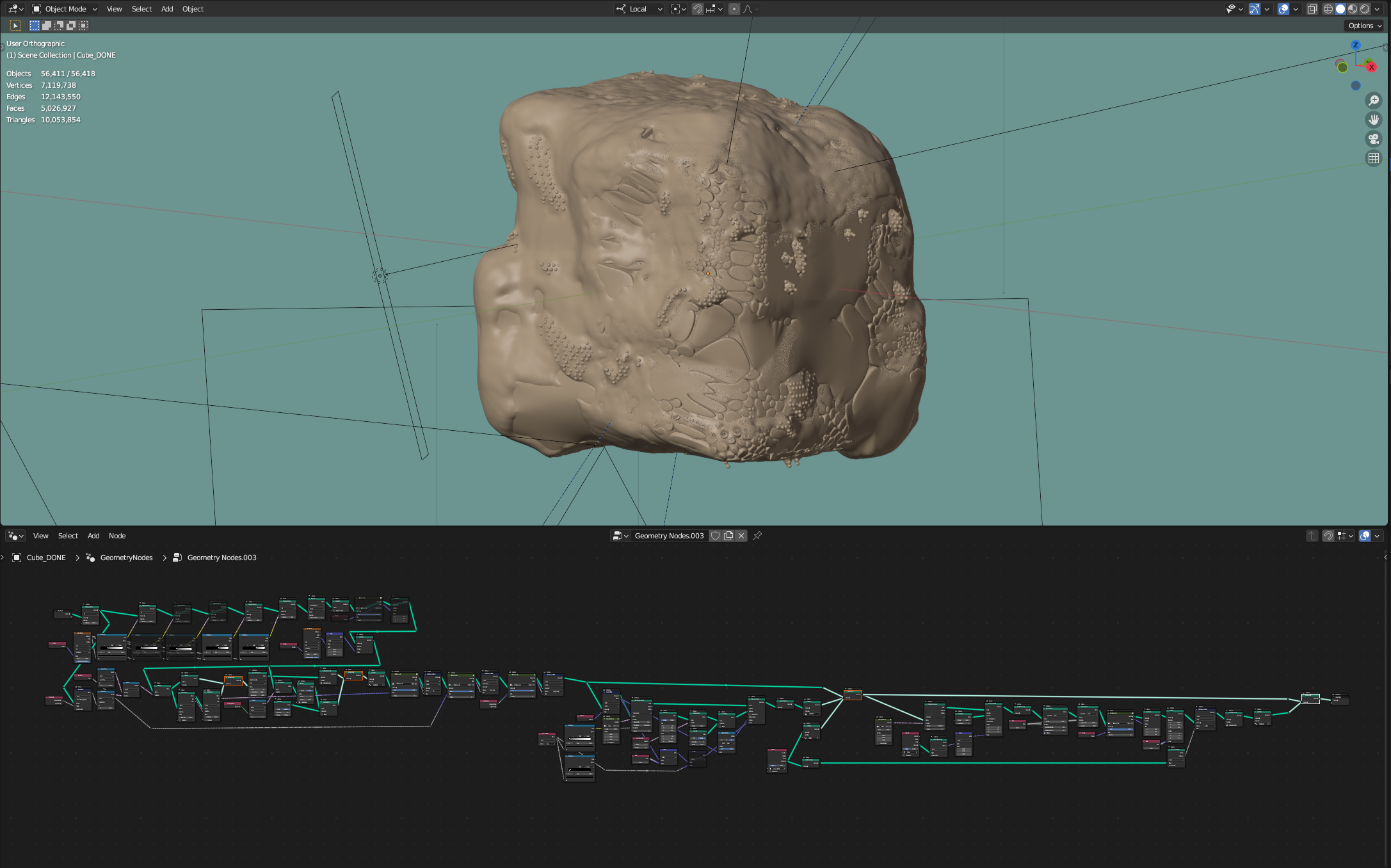
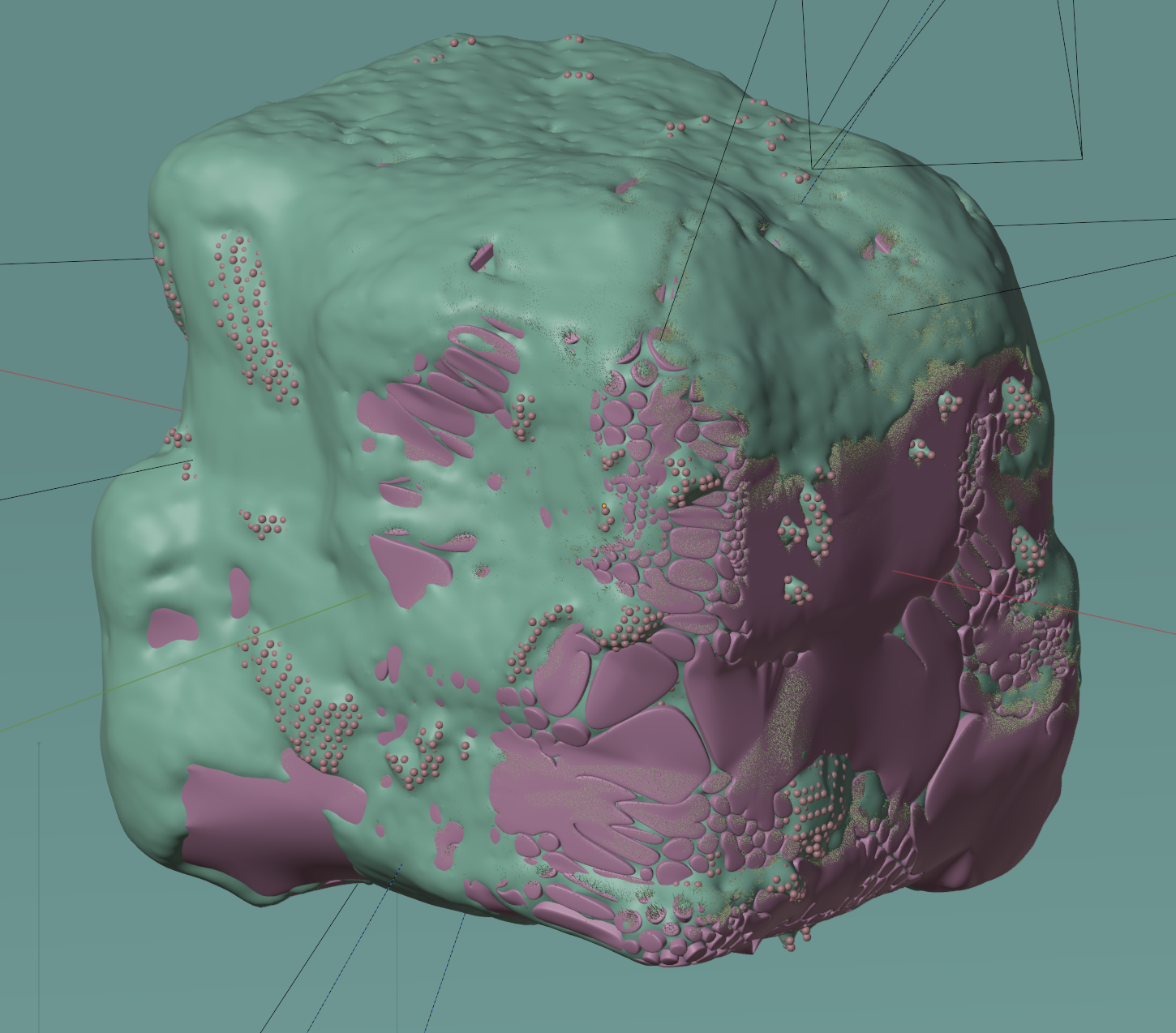
The idea is to assign different
Random
color to every Join Geometry node input - when
Random
Color Type is selected.
5 Comments
In this case a simple solution is probably to use the "Geometry to Instance" node instead of the join node. The issue with the proposal is that the join node only creates a single geometry, there isn't a good automatic way to distinguish the separate inputs in the final result (at least in a way that doesn't add a lot of overhead).
I don't know why but I didn't get notification when you replied. Thanks for the feedback. In that case I guess I'll mark this proposal as archived.
in general I also want more control over viewport color for geometry nodes, because I think utilities could use viewport colors to be more visible and easier to understand, being able to set the viewport color of an object would be very nice
Just to clarify. This proposal is for random viewport colors which work for all objects in the viewport, not for assigning individual colors to particular objects.
oh, yeah, of course, I didn't mean to redirect from the original point so far, I just hope we can have more features in the future such as that one which let us control viewport color