
Summary option in time slider
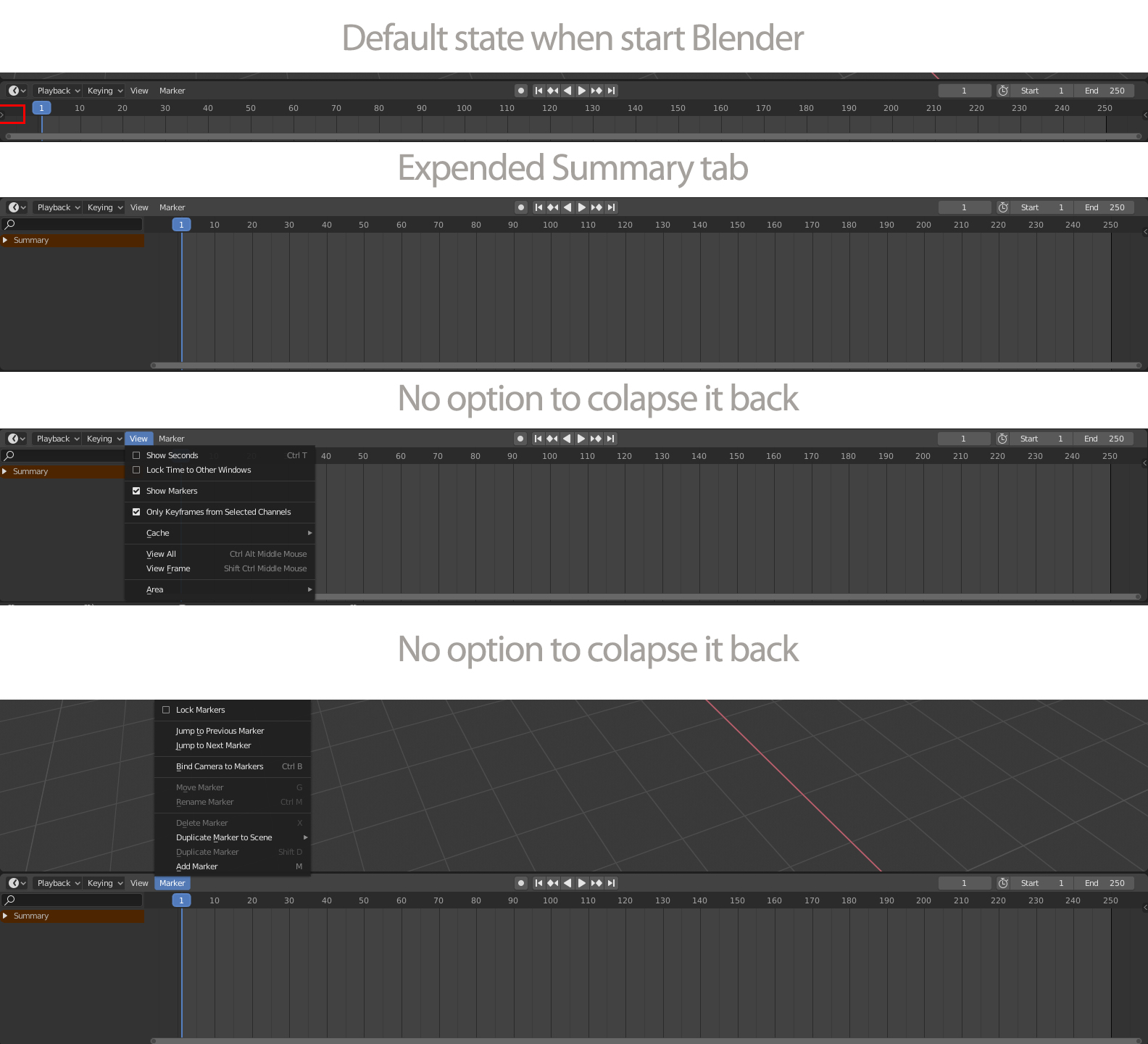
Hello, I don't know if this is duplicate if so please let me know I'll remove it. What I'd like to suggest is that when you start a blender file time slider come with a collapsed option bar on his left side but if you want to make it manually in another window summary is automatically opened and there is no option to collapse it, also, if you open summary in default slide bar you can't collapse it. I find very frustrating.
2 Comments
You can already click the edge of that region and drag it to the side to reduce or otherwise collapse it. Are you asking for something more than that?
* @Jason van Gumster * No, thats exactly what i asked but didn't know i can drag it back. Thank you very much!