
Viewport window splitting is too sensitive
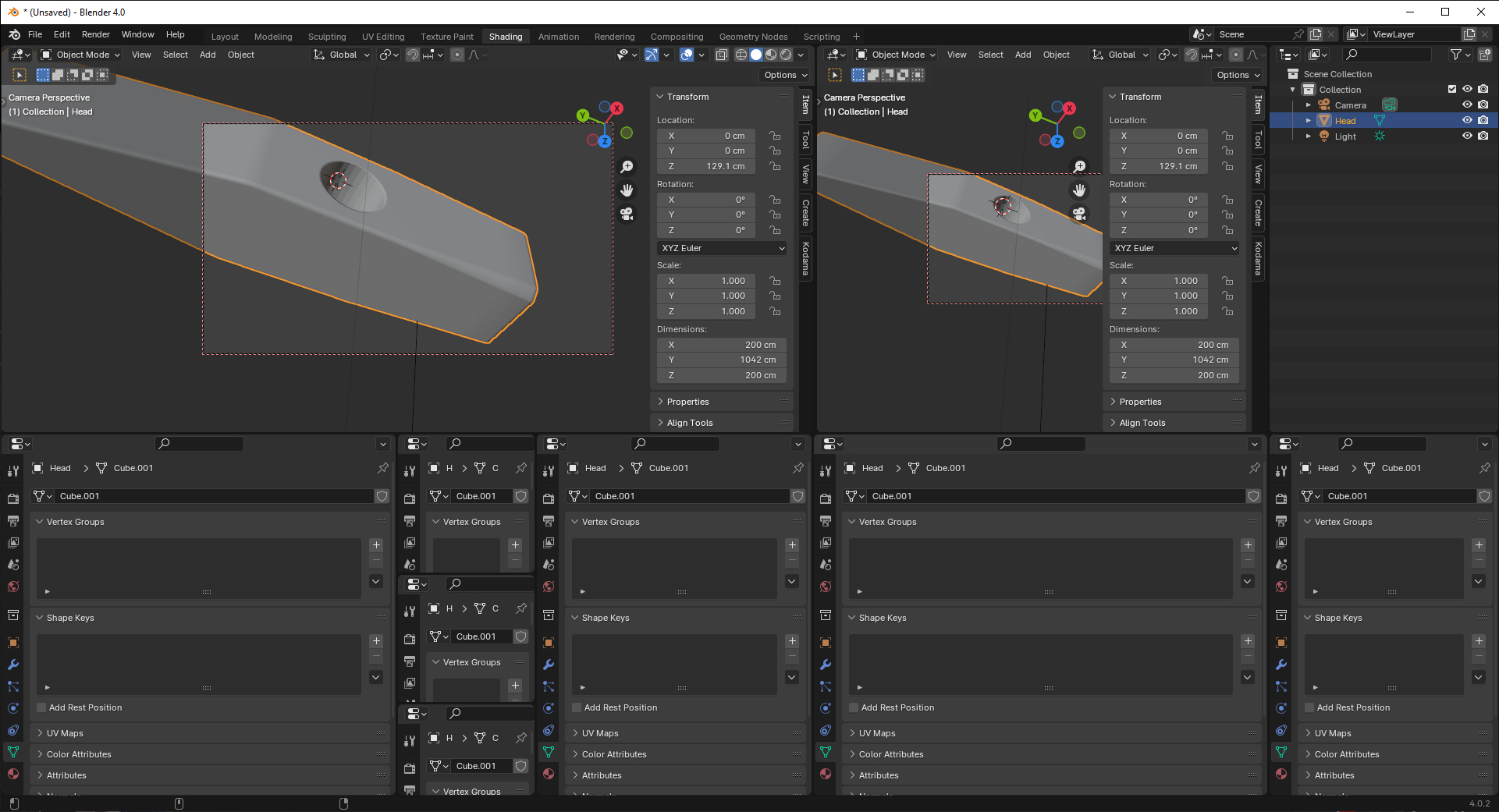
Im relatively new to Blender but not CAD or 3D modelling. Im finding myself battling to split or close windows/viewports. its just too sensitve and time consuming and im often ending up with 10 or more new splits just trying to close 1. A small icon or target would help for precision with visual feedback .
6 Comments
Use the menu entries (right click on headers, Vertical/Horizontal split).
Splitting the editors through gestures is super fast once you get used to it, but it requires practice. Beginner tutorials should teach the easy-to-use menu options first, and later the "fast way".
There used to be indicators back when it was only possible to pull certain corners. Nowadays all corner can be dragged so it'd be just visual clutter for an advanced feature that you learn once and use forever.
Use the unsplit command in the header.
What does this mean exactly?
On my screen at least, there is a good 30-40 pixels of mouse movement to do before Blender commits into splitting, it's almost 2 cm of real distance. That's already quite a margin within which you can make mistakes and have time to react.
And even once Blender started to split an area, you can cancel with Right 🖱️ or Esc so you can still avoid making a mess.
Would you have something else in mind to allow more leeway?
If you find click-dragging corners too finicky to use, you can use Right 🖱️ on the edge of an area:
I feel like this does the job quite well already in that regard. But if you don't think so, could you elaborate on what it lacks exactly? Could you make a mockup of how it would look and work?
We have had the ability to close any area for a while now (last item on all the Header context menus). Docking we could get... projects.blender.org/blender/blender/pulls/104665
Damn, didn't notice that :o Thanks for the correction!
Looking at this PR, would it allow the following?
Join multiple areas at once — Right-Click Select
I think we can (sort of) get there, but not as that proposal suggests of allowing merge to work across multiples.
That proposal would break how I'd like docking to work, as in drag a bit to merge with an immediate neighbor, but drag further to move and dock elsewhere. Although not done in my docking patch, there isn't a reason why you couldn't have a docking target comprising two target areas. Just needs thought.