
Adding Shapes to brush strokes
To have standard shapes like rectangular, elipses, stars, etc. would be a lot more versetile in sculpting.
Shapes: Rectangular Elipse, Stars, Closed Bezier-Curves and Poly-Lines, maybe more look other graphic programs. (Curves and Poly Lines can be close or open)
Behaviour: Like in any common graphic programm. Click drag to draw the shape. Shift make it conform (rect → Box, Elipse → Circle). Space to move it around
Examples:
- In stancil mode you could just draw your rectangle of the area you want to do.
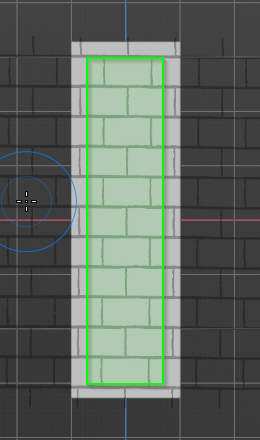
- With closed Poly-Lines and Bezier-Curves just draw your masks. Btw. In so doing you could reduce the Box-, Lass-, Line-Mask Brush (would be obsolete then). And it is more applicable and intuitve.
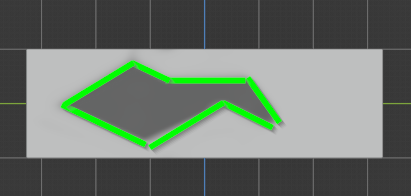
- Also in a lot of other brushes you can use the shapes like e. g. with inflate brush easyly make a gear with a star shape, or a triangle with a 3 zag star shape. Or quick make border with inflate/plates/etc. with a rectangular shape.
0 Comments