
Soft limit the maximum segments of the bevel modifier
Hello, I have hit a roadblock while experimenting with the bevel modifier. As you may know, you can't set the generated segments of the bevel modifier above 100 (hard limit). I understand that this limit was likely set to prevent the computer from freezing while click-dragging the slider (looking at you Remesh modifier).
However I think it should be a soft limit, similar to the levels in the subdivision surface modifier where you can't click-drag to set a value higher than 6, but you can manually input higher values and you can use a driver to set higher (or lower, in the case of custom properties) values.
But what's the point in having so many bevel segments ?! You may say. Like many other modifiers, the bevel modifier's original behaviour can be used to non-destructively generate geometry in ... creative ways.
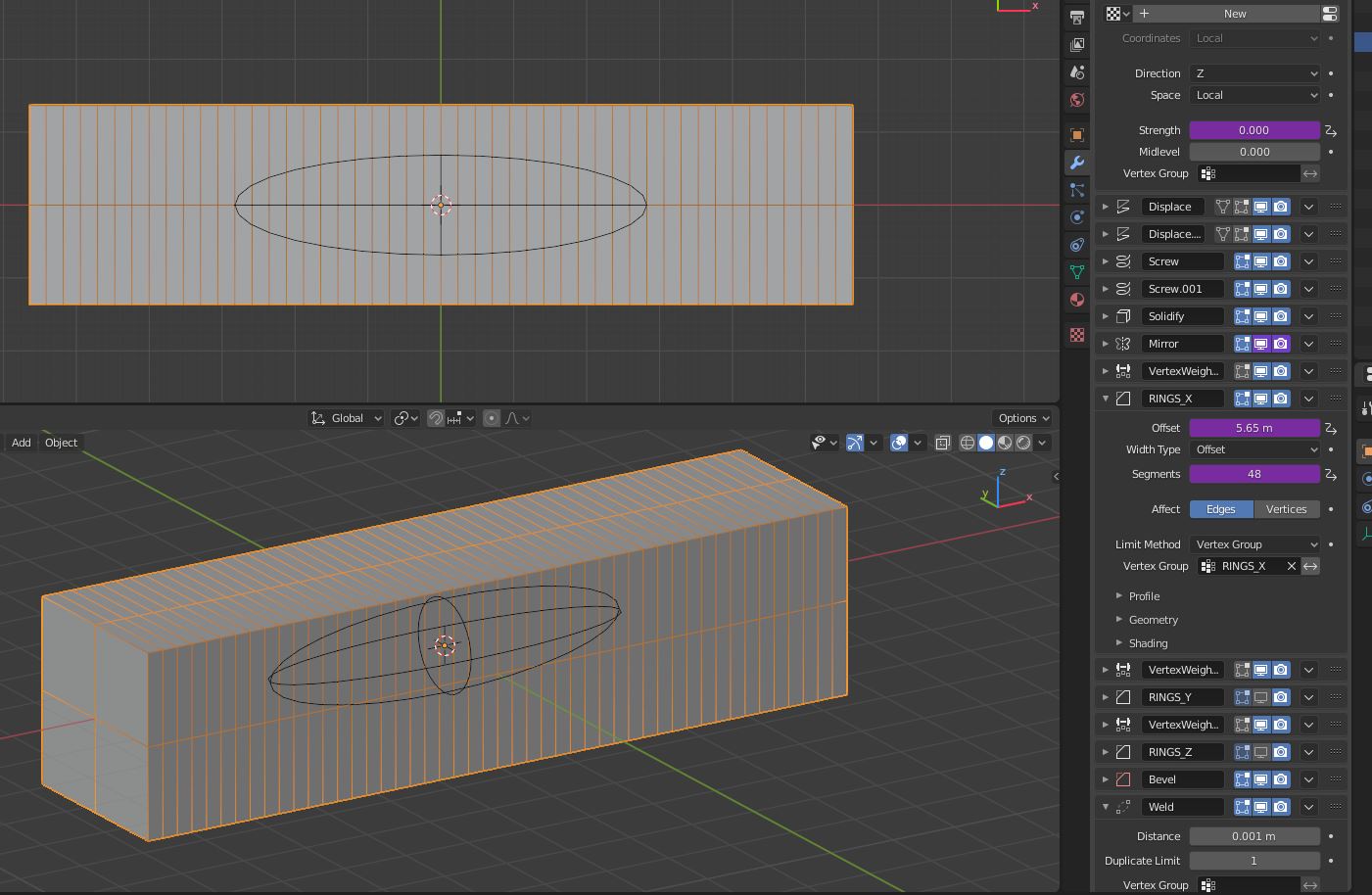
The first trivial example is to add longitudinal segments to a simple shape :
But what I'm most interested in currently is driving this number to create a mesh which polygon density stays the same when it is elongated in one direction.
As you can see the 100 limit is achieved pretty quickly.
TLDR : I would like to replace the bevel modifier segments limit (100) from a hard limit to a soft limit.
0 Comments