
Color balance, etc. nodes for shaders
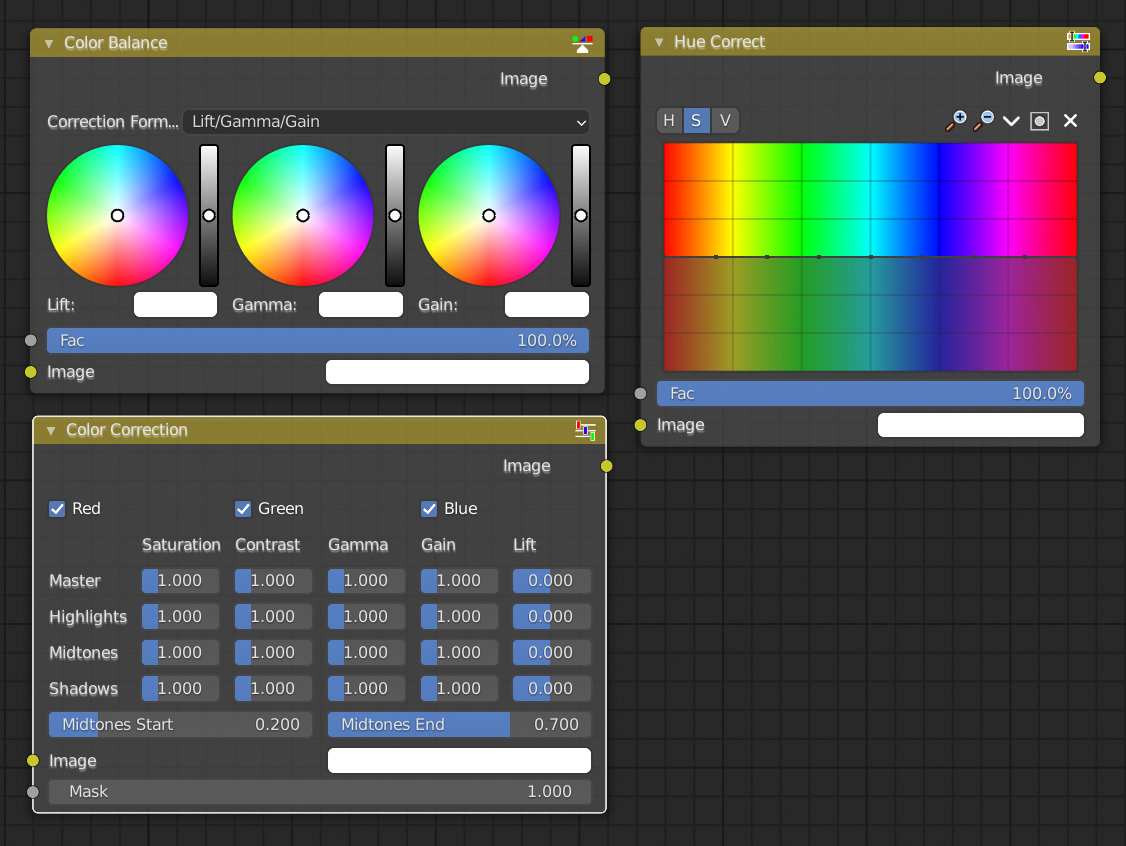
There are some additional color nodes available in compositor (color balance, color correction, hue correction, etc.) that would be very useful for adjusting texture maps inside of Blender but aren't available in the shader editor. How about making these available anywhere we might want to manipulate image data, including materials?
What I'm really hoping to do, BTW, is something like Photoshop's Hue/Saturation interface where I can actually choose a range of colors to modify rather than just the whole image (so I could make my texture's cyans more green without messing up other colors, for example).
1 Comment
Weird, I was literally thinking this today. I think this would be super useful.