
Align function for objects
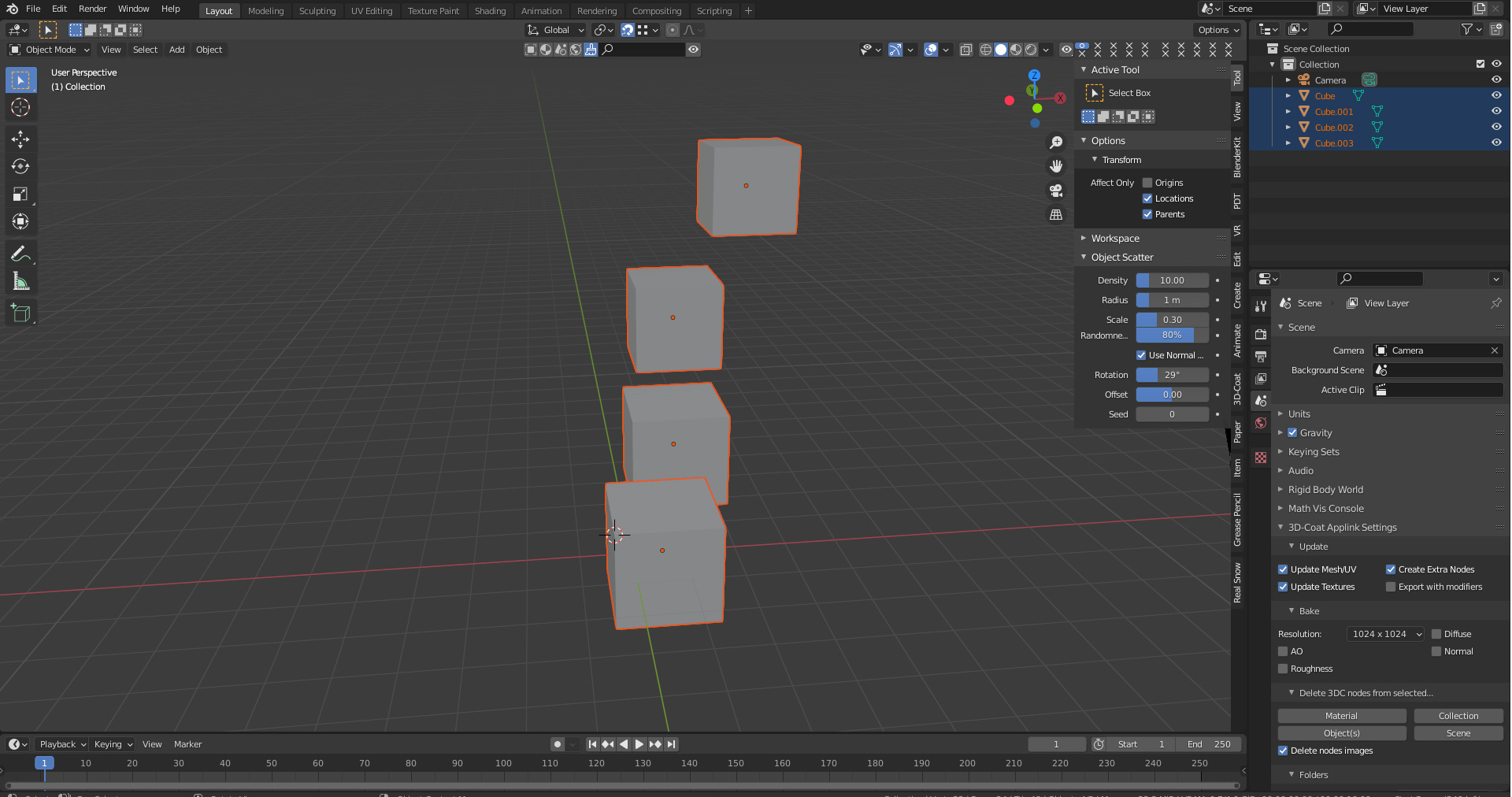
As a Photoshop, Ilustrator user like Align objects Byt this expecting Align objects as selected to the most protruding wall, edge in selection to the required axe. Ex
My vision is to:
- select objects, choice axe of the align, and click Align.
or
- select objects, choice axe of the align on gizmo
- select objects, choice axe of the align on gizmo and align to the cursor
6 Comments
First learn Blender enough before going and writing suggestions. Holy Google help you....
* @IIIFGIII * I wrote 5h ago that know this tool, but focusing on gizmo to have open other panel. I too often switching betwen panels. I know blender from 20years but with hudge hole in case I works with other stuff. Now when new GUI I back.. And not so easy optimize shortcuts by assigment eg. alt+x coz have other.. THINK: CURSOR (collections)
* @ManBlender * PME addon, just PIE what you need from this align tool and dont touch this panel any more. One button many functions, you can even put pie inside pie inside pie...
* @IIIFGIII *
Align to cursor. I used "transform" to visualise the way to do this
* @IIIFGIII * HVR You have right, I not have to much configurated PIE and its strong option.
it's regarding the: Explode all object by distance from local orientation and grouping objects (Decomposition) blender.community/c/rightclickselect/flhbbc/
I know about Align Tool. It's sense to operate by gizmo and shorcuts