
Grease Pencil - Stroke Thickness: Camera Space mode
Problem
Often I want to specify the thickness of grease pencil strokes in units proportional to the size of the rendered output from my file. e.g. I want stokes to be 5 pixels wide in the .pngs i render out.
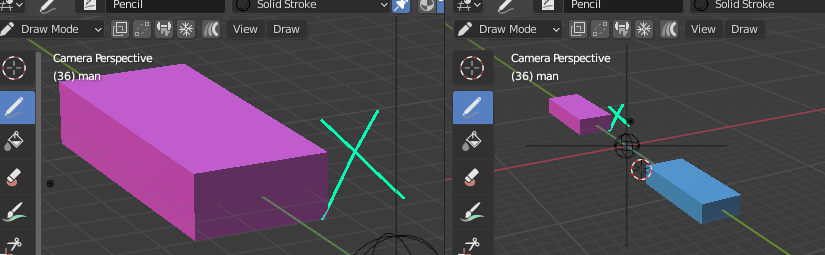
Currently if I choose 'Screen Space' as the Stroke Thickness mode, i can't get a representative preview of how the output will look because the strokes in the scene have a fixed width in terms of screen pixels. This means that if if my viewport is zoomed out relative to the final output size (which is often the case), my strokes will appear too thick relative to the rest of the elements in the scene.

Proposal
A new thickness mode is added: Camera Space.
When viewing a scene through a camera, any GP objects set to Camera Space stroke thickness will have a thickness appropriately scaled with respect to viewport size of the camera frame and the output resolution.
e.g. if a stroke's thickness is 10. but the viewport shows the camera frame at only 50% of its output size, the on-screen stroke will be 5 pixels wide when looking though the camera.
Limitations
When not looking through a camera, Camera Space strokes behave like Screen Space strokes . This means that these strokes will appear to have a different thicknesses when switching between camera view and free views. Alternatively: when in free view, Camera Space strokes can be scaled according to a the biggest possible camera frame that would fit into the current viewport. This way the change in stroke thickness between Camera and free views might be reduced.
5 Comments
Seems like a nice thing to fix, might be possible that the percentage resolution slider could use it too.
I think this is now fixed as of 4.3 as the new method has you do this as a Python modifier, and it remains consistent at different render resolutions: developer.blender.org/docs/release_notes/4.3/grease_pencil_migration/
Have work out a way to do a version of this by reprojecting GP to view every frame and then applying thickness modifier. You can make a simple python script to repeat the process for every frame. Would be great if this was a setting though so that it works in the 3d viewport etc too.
The option the have the thickness scaled with a more subtle proportional difference would be great too.... to some kind of % value, perhaps. So 50 % in viewport might render 70% thickness if that's the chosen value ( for example)
This would be such a great addition! Currently it’s hard to get a render with consistent fixed line widths across the image when go objects are arranged in 3D space. Would open up a lot of motion graphics possibilities too, where things like consistent line treatment matter at the high end.