
Graph Editor: "View Selected" should frame the entire selected channel when no keyframes are selected
Problem:
Currently, in the Graph Editor and Drivers Editor,
Frame Selected
(
graph.view_selected
/ Numpad
.
) only calculates the bounding box based on
explicitly selected keyframes
.
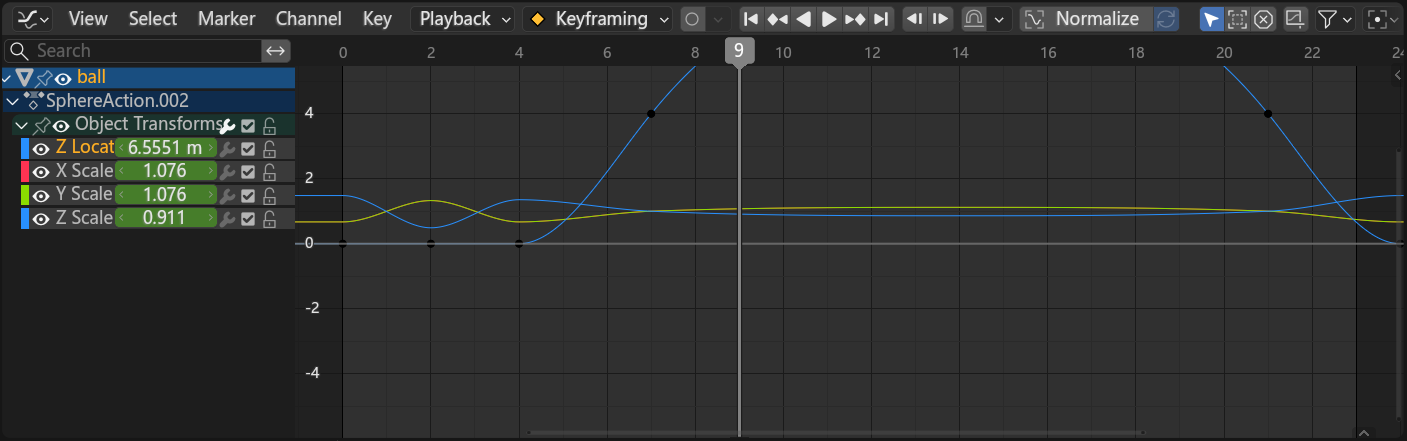
If a user selects a channel in the left channel list (or focuses on the active curve) but hasn't selected any individual keyframe vertices on the curve:
- Blender falls back to a default view centered around the coordinate baseline (around Y = 0.0).
- If the curve values are high (e.g., Rotation channels in degrees like 90°–360°, large transforms, or custom driver values), the curve is cut off or pushed completely out of the viewport.
-
The user is forced to perform extra repetitive steps: press
Ato select all keyframes, and only then pressNumpad ..
Proposed Solution:
Improve the fallback hierarchy of
View Selected
in the Graph / Drivers Editor:
- If keyframe vertices are selected --> Frame the bounding box of the selected keyframes (current behavior).
- If NO keyframes are selected, but one or more channels are selected/active --> Automatically calculate the bounding box and frame the entire curve(s) of the selected/active channel(s) (min/max X and Y of the whole F-Curve).
-
If neither keyframes nor channels are selected --> Fall back to the default origin view (
Y=0) or view all.
Benefits:
-
Fewer Clicks
: Animators and riggers don't have to keep pressing
A-->Numpad .every time they switch channels to inspect high-value curves.
0 Comments