
2 Point Perspective camera setting
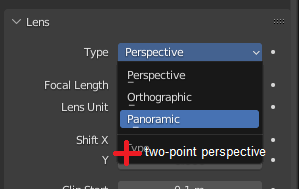
Blender still has no Two-point Perspective camera.
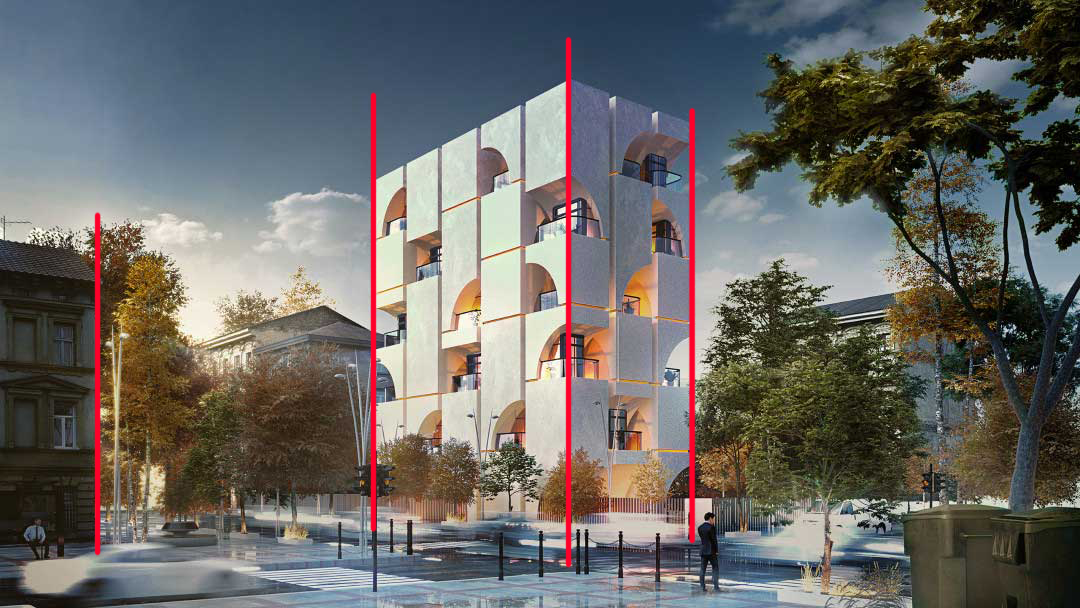
It's a feature fundamental for architectural images, and lots of architects are already using blender.
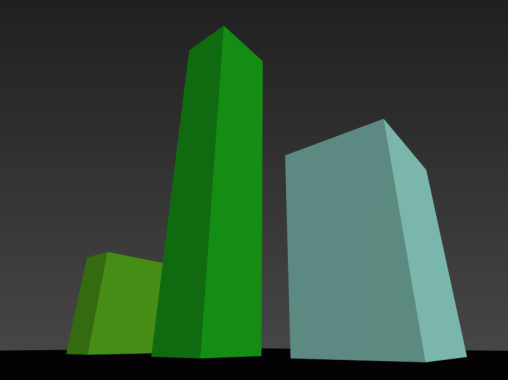
Blender currently has Orthographic or Three-point perspective.
I've asked for this feature before and it was totally dismissed, two users even said it was unnecessary saying it's possible to achieve this and writes a full paragraph with calculations on how to do it, blunt solution.
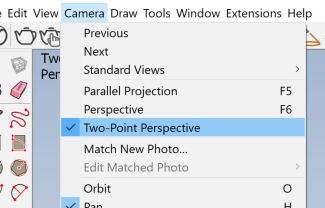
A one-click button would be the simplest solution, like how Sketchup has it, 3ds Max,
I would like to ask for this feature to be reviewed as I and many architects find it life-saving. Current solutions are very manual and time-consuming and hard to remember.
Thanks! Always good to see blender improving and getting ahead of the curve.

6 Comments
I created this add-on to make it easier to convert an already existing camera to two-point perspective extensions.blender.org/add-ons/two-point-perspective/
Always seemed very straightforward to me... just the camera looking forward, and shift. Just like in real photography... But I wouldn't mind a dedicated camera mode to automate this
I wont downvote but once you setup the camera once you can keep it in your asset library for easy reuse.
Could you share a link to the paragraphs you mention? If it's possible to make calculations to get a 2-point persp camera, then maybe it's something that can be automated via an addon.
In the meantime, you don't really need calculations either. As long as you have a camera facing the horizon at 90 degrees and use the camera's shift to look up/down, it works as well:
Thanks, the shift-y actually works, i think I was using it wrong. It's not very obvious. Sketchup 2-pp works in a different way.
this was the comment: "The default camera is set to a 50 mm focal length with a 36 mm image sensor and no crop factor. Set it to a 18 mm focal length, AKA 1/2 the image sensor, and you get an equivalent FOV of exactly 90 degrees, AKA 45 on each side, AKA the conditions for 2 point perspective where exactly diagonal lines will appear to vanish to the left or right. If you set this up, and also if you have your camera at a rotation of exactly 90/0/45, you'll get diagonal VPs directly on the left and right edge of the camera,"
Hm i guess if you want to replicate that, you can right click the camera focal lenght > copy driver, then right click the sensor size > paste driver, right click again, edit, and make it looks like this:
Though not sure it changed things much, you still need to use a 90 degree angle and use shifts