
Constraints copy to clipboard
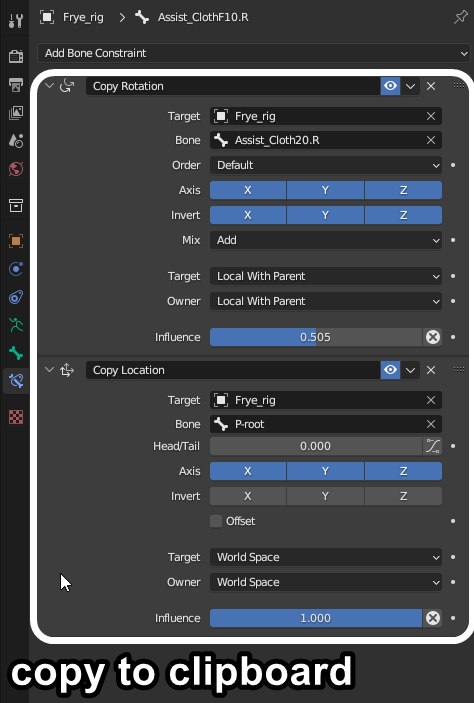
The ability to copy bone or other constraints to the clipboard to then paste on different objects/bones would be very useful as well as more intuitive. For example, copying multiple bone constraints, and pasting them on specific bones on a completely different character rig.
2 Comments
Not sure if you know about this, but in the drop-down next to the constraint's name there is an option "Copy to Selected" which will copy the active bone/object's constraint to any other selected bone/object. To copy to bones from a different armature, you can select the armatures in object mode and then go to pose mode and all bones from all selected armatures will be selectable and in pose mode so you can copy the restraints from one to the other.
The addon Copy Attributes Menu shipped with allows you - among other things, to copy a single or all constraints from the active object to all the other selected objects. It also works with modifiers and materials.