
Load Viewport Camera Seperate From the UI
It would be beneficial to have an option to load the last viewport camera view when opening files, while still not requiring to load the UI of the specific file. This is especially important when working on teams where some may setup and customize their UI for their specific workflow, while still allowing them to open files to the last viewport camera view by whomever saved it. This is essential on larger scenes for projects such as Architecture, where the initial default view is likely not in any perceivable relation to the actual area you have been working on. Often leading to annoying navigation to get to where you need to be.
So my proposal would ask for two options that would be check boxes both in the File Open Settings, as well as the Save & Load Options in the User Preferences:
- Load Last Viewport Camera (View Location & Angle.)
- Load Default Viewport Camera (A default view set as you would on your default startup blend file, but specific to the individual file/project
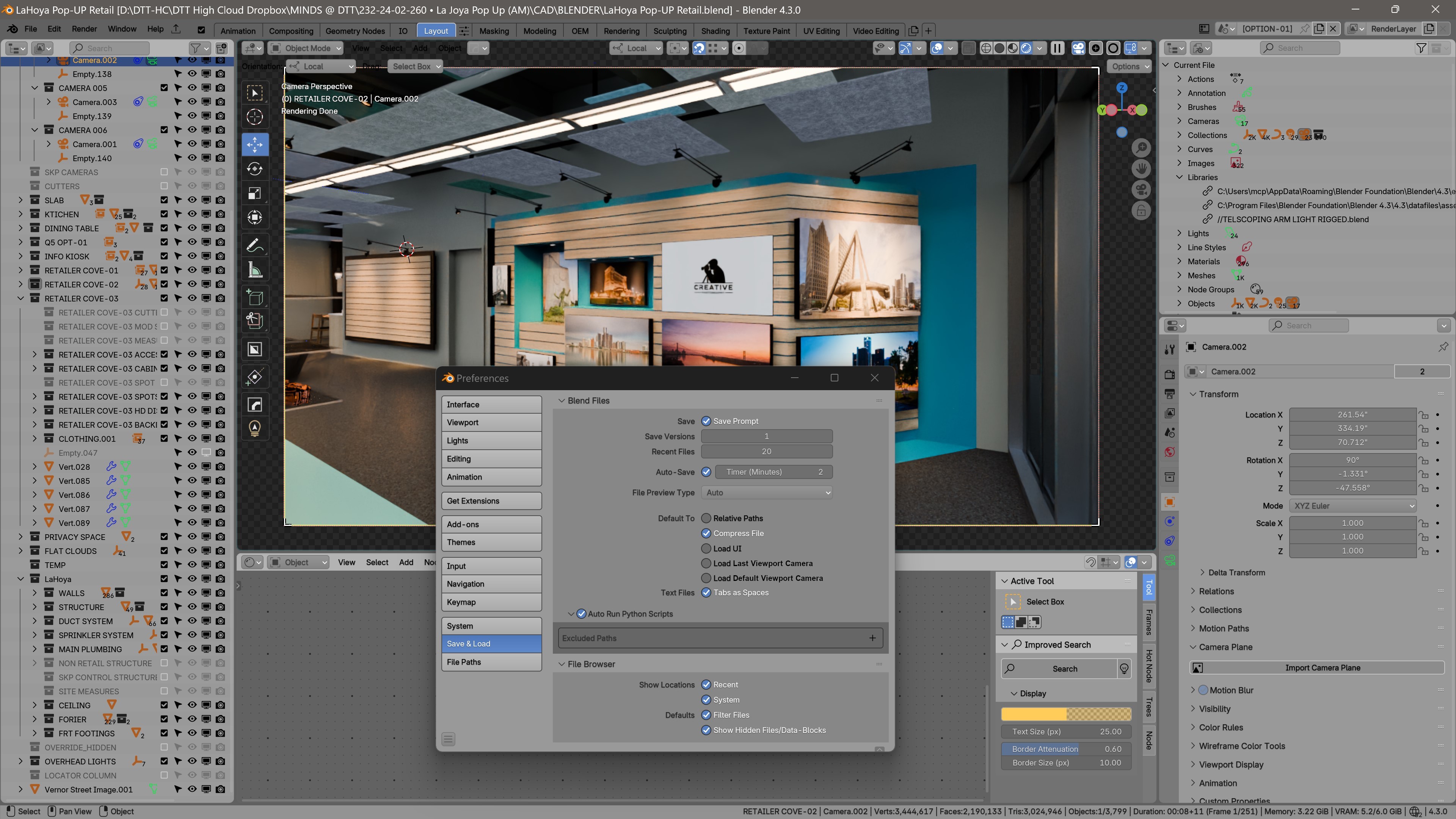 .)
.)
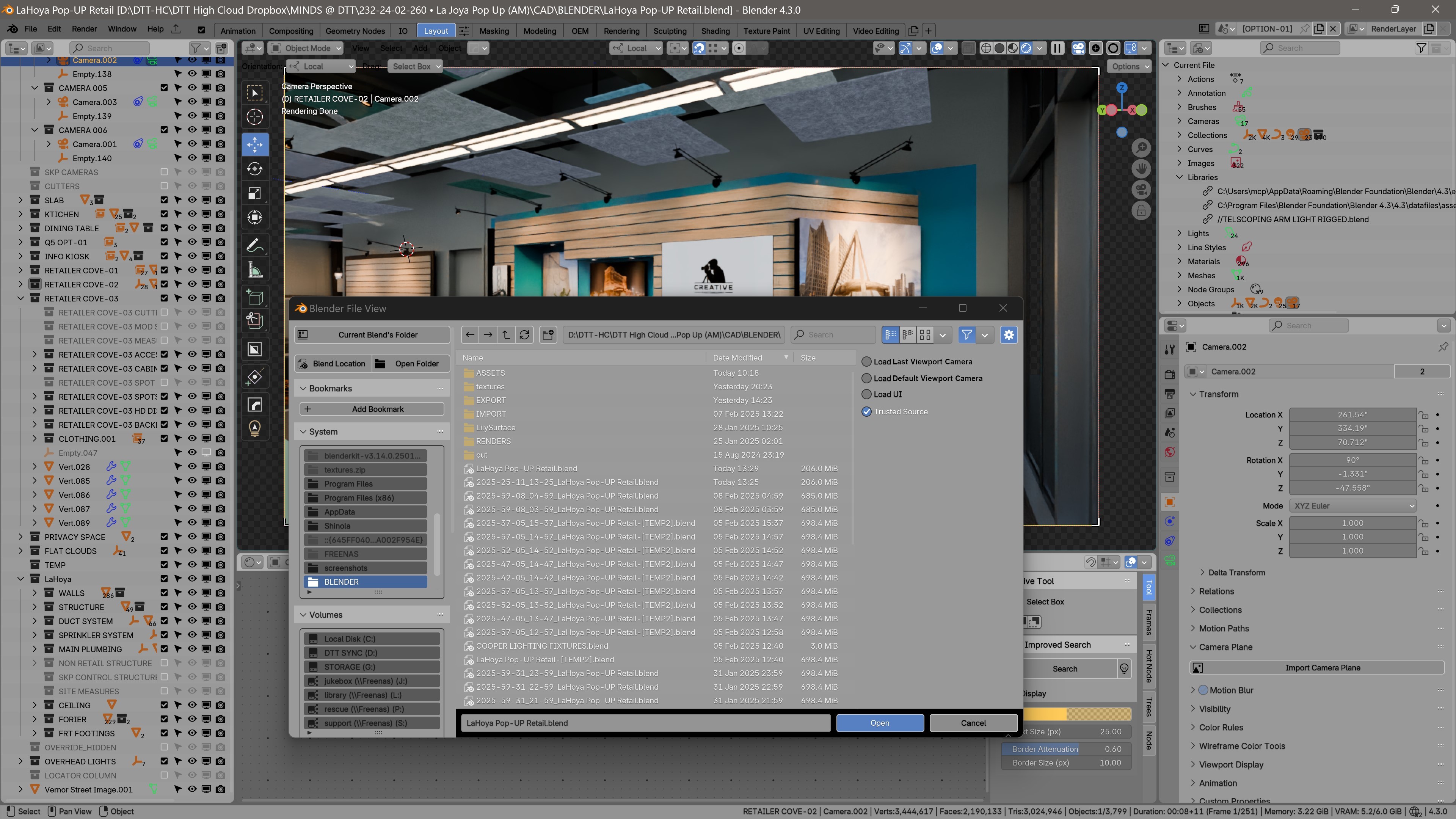
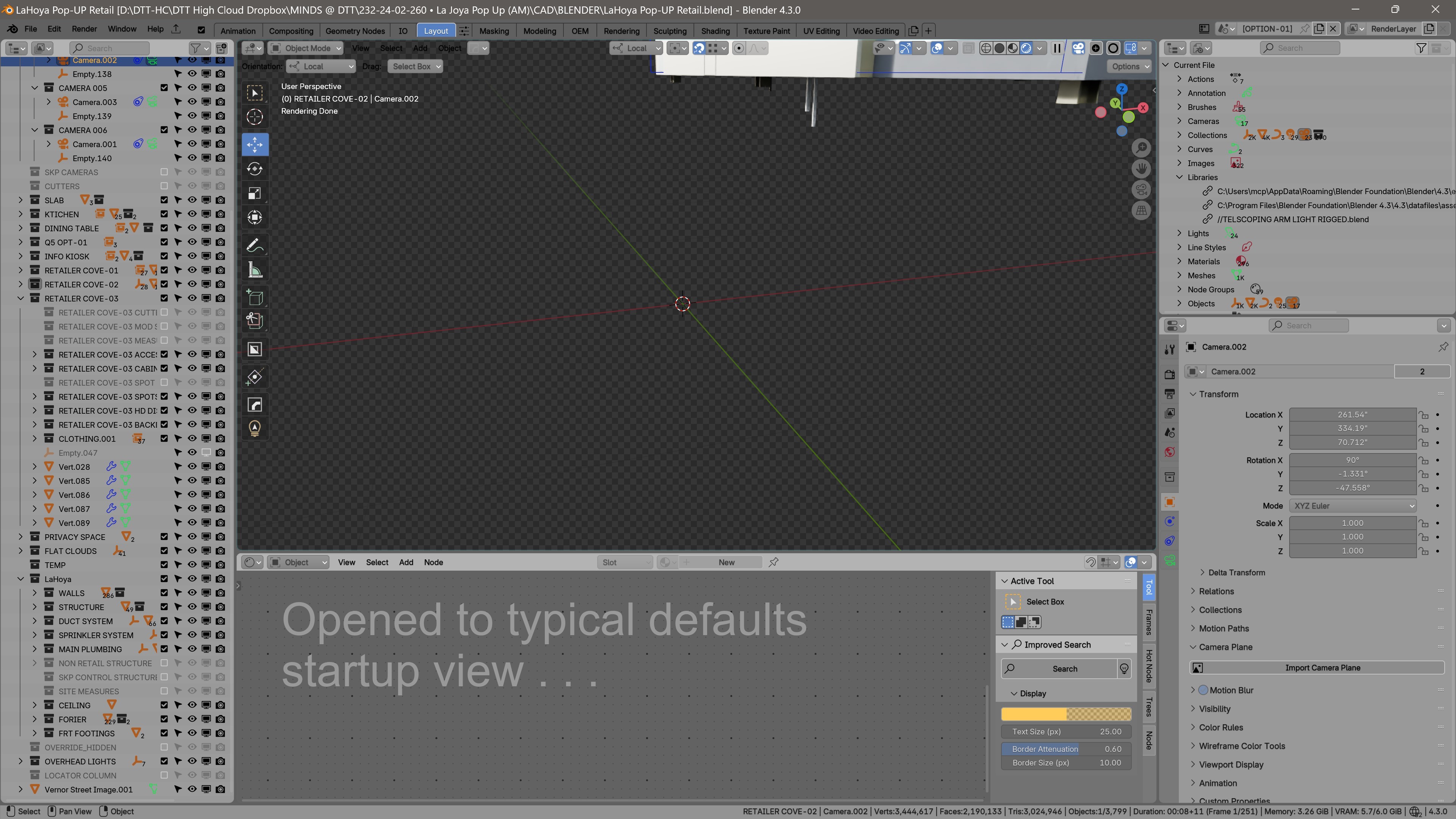
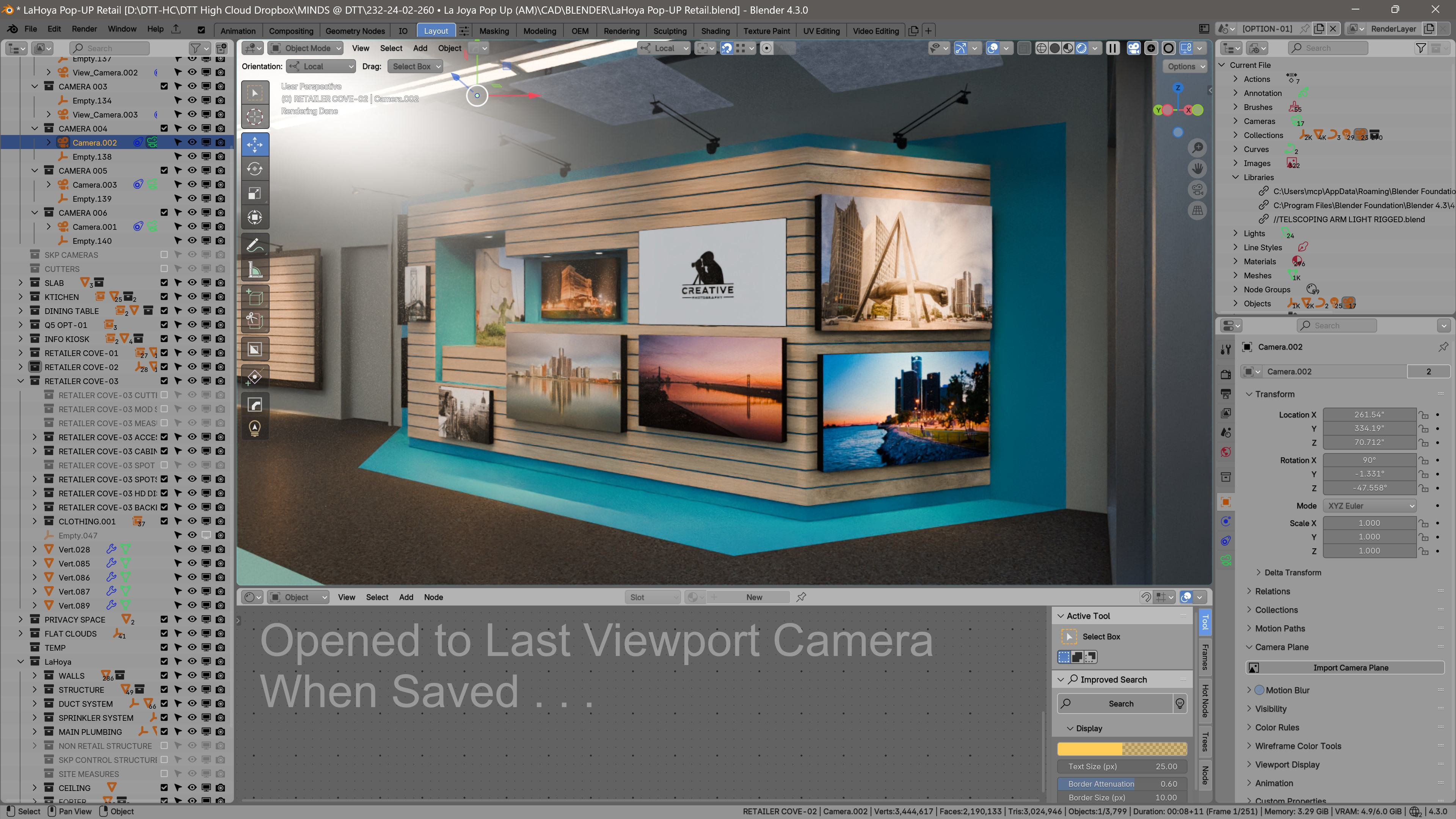
2 Comments
Don't you think that's a bit specific usecase? If you want to keep a camera view, maybe just add an actual camera? It seems a bit overkill to add two new options on load just for this. People might want to also save shading modes, overlays, etc.
There's also the extension Stored Views for this exact purpose.
This is not for cameras. It's workflow based for picking up where you last left the file. Creating a new camera every time you save a file is a crazy suggestion, as it is the exact opposite of efficient. I already use the stored views add-on. This is typical expected behavior in most software, to be able to reload the file as you left it when closing/saving.